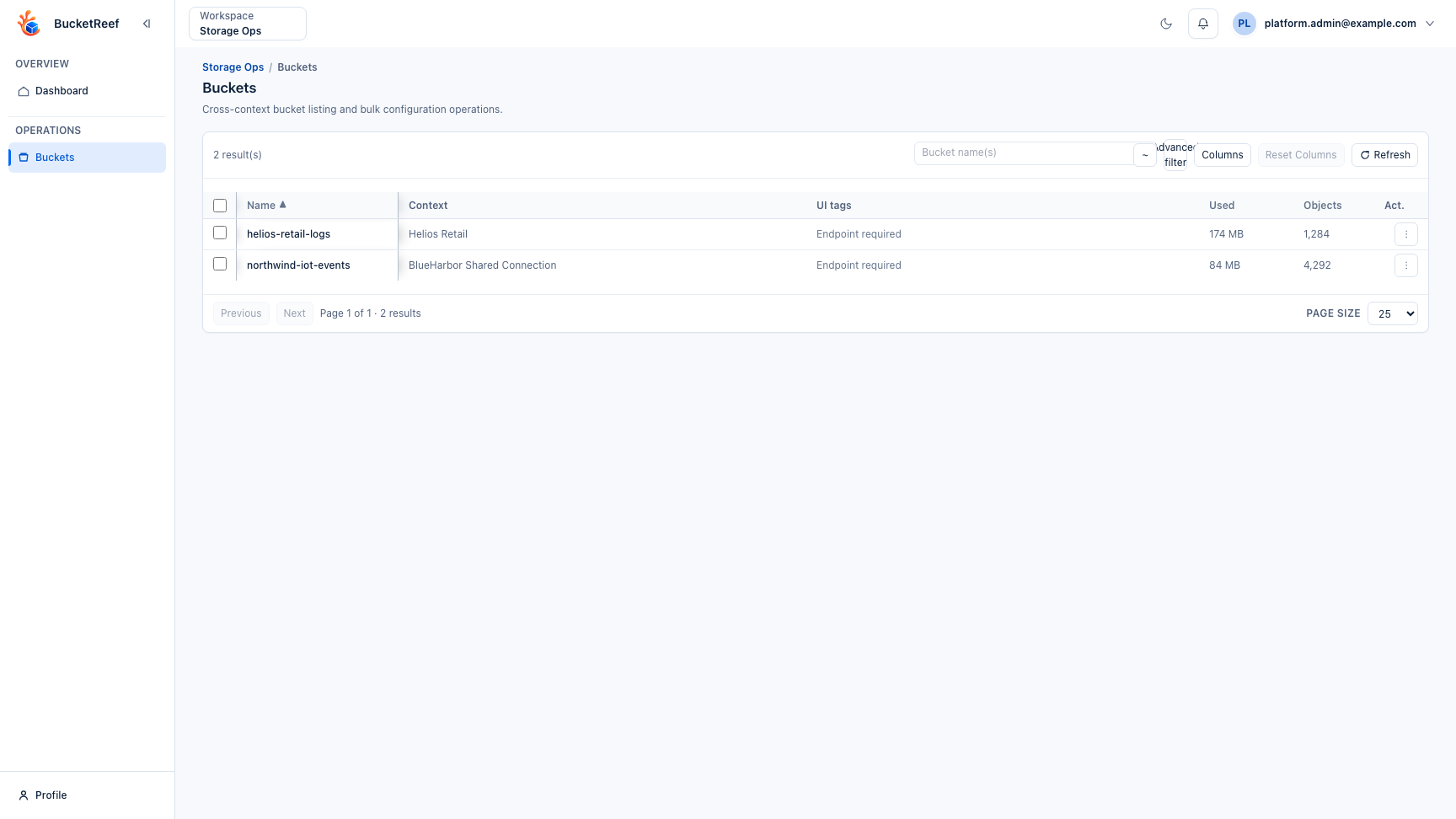
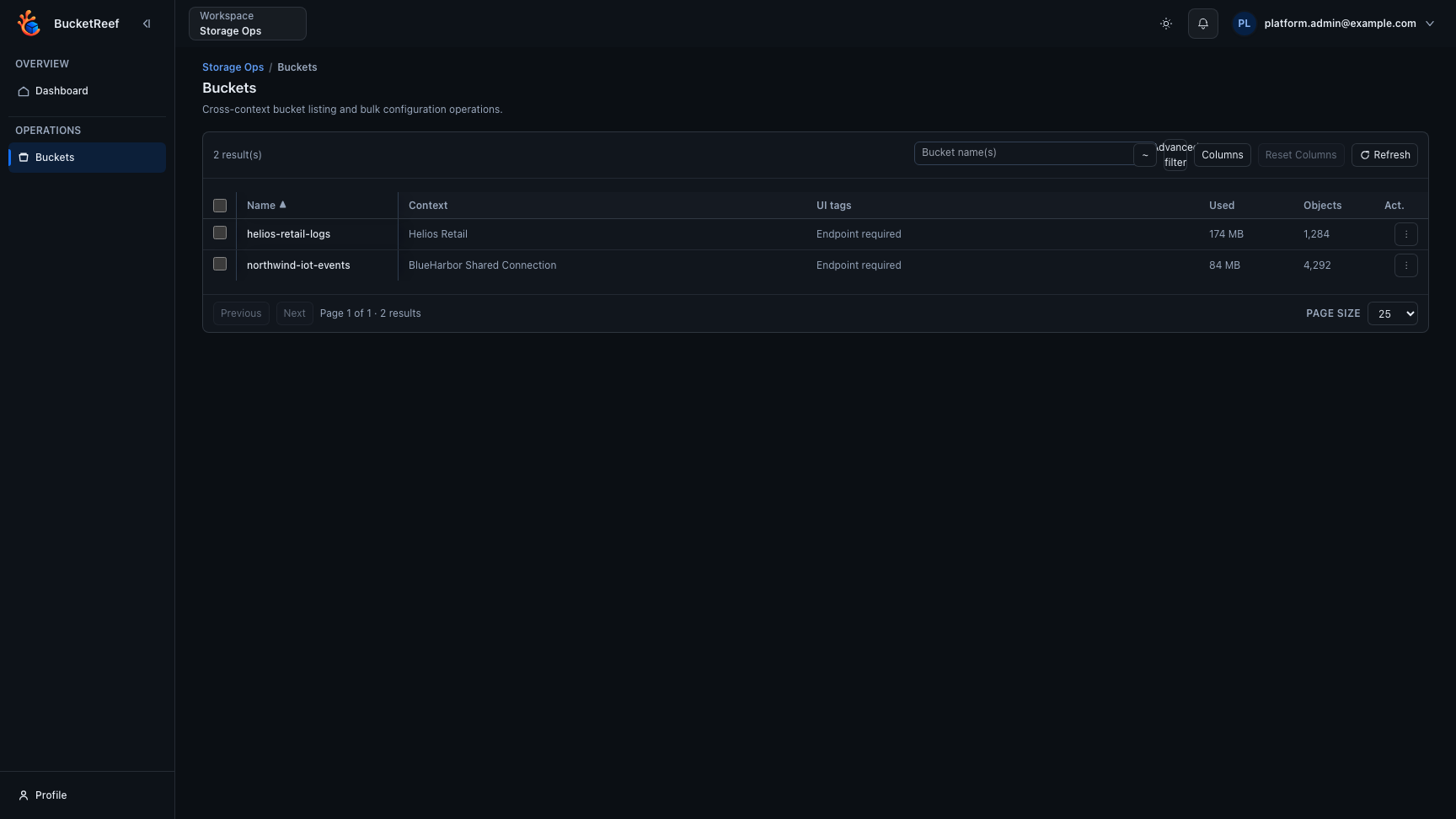
Workspace: Storage Ops
When to use
Use Storage Ops for cross-context bucket operations on S3-compatible backends, outside Ceph-only administration.
Dashboard
The dashboard remains a single compact summary of authorized contexts, accounts, S3 users, connections and endpoints. Open buckets opens the existing operational workbench.
Prerequisites
- UI role
ui_user,ui_admin, orui_superadminwithcan_access_storage_opsentitlement. storage_ops_enabledfeature enabled.- At least one authorized manager context (
account, S3 user, or connection).
Steps
- Open
/storage-ops. - Review the dashboard summary card to see how many authorized accounts, S3 users, and S3 connections are managed by Storage Ops, including shared/private connection counts and unique endpoints.
- Go to Buckets.
- Use the same workbench patterns as Ceph Admin Buckets:
- quick search,
- advanced filter,
- dynamic columns,
- click a bucket name to open its S3 API configuration,
- select one or more rows and open Actions… for grouped selection and S3 API operations,
- bulk preview/apply,
- export from Actions… > Selection > Export selection….
- quota and usage columns are available as single-line atomic columns so on-screen review and CSV export stay aligned.
- the Notifications column can be added to inspect bucket notification configuration across supported contexts.
- the Notification topic names detail column can be enabled from the Notifications column group for cross-context topic audits.
- other feature-detail columns can be enabled for Object Lock, block public access, CORS, logging, website hosting, bucket policy, and server-side encryption audits.
- bucket notification configurations can be added, updated, previewed, or deleted in bulk from the same action flow as lifecycle rules.
- bucket quota values remain available for inventory and export, but quota writes are intentionally unavailable from Storage Ops.
- selected buckets can run usage-stat calculations, with the latest snapshot available from each bucket detail page on the Usage stats tab.
- bucket configuration opens on
/storage-ops/buckets/<bucket>?ctx=<execution-context>. Use Back to buckets, the Buckets breadcrumb, or the browser Back button to restore the originating filters, sort, page, scroll position, and focused bucket. Direct URLs requirectx; Storage Ops never chooses a different execution context implicitly. - In Advanced filter, use the compact Context and Endpoint selectors to pick authorized scopes directly. Their quick filters match names, types, and standard tags, and Select filtered / Deselect filtered apply to the currently filtered list. The shared feature-detail filters also support lifecycle rule status, such as locating buckets with disabled lifecycle rules, and notification rule details such as topic name, event, prefix/suffix filters, and EventBridge presence. They also support audit-oriented details such as Object Lock retention, logging target prefix, website documents, CORS method/origin pairs, policy statement counts, and server-side encryption algorithm or KMS key.
- During long bulk actions (copy, preview, apply, and large exports), follow the in-page progress bars to track completion and failures.
- Use Context, Kind, and Endpoint columns to distinguish identical bucket names across contexts.
- Bucket listings are cached for up to 30 minutes per authorized context. Use Refresh in the bucket workbench to flush cached listings and reload the current view.
Row selections are intentionally limited to the current mounted list and are not restored from another tab or after a reload. The bulk configuration clipboard is also scoped to the current tab.
Expected result
You can search and operate on large bucket sets across authorized accounts, S3 users, and connections from one operational surface.
Limits / feature flags
Note
UI tags are persistent BucketReef metadata, namespaced separately from Ceph Admin and keyed by physical endpoint, tenant, and bucket name. They are private to the current Storage Ops user and remain distinct from S3 Tags. Storage Ops exposes the Notifications feature-state filter globally; each bucket status still follows the SNS capability of its underlying context. Feature-detail columns are opt-in and loaded only when selected or exported.
Warning
Storage Ops cannot update bucket quotas. Use the eligible Account or RGW User context in Manager, or the dedicated Ceph Admin workflow.
Related pages
- Use cases for storage administrators
- Workspace: Ceph Admin
- Feature: Bucket usage stats
- How-to: Use UI tags in Storage Ops
- How-to: Use Advanced Filter in Ceph Admin
Visual example