Storage Admin Runbook
Use this page when you need to prepare a usable storage workspace for a team.
When to use
Use this runbook for day-one onboarding, lab validation, or handover to storage users.
Prerequisites
- You can open Admin and Manager.
- At least one storage endpoint is configured or ready to configure.
- You know whether users should work through Portal, Browser, or both.
Steps
- In Admin > Storage Backends, create or verify the endpoint.
- Run endpoint healthchecks and confirm Endpoint Status is current.
- Create or import the first RGW account, S3 user, or shared S3 connection.
- Grant the UI user or group only the workspaces needed for the rollout.
- In Manager, select the execution context and create or inspect a bucket.
- If the rollout uses managed S3 User contexts, decide explicitly whether Manager operators may manage Ceph RGW S3 User keys.
- If users need self-service, configure Portal access on the account and decide whether they may create Storage Spaces or access keys.
- In Browser or Portal, perform a small upload and download test with the intended user profile.
- Check usage, quota, billing, and audit visibility before announcing the workspace.
Expected result
The team has a documented endpoint, account/context, workspace, and first object-flow validation.
You are done when
- The user can name the correct workspace.
- The admin can name the execution identity used by Manager or Browser.
- The operator can see where health, usage, quota, billing, and audit evidence will appear.
If something is unavailable
Use Feature availability before changing permissions. Missing actions usually come from feature flags, endpoint capabilities, Manager tool access, Portal account links, or storage-side IAM/S3 denial.
Limits / feature flags
Note
Admin workspace access does not grant storage permission by itself. Native S3 actions still follow the selected execution context, while Portal file access follows Storage Space metadata and collaborator grants.
Related pages
- Workspace: Admin
- Common tasks for storage administrators
- Feature availability
- Ops / Production readiness
- Troubleshooting
Visual example
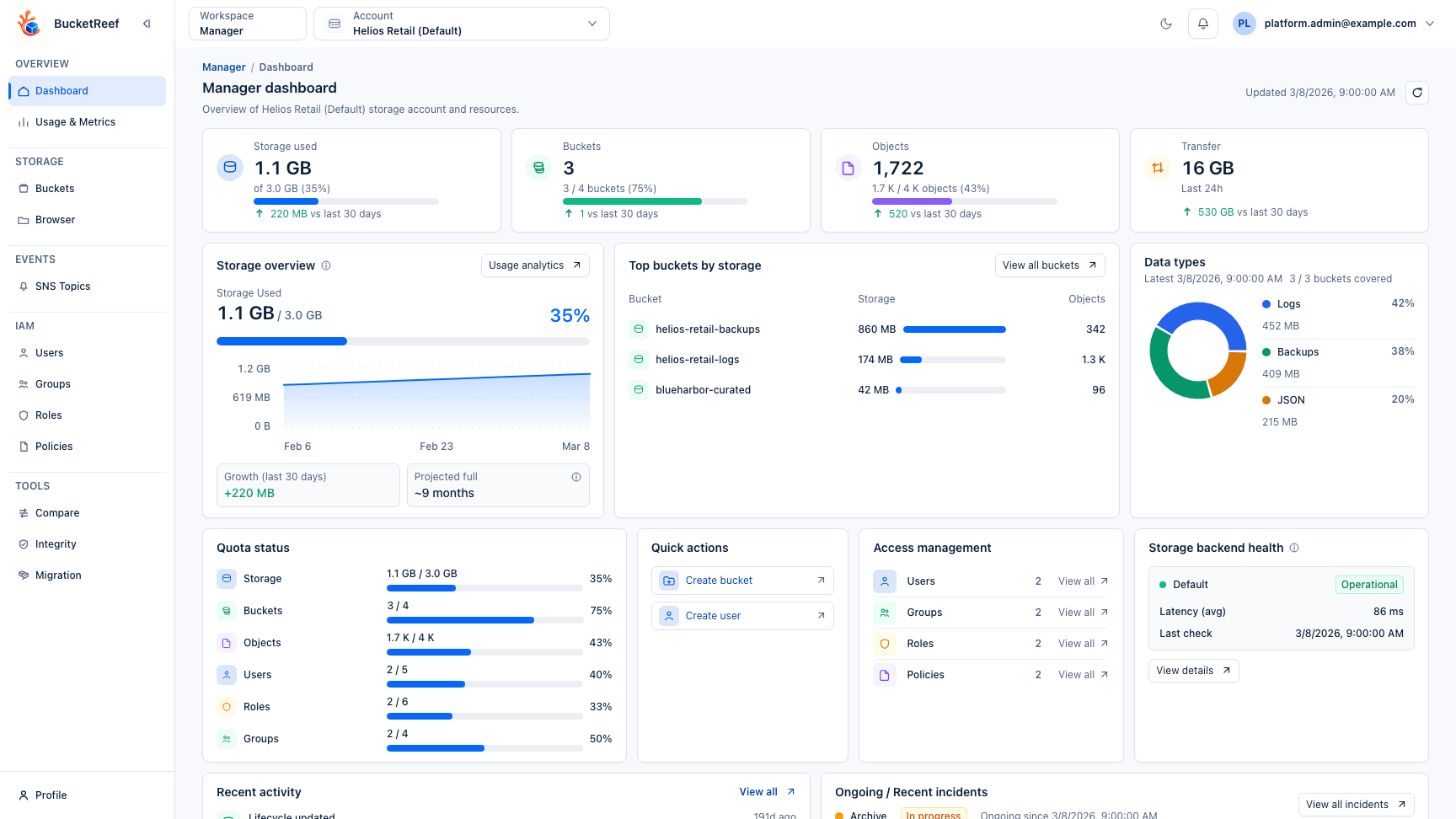
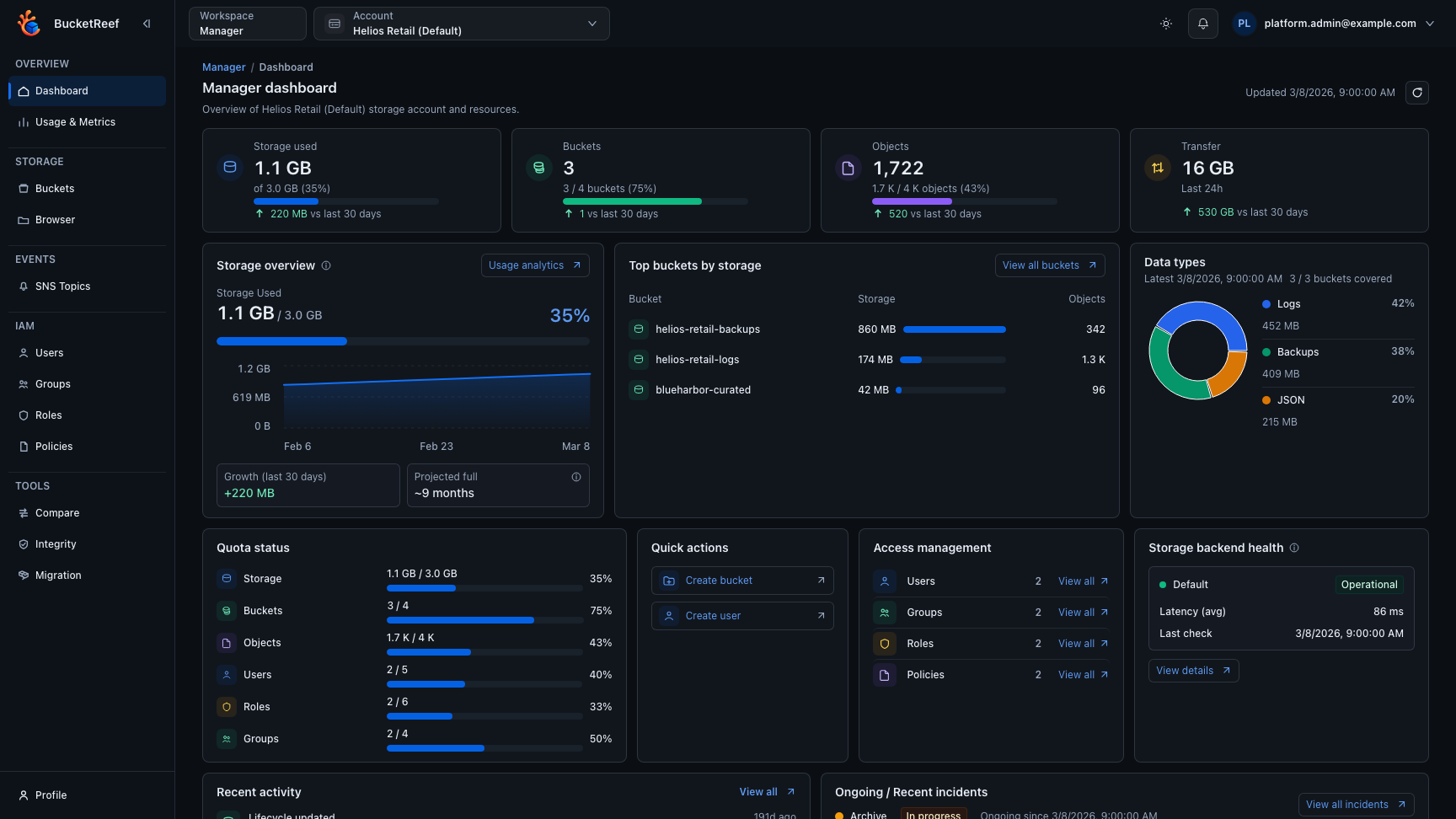
This page reuses the storage-admin journey screenshot because it shows the navigation used during a complete handover flow.