Feature: Billing in Admin
When to use
Use this page when you need a monthly usage and estimated cost overview for Ceph-backed tenants.
Prerequisites
ui_adminorui_superadminrole.billing_enabled=truein general settings.- At least one Ceph endpoint with billing data collected for the selected month.
- A configured billing rate card if you need estimated costs, not only usage totals.
Before you start
Pick the month and subject type you want to explain. Billing views are most useful when you compare the summary cards, subject table, and selected subject charts together.
Steps
- Open
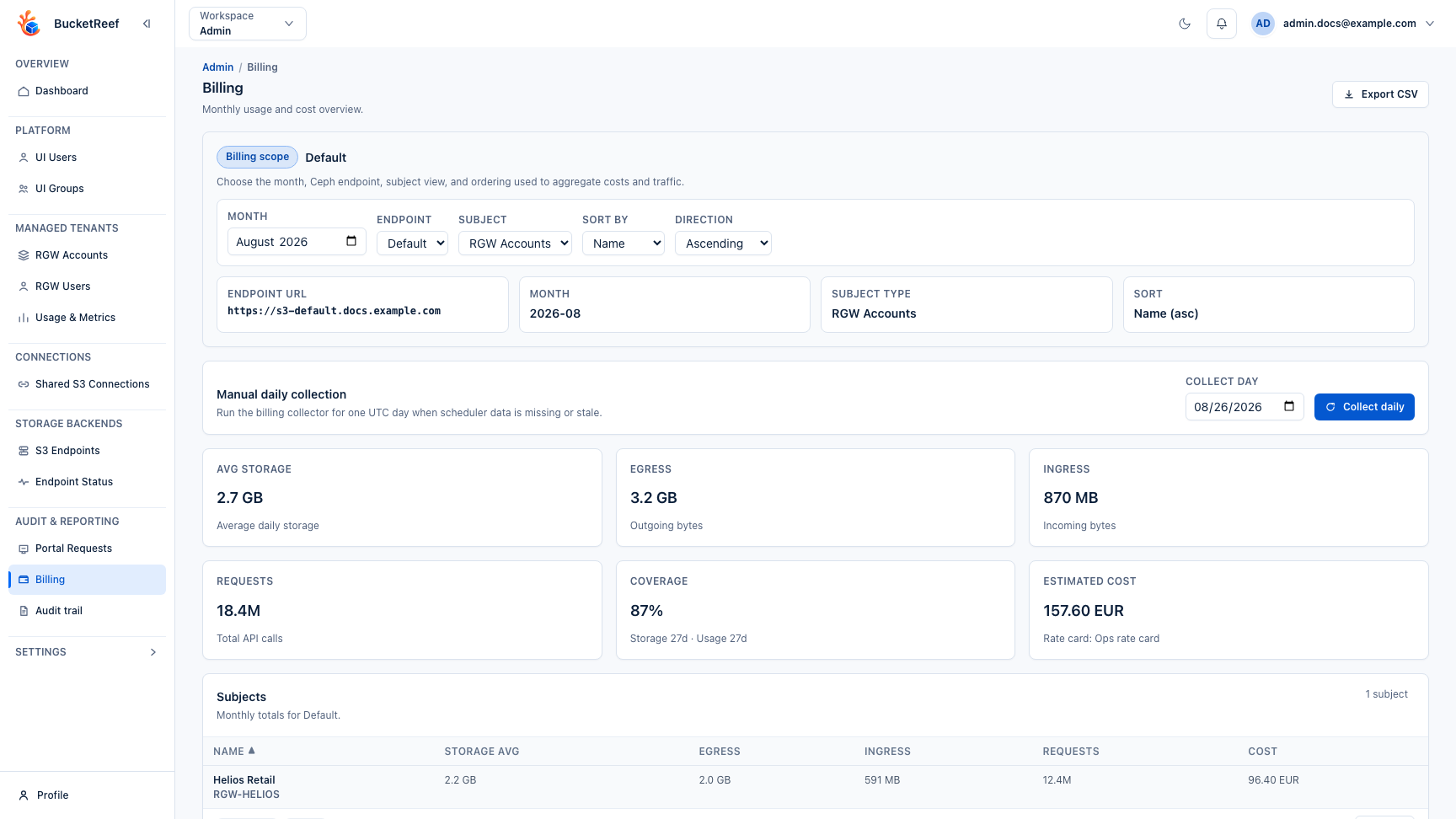
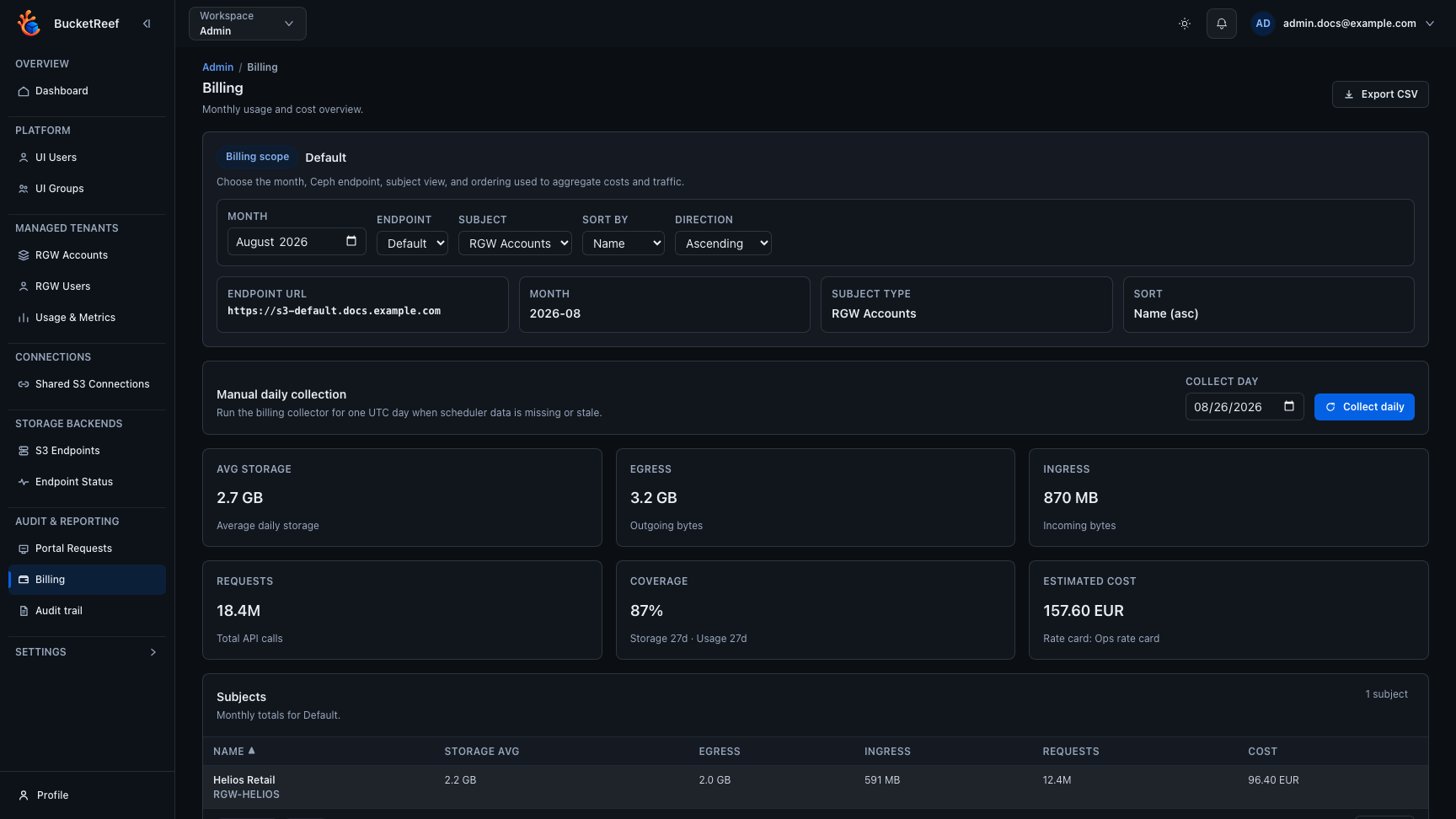
/admin/billing. - Choose the month, Ceph endpoint, subject type, and ordering used for the analysis.
- Review the summary cards for storage, traffic, request volume, source coverage, and estimated cost.
- If scheduler data is stale, run Collect daily for one UTC day and check the collection result. Partial collection errors are listed below the action.
- Inspect the paginated subjects table to identify the account or user that drives the highest usage.
- Select a subject to open daily charts and review storage, traffic, requests, source coverage, and rate-card status over time.
- Export CSV only after the selected endpoint and month have billing data.
Expected result
You can compare monthly billing exposure across tenants and drill into the subjects that explain the current totals.
You are done when
The selected month shows enough storage and usage source coverage to support the estimate, the highest-cost subject can be traced to storage, traffic, or request volume, and any collection or rate-card gaps are understood.
If you do not see this action
Check billing_enabled, billing collection status, Ceph endpoint selection, rate-card configuration, and your Admin role.
Limits / feature flags
Note
Billing analytics are available only when the Billing feature is enabled and billing collection is configured.
Note
Estimated costs depend on rate cards already present in the platform database. This page does not create or edit rate cards or assignments.
Related pages
Visual example