Use Cases for Storage Administrators
When to use
Use this page when you are responsible for platform setup, tenant operations, or storage governance.
Prerequisites
- Role with admin capabilities (
ui_adminor equivalent delegated rights). - At least one storage endpoint configured.
Steps
- For platform-level setup, go to Admin:
- Configure endpoints.
- Manage UI users, S3 accounts, S3 users, S3 connections.
- Configure global feature flags and settings.
- For tenant-level operations, go to Manager:
- Manage buckets, IAM users/groups/roles/policies.
- Use tools such as Bucket Compare and Bucket Migration when enabled.
- For delegated tenant self-service, configure Portal:
- Assign explicit
portal_userorportal_manageraccount roles. - Assign
account_administratorindependently when the user also needs the Account in Manager. It never grants Portal access implicitly. - For Ceph cluster-level actions, use Ceph Admin (if enabled):
- RGW accounts, RGW users, buckets, endpoint metrics.
- For cross-account and cross-connection bucket campaigns, use Storage Ops (if enabled):
- Unified bucket listing and advanced filters.
- Bulk configuration actions with preview/apply.
- UI tags for operational grouping.
- Use Browser only when object-level actions are needed.
Expected result
You can map each operational task to the right workspace and avoid cross-scope mistakes.
Limits / feature flags
Note
Some areas are optional or restricted by endpoint capabilities: IAM support, Portal, migration tool, bucket compare, and endpoint status.
Related pages
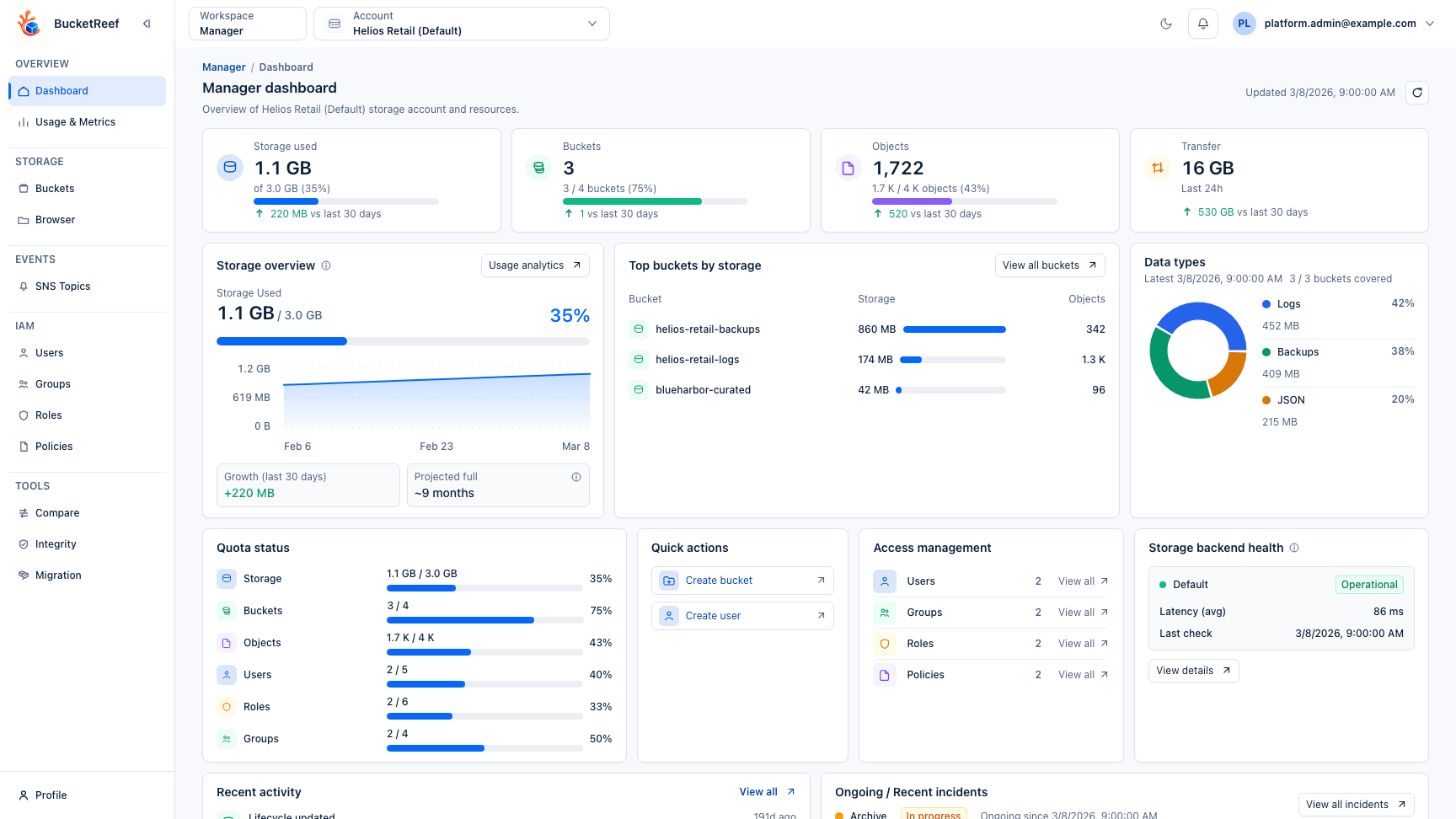
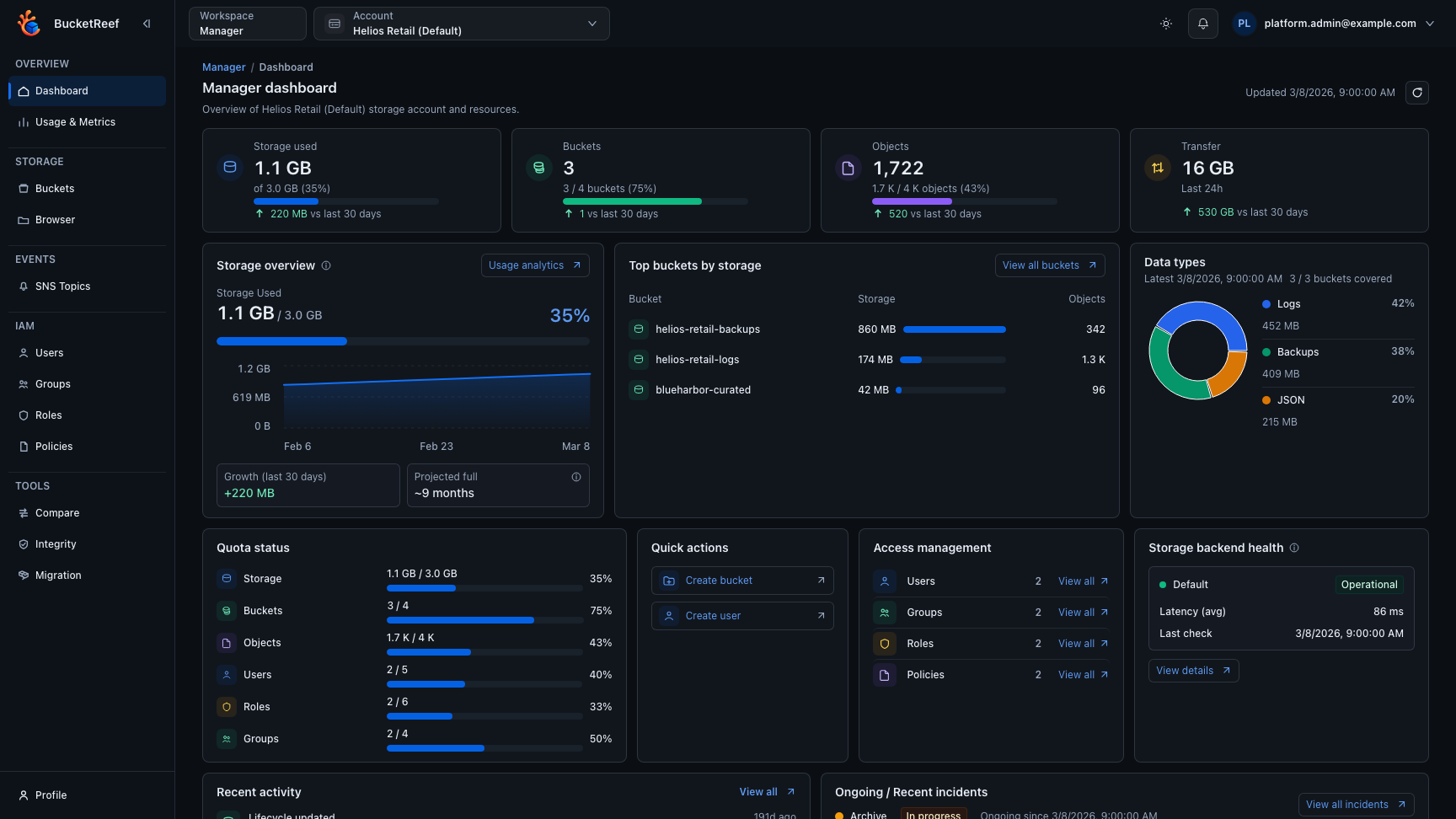
Visual example