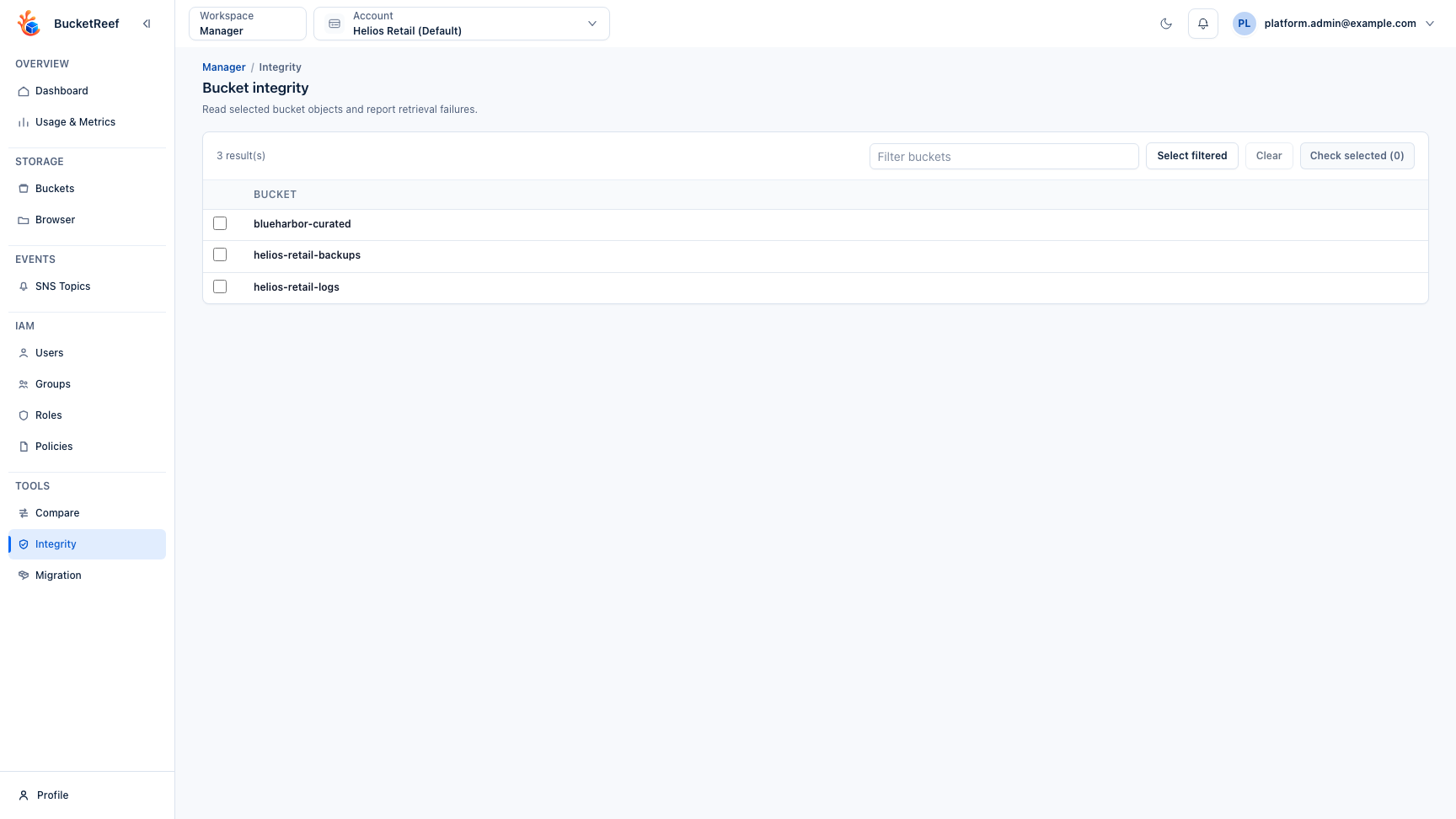
Feature: Bucket Integrity Check
When to use
Use this diagnostic tool when you need to verify that selected buckets can be listed and that their objects can be reached with the current execution identity.
Prerequisites
- Manager:
bucket_integrity_check_enabledset to true, plus the per-user Manager tool rightbucket_integrity_check. - Ceph Admin: access to the selected Ceph Admin endpoint with dedicated Ceph Admin credentials configured.
- Storage Ops: access to Storage Ops and to the manager contexts that own the selected buckets.
- S3 permissions to list the bucket and run
HeadObjecton the objects being checked. - S3
GetObjectpermission only when using GET body mode.
Before you start
Prefer HEAD only for the first diagnostic pass. Use GET body only when you intentionally want to read object data and accept the extra traffic.
Steps
- Select one or more buckets from Manager, Ceph Admin, or Storage Ops.
- Open Actions… > S3 API > Check object integrity….
- Choose HEAD only or GET body, then set parallelism, optional Since, optional Max MB per object, and All versions if noncurrent object versions must be checked.
- Run the check and monitor progress.
- Filter the result list by bucket, context, status, error state, object key, or error message.
- Expand a bucket result to review affected object details, including stage, key, version, and error message.
Expected result
The report shows whether each bucket passed, completed with object errors, or failed during listing. The tool does not write to the database and does not persist historical runs.
You are done when
Each selected bucket has a final status, and any object-level failures include enough key, version, stage, and message detail to decide the next action.
If you do not see this action
Check the workspace, global feature flag, Manager tool access, and whether the selected context has bucket-management capability.
Limits / feature flags
Note
Manager visibility is controlled by bucket_integrity_check_enabled and the per-user Manager tool right bucket_integrity_check. Ceph Admin and Storage Ops access stays controlled by their own workspace permissions and feature flags.
Warning
HEAD only is the default mode. It checks object metadata access through HeadObject and does not read object bodies.
Warning
GET body reads object data through GetObject. It can generate significant S3 traffic, latency, and backend load on large buckets.
Note
By default only latest object versions are checked. All versions checks object versions but skips delete markers.
Note
Max MB per object applies only to GET body mode. Leave it empty for a complete read.
Note
Bucket result details show up to 500 affected object errors per bucket. The per-bucket error counter remains the source of truth for totals.
Related pages
Visual example