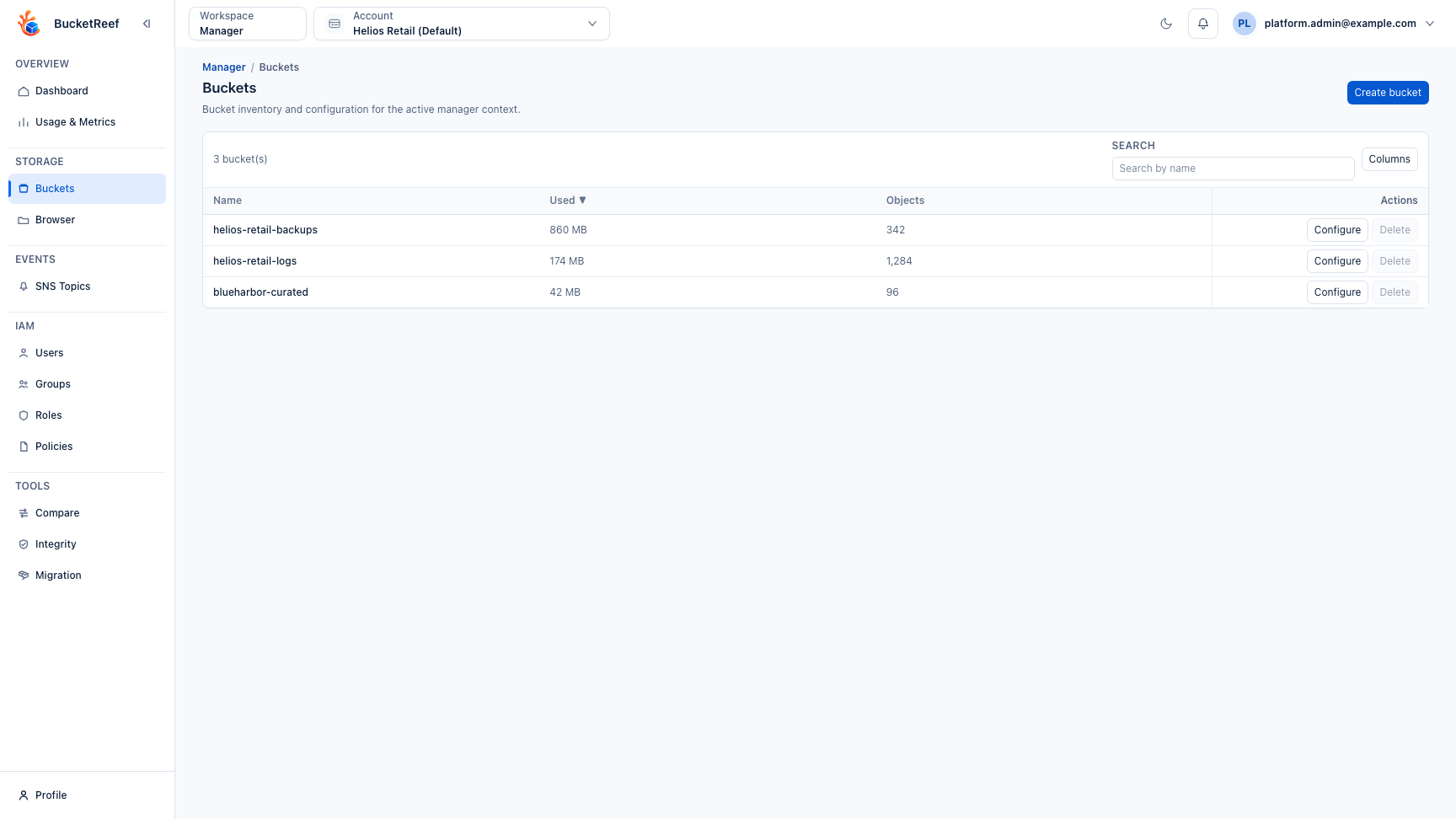
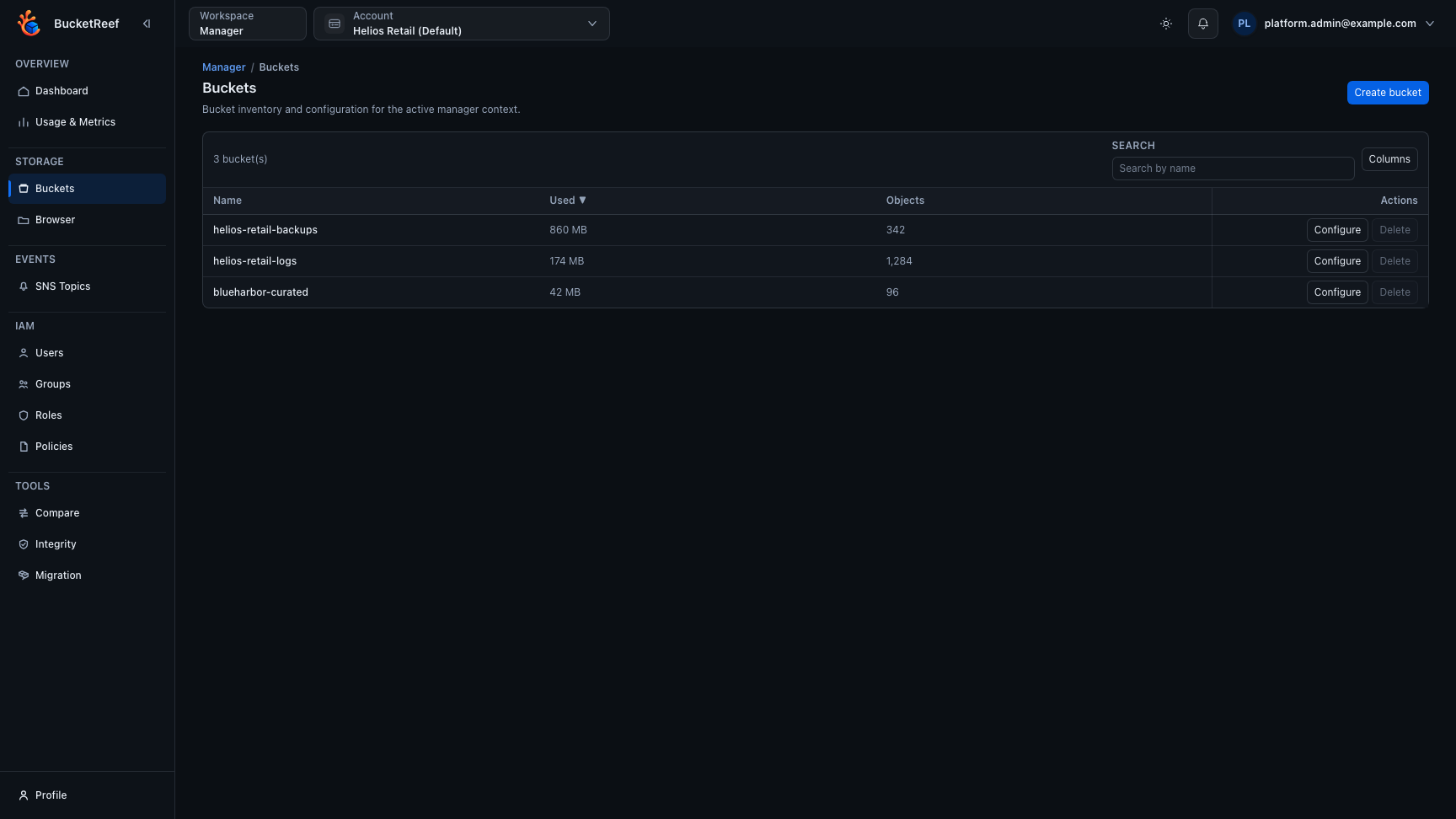
Feature: Buckets
When to use
Use this guide when creating, updating, or inspecting bucket configuration.
Prerequisites
- Access to Manager or Ceph Admin bucket pages.
- Manager > Feature rule inventory access when using
/manager/feature-rules. - Effective storage permissions on target buckets.
Before you start
Confirm the workspace and execution context first. Bucket names can repeat across accounts, connections, and endpoints, so the selected context is part of the target.
Steps
- Open bucket list in Manager (
/manager/buckets) or Ceph Admin (/ceph-admin/buckets). - Create or select a bucket. In Manager, Create bucket opens one form with General and Protection settings. Check the displayed context, enter the bucket name, optionally enable Custom LocationConstraint for a region or placement, and choose Versioning before creating. Leaving a modified form asks whether to discard the draft; a failed request keeps the entered values.
- Configure relevant settings based on endpoint support:
- Versioning
- Object Lock
- Lifecycle
- Notifications
- CORS
- Policy and ACL options
- Public access controls
- Validate changes from bucket detail views.
- In Manager, open Tools > Feature rules (
/manager/feature-rules) to audit lifecycle, bucket policy, CORS, notifications, or bucket tags across every bucket in the active context. Use JSON to inspect a rule in a read-only field. Long values wrap to fit the dialog; close it to return to the inventory without changing the rule. - On Ceph Admin and Storage Ops bucket workbenches, select rows and open Actions… > S3 API > Configure selected buckets… to preview and apply lifecycle, notification, versioning, access, CORS, or policy changes. Ceph Admin also supports quota changes; Storage Ops exposes quota values only for inventory and export. Manager quota changes stay in the eligible Manager bucket context.
- When the purge tool is enabled, use Manager > Tools > Purge or Actions… > Destructive S3 operations > Purge bucket contents… from Ceph Admin and Storage Ops bucket workbenches to empty selected buckets without deleting bucket configuration.
- From Manager > Buckets, empty buckets can be deleted from the normal confirmation dialog. Deleting a non-empty bucket requires bucket purge access and the guarded delete flow: review the impact, type the exact confirmation, and monitor progress. This flow deletes current objects, historical versions, delete markers, the bucket, and bucket configuration.
- Use the Usage stats tab in bucket detail pages to review the latest calculated snapshot, including logical bytes by current and noncurrent object versions when version listing is supported.
Expected result
Bucket configuration is applied as native backend settings and visible in detail pages. Read-only rule inventories can be reviewed from Manager without editing bucket configuration. Usage snapshots are loaded from the database so bucket detail pages can display the latest successful calculation quickly.
You are done when
The bucket detail page shows the expected configuration state, and Browser or the relevant workbench confirms that the bucket is reachable from the intended context.
If you do not see this action
Check Feature availability, endpoint capabilities, and Manager tool access before changing IAM policies.
Limits / feature flags
Note
Exposed controls depend on backend capabilities. Unsupported features are hidden or disabled. When the endpoint supports SNS, bucket lists can add a Notifications column and bucket detail pages show whether notification configuration is configured or not set. Bulk notification updates still depend on the target context supporting bucket notifications.
Warning
Manager bucket deletion with purge is destructive and can remove large buckets. Empty bucket deletion does not require purge access, but non-empty bucket deletion requires the guarded purge confirmation flow.
Related pages
- Workspace: Manager
- Workspace: Ceph Admin
- How-to: Configure a bucket from Manager
- Feature: Bucket usage stats
- Feature: Bucket purge
- Feature: Object operations in Browser
Visual example