Feature: Bucket purge
When to use
Use this guide when you need to empty buckets while keeping the buckets and their configuration.
Prerequisites
bucket_purge_enabledenabled in Admin > Settings > Manager.- For Manager: access to
/manager/bucket-purgeand a UI user with Manager > Bucket purge access enabled. - For Ceph Admin or Storage Ops: access to the corresponding bucket workbench.
- Effective storage permissions for deleting current objects, object versions, and delete markers.
Before you start
Review the target list before typing the confirmation phrase. Bucket purge deletes objects, versions, and delete markers; it does not provide an application-level undo.
Steps
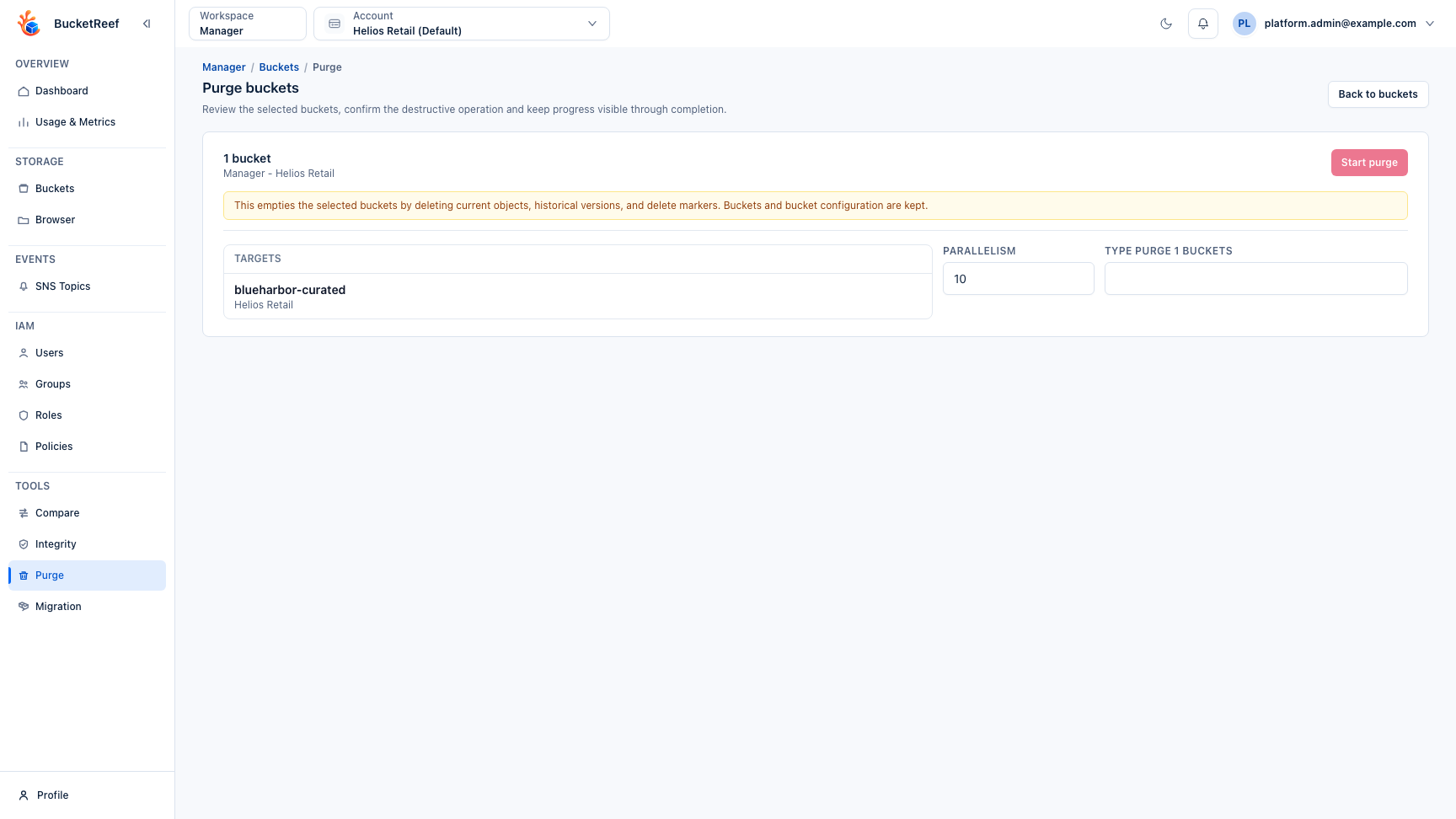
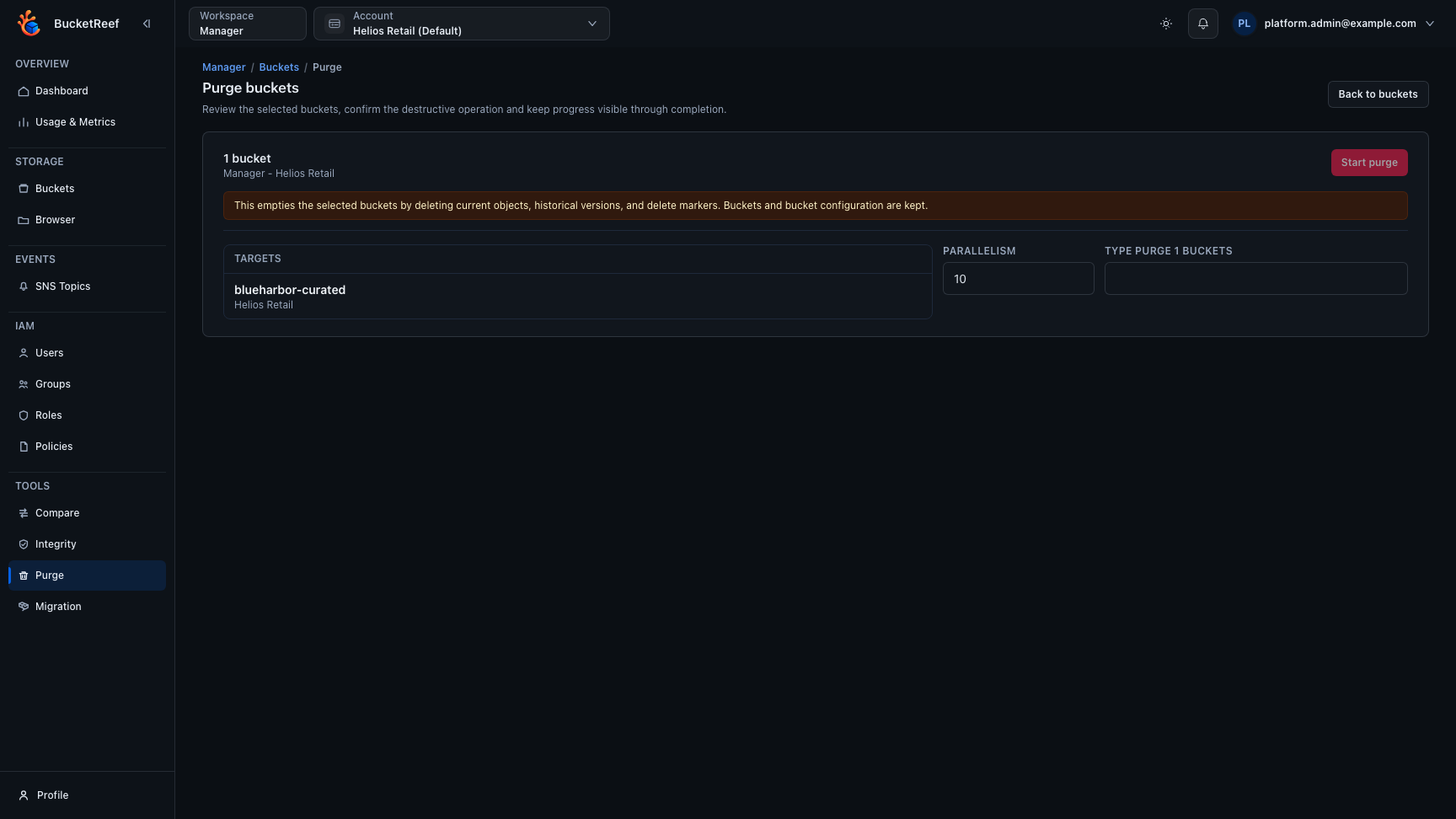
- In Manager, open Tools > Purge, select the active context, and select buckets.
- In Ceph Admin or Storage Ops, select rows in the bucket workbench and open Actions… > Destructive S3 operations > Purge bucket contents….
- Review the purge summary. It lists the surface, execution context, target buckets, and the exact effect.
- Set Parallelism if needed.
- Type the exact confirmation phrase shown by the purge page, for example
PURGE 2 BUCKETS. - Start the purge and monitor progress until a result is displayed. When RGW bucket stats are available, progress starts from that object-count estimate. If the exact total is still being discovered, the page marks the denominator as non-final until listing has completed.
Expected result
Selected buckets are emptied. Current objects, historical versions, and delete
markers are deleted in parallel. Manager and Storage Ops use S3 DeleteObjects
batches. Ceph Admin uses parallel individual DeleteObject requests so RGW
applies the administrative authorization path to every object and version.
Bucket metadata and configuration, including policies, lifecycle rules, CORS,
notifications, and versioning settings, are kept.
If a batch is only partly successful, the result retains its confirmed deletion count and identifies the failed entries by their exact object key and version ID. Repeated errors for the same entry do not inflate the failure count. When the storage response cannot identify the failed entries unambiguously, that batch is reported as failed rather than counted as deleted.
Deleting a bucket is a separate Manager bucket action. From Manager > Buckets, empty buckets use the normal delete confirmation. Deleting a non-empty bucket requires bucket purge access, first runs a guarded purge, and then removes the bucket itself. That delete flow removes the bucket and its S3 configuration; this purge tool does not. The bucket itself is not deleted if any content-purge failures remain.
You are done when
The purge result shows the expected bucket count, deleted object/version totals, and zero unexpected failures.
If you do not see this action
Check bucket_purge_enabled, your Manager tool access, the selected workspace, and whether the workbench exposes purge actions for the current context.
Limits / feature flags
Warning
Bucket purge is destructive. It does not delete buckets, but deleted objects, versions, and delete markers cannot be restored by BucketReef.
Warning
The Manager bucket delete flow can remove large non-empty buckets when the user has bucket purge access and types the exact confirmation phrase. Empty bucket deletion uses the normal delete confirmation and does not require bucket purge access.
Note
Tool visibility depends on the global bucket_purge_enabled flag. Manager
access also depends on the per-user or inherited bucket_purge Manager tool
right.
Related pages
- Workspace: Manager
- Workspace: Ceph Admin
- Workspace: Storage Ops
- Feature: Buckets
- Feature: Bucket integrity check
- Safe destructive and bulk operations
Visual example