Glossary and Search Tips
Use this page when a term in the UI or documentation is unclear.
Core terms
| Term | Meaning |
|---|---|
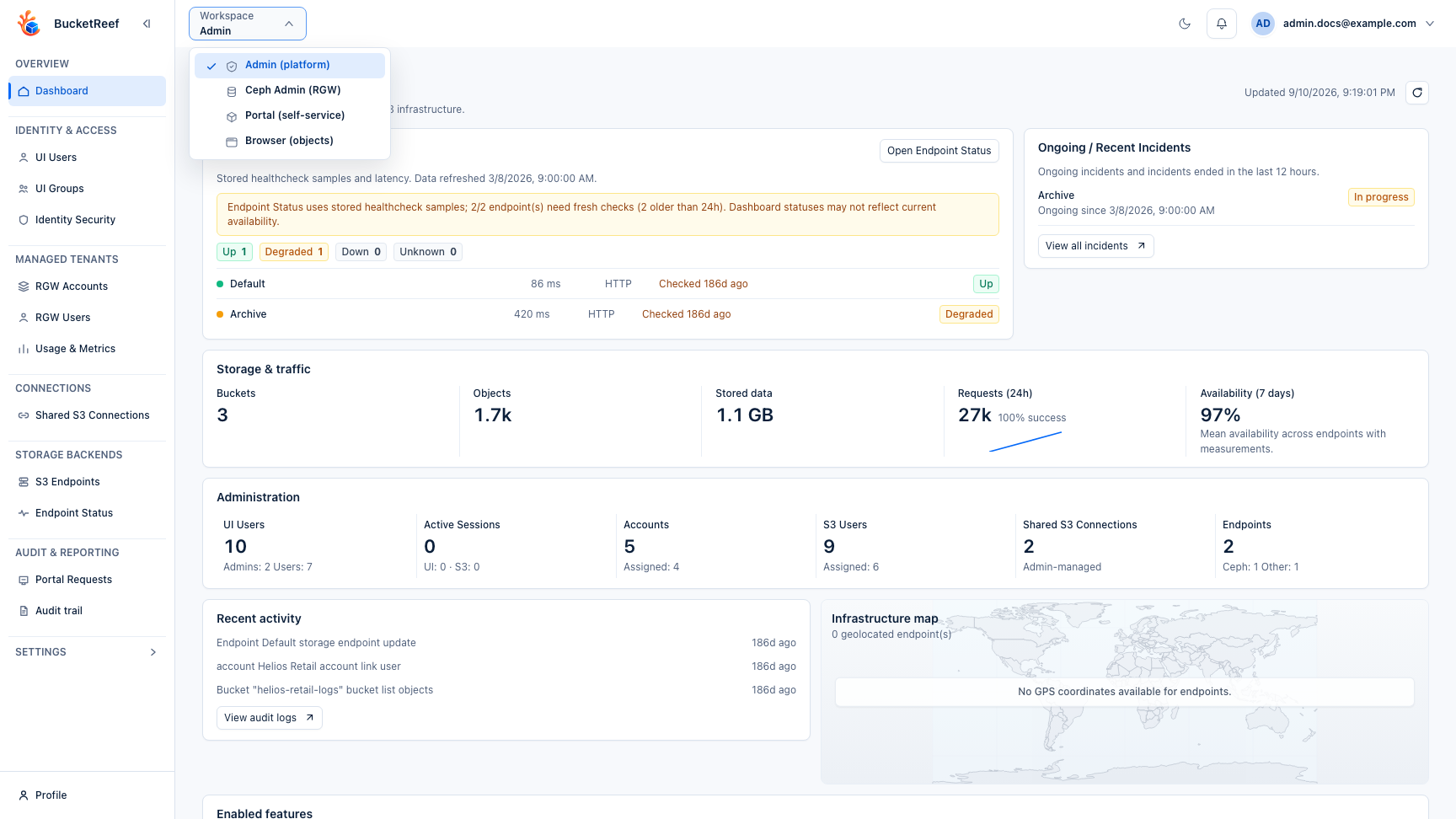
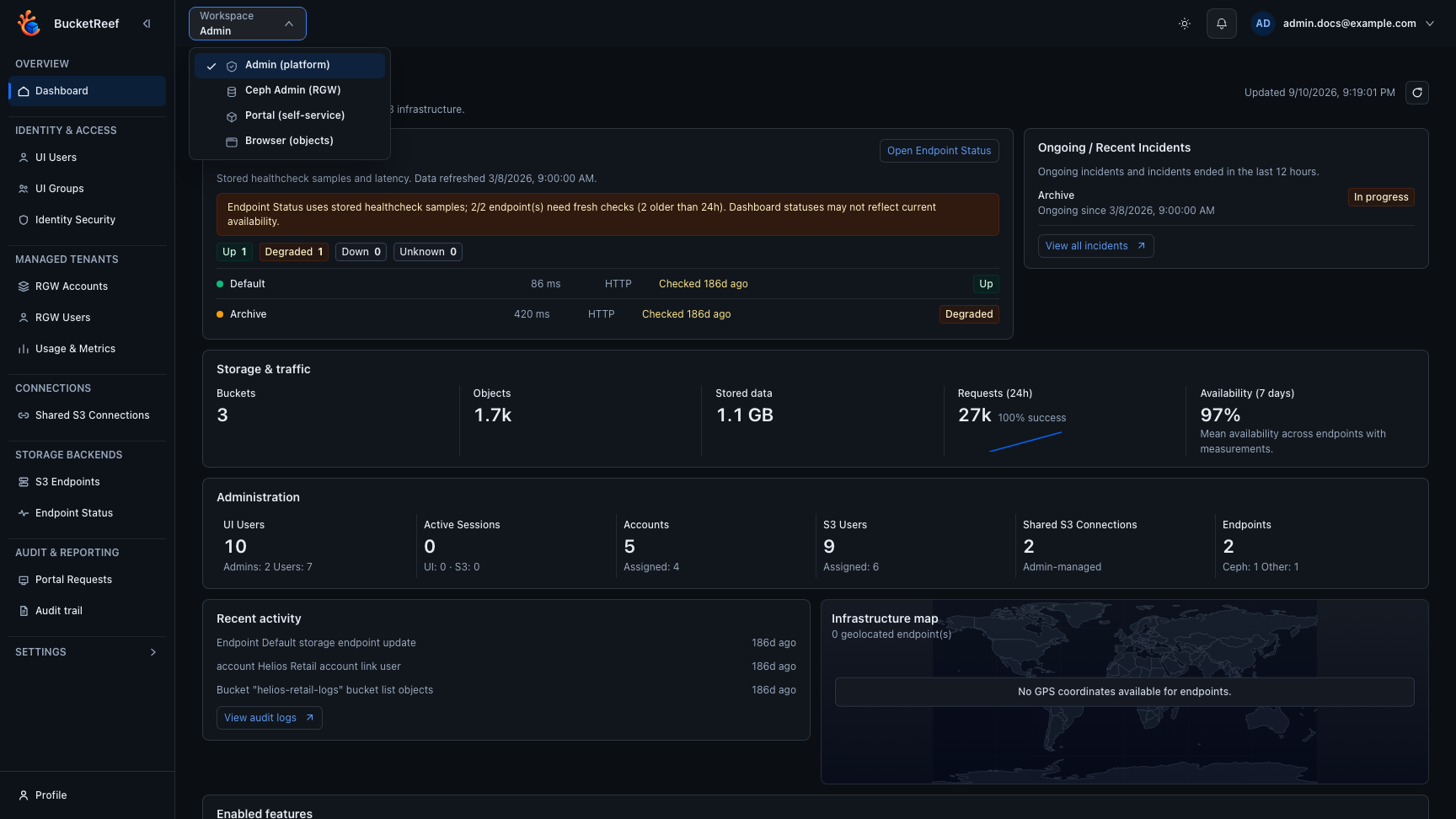
| Workspace | A top-level UI surface such as Admin, Manager, Portal, Browser, Ceph Admin, or Storage Ops. |
| Storage endpoint | A configured S3-compatible backend target. Ceph RGW, AWS-like, Scality, MinIO, and other providers can expose endpoints with different capabilities. |
| S3 account | A platform-level account entity used mainly for Ceph RGW administration, IAM, quotas, usage, metrics, and account workflows. |
| S3 connection | A credential-first connection to an S3-compatible endpoint. It is used for day-to-day bucket and object work across supported backends. |
| Execution context | The selected identity and scope used to execute an action. It can be an account, connection, S3 user, or authorized Ceph Admin endpoint context. |
| Storage Space | The Portal name for an assigned storage area. It can map to a bucket internally, but Portal keeps the user-facing language simple. |
| Portal project role | Portal user or Portal manager on an account association, directly or through a UI group. It grants project membership independently of Manager access. A Portal manager can administer all project spaces. |
| Storage Space role | Owner for a private space, or Viewer/Editor for delegated access to a team space. These space-level rights are distinct from Portal project membership and are projected to IAM for personal S3 keys. |
| Manager access | Access to authorized Manager execution contexts. An account association uses Account administrator, independently of its Portal role. Advanced tools and managed private-connection provisioning have separate user/group entitlements. |
| Feature flag | A setting that enables or disables a workspace or feature globally or for a surface. |
| Endpoint capability | A backend capability reported or configured for an endpoint, such as IAM, SNS, metrics, usage, SSE, replication, or static website support. |
| UI Tags | Persistent BucketReef metadata used to organize bucket working sets. Ceph Admin UI Tags can be Private or Shared; Storage Ops UI Tags are always private. UI Tags never modify S3 Tags. |
| S3 Tags | Key/value metadata stored through the S3 tagging APIs. S3 Tags are independent from BucketReef UI Tags. |
| AccessDenied | A storage-side denial from IAM or S3. It is expected when credentials do not allow the requested action. |
| Application audit | Control-plane, security, configuration, and workflow-control events stored by BucketReef. It excludes object data operations. |
| S3 access logs | Provider-side data-plane evidence for object requests. Delivery may be delayed and depends on activation and retention. |
Search tips
| If you search for... | Also try |
|---|---|
| files, folders | Browser, object operations, Portal files, Storage Spaces |
| permissions, denied, forbidden | AccessDenied, IAM, feature availability, execution context |
| access key, secret key, credentials | Portal Access Keys, IAM, S3 connection |
| activity, history, audit | Portal Activity, Admin audit, usage history |
| transfer, upload progress, queue | Browser operation bar, Portal traffic metrics, bucket migration |
| quota, capacity, usage | Admin Usage and Metrics, usage stats, quota monitoring, Portal usage, billing |
| sharing, collaborator, public link | Portal sharing, Viewer, Editor, Manager |
| delete, empty bucket, purge | Bucket purge, safe destructive operations, object delete |
| migrate, sync, copy bucket | Bucket migration, Bucket compare |
| endpoint down, latency, incident | Endpoint Status, healthchecks, observability |
You are done when
You can match the UI term to the correct workspace and know which page to open next.
Related pages
Visual example