How-to: Use Advanced Filter in Ceph Admin
When to use
Use Advanced filter in Ceph Admin listings when you need precise selection by identity, quota ranges, and storage metrics:
- Buckets for owner identity, tags, quota limits, and quota usage percentages.
- Accounts for RGW account identity, quotas, counts, and account quota usage percentages.
- Users for RGW user identity, status, quotas, and user quota usage percentages.
Prerequisites
- Access to
/ceph-admin/buckets. - An endpoint selected in Ceph Admin.
Before you start
Choose the smallest filter set that answers the operational question. Detail filters can trigger extra lookups on large inventories.
Steps
- Open the relevant page in Ceph Admin:
- Buckets
- Accounts
- Users
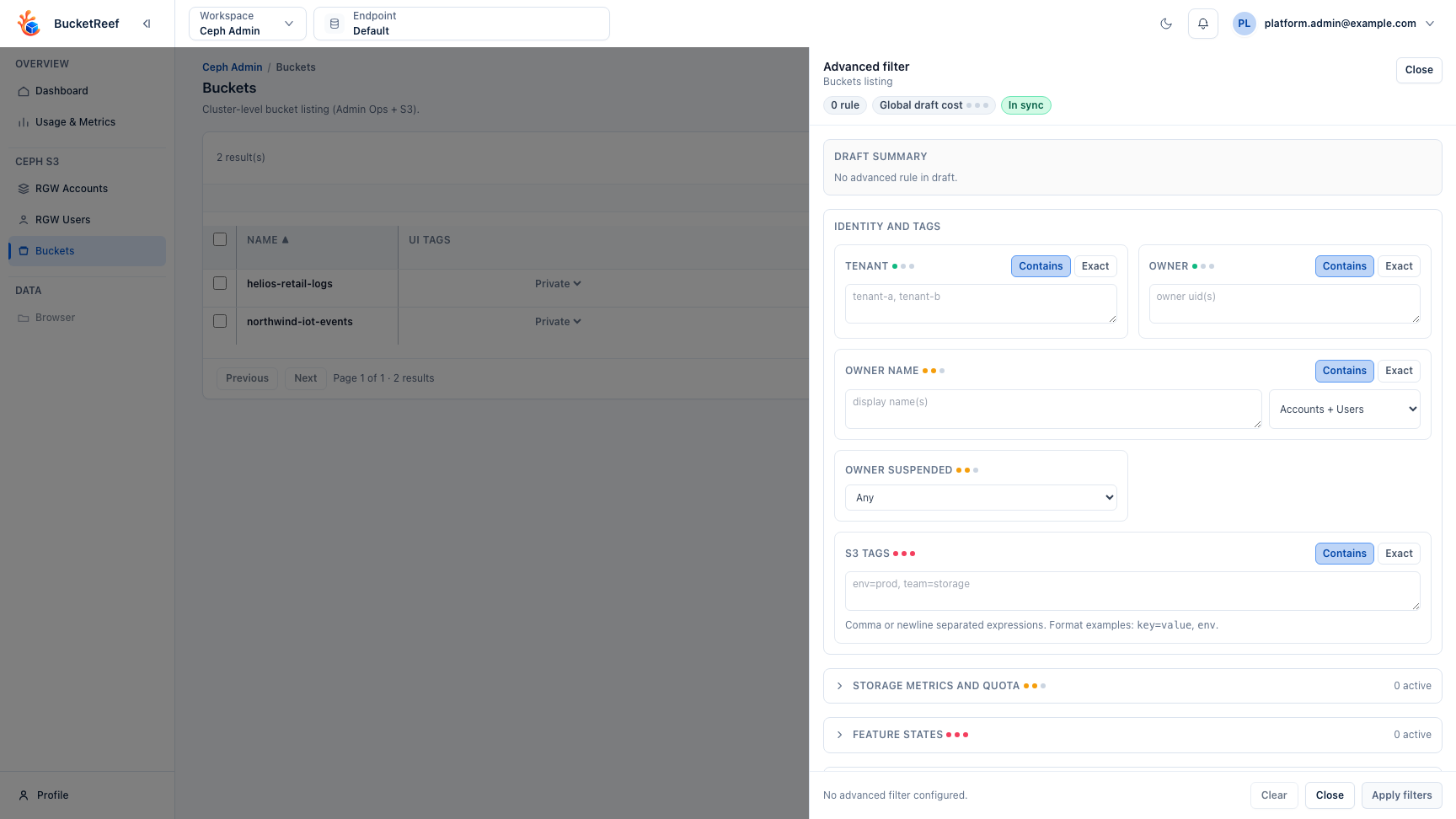
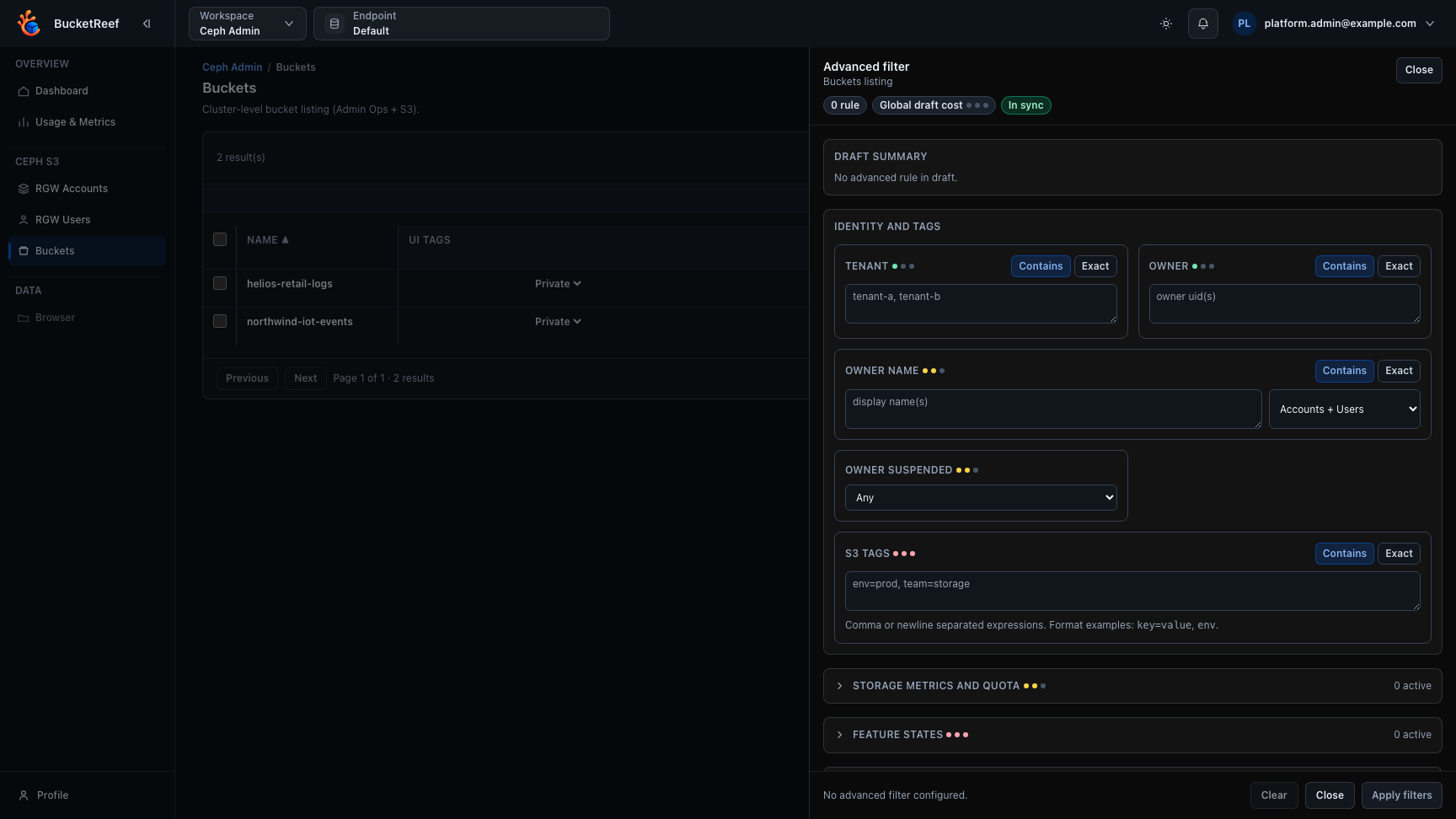
- Click Advanced filter.
- In the drawer, define filter rules for the needed scope:
- Identity fields
- Tag criteria for buckets (S3 tags)
- Storage and quota ranges
- Quota usage percentage ranges for bucket, account, or user quotas when metrics are available
- Feature states such as versioning, lifecycle rules, access logging, and notifications
- Lifecycle rule details, including disabled lifecycle rules
- Notification rule details such as topic name, event, prefix/suffix filters, and EventBridge presence
- Audit-oriented feature details such as Object Lock retention, block-public-access flags, CORS methods/origins, logging target, website documents, policy statement counts, and server-side encryption algorithm or KMS key
- Choose match mode (
ContainsorExact) per field when relevant. - Click Apply filters.
- Review active filters and resulting bucket list; clear or refine filters as needed.
Expected result
The current Ceph Admin listing is narrowed down to the entities matching your advanced criteria.
You are done when
The active filter chips match the intended criteria and the remaining rows are small enough to review, export, tag, or act on safely.
If you do not see this action
Check Ceph Admin access, the selected endpoint, and feature-detail capability for filters such as notifications or server-side encryption.
Limits / feature flags
Note
Some advanced filters require additional lookups or bucket metrics aggregation and can be slower on large inventories. The Notifications feature-state filter is available for bucket listings when the selected endpoint exposes SNS support. Notification detail filters and the notification topic-name column use the same SNS availability rule. Server-side-encryption detail filters and columns follow the endpoint SSE capability. Detail columns are opt-in from the column picker and do not change the default bucket table.
Related pages
Visual example