Feature: Bucket Migration
When to use
Use this guide to migrate buckets between contexts with verification and operator controls.
Prerequisites
- Access to
/manager/migrations. bucket_migration_enabledenabled.- A UI user with Manager > Bucket migration access enabled.
Before you start
Run a comparison or inventory check first when the source and target already contain data. Migration decisions should be based on known differences, not on bucket names alone.
Steps
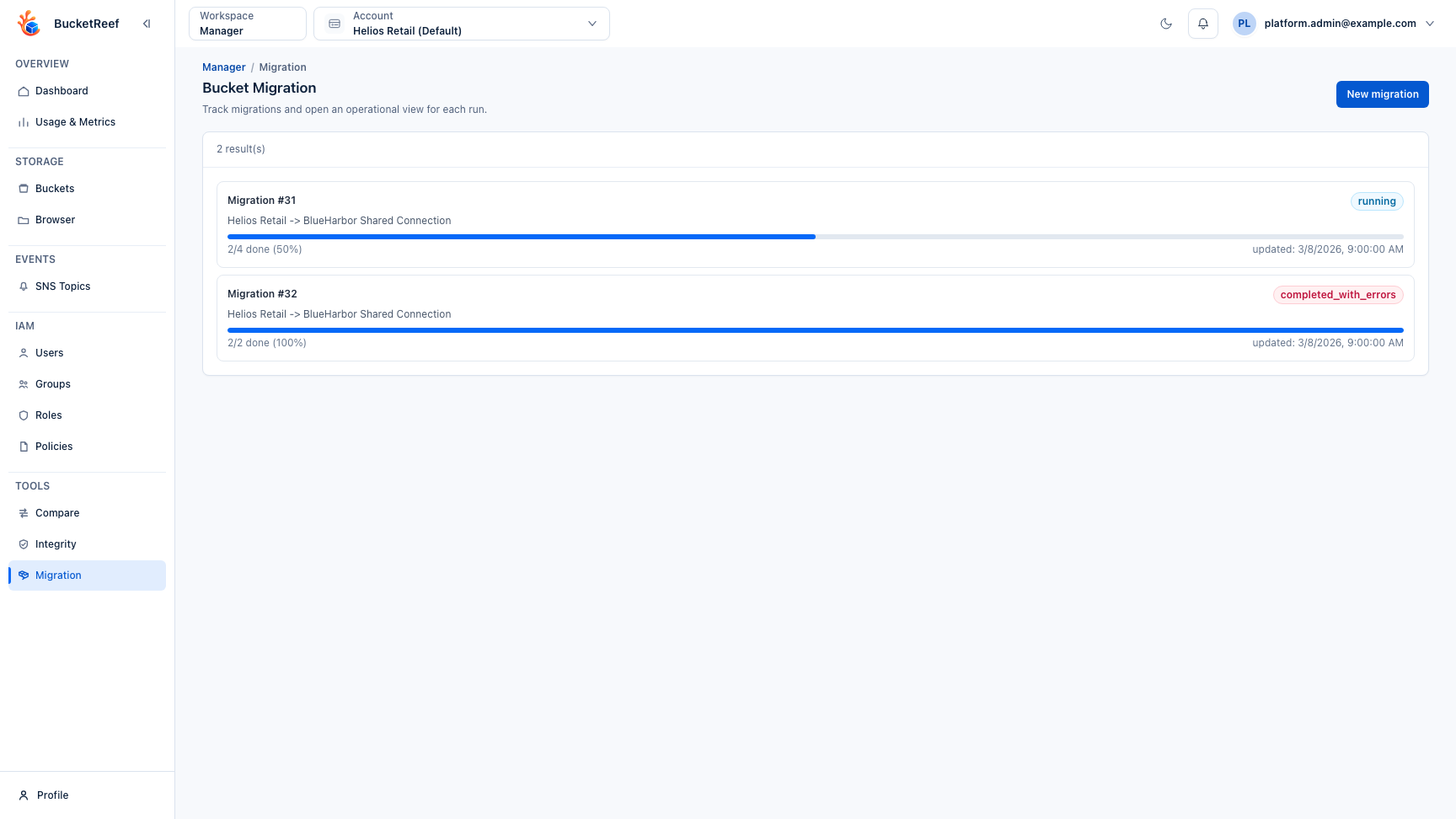
- Open Manager > Tools > Migration.
- Click New migration.
- Configure endpoints, bucket mappings, and advanced options:
- migration mode:
One-shotorPre-sync + cutover - optional target write lock
- optional source deletion (only after clean verification)
- Validate review/precheck results and resolve all blocking errors.
- Launch replication.
- Monitor status and use operator controls:
Pause/Resume/StopContinue after pre-sync(cutover flow)- retry and rollback actions for failed items
- Confirm final verification before enabling or accepting source deletion.
Expected result
Migration runs with explicit progress, safety checks, and auditable operator decisions.
Version-aware checks and reads address the exact source object key and version
ID, including spaces. Streamed object copies also preserve exact tag names and
values: " stage " and "stage" are different tag names. Version-aware
verification reports a mismatch if tags differ between source and target.
Invalid tag responses from storage stop the affected copy or verification
instead of silently migrating without tags.
You are done when
Prechecks are clean, the run reaches its expected final state, and any cutover, retry, rollback, or source-deletion action is explicitly reviewed.
If you do not see this action
Check bucket_migration_enabled, Manager tool access, and whether the selected source and target contexts support the selected migration mode.
Limits / feature flags
Note
Feature requires bucket_migration_enabled globally and the per-user Manager tool right bucket_migration. Some options only apply to same-endpoint scenarios and capability checks.
Related pages
Visual example