Feature: Bucket Usage Stats
When to use
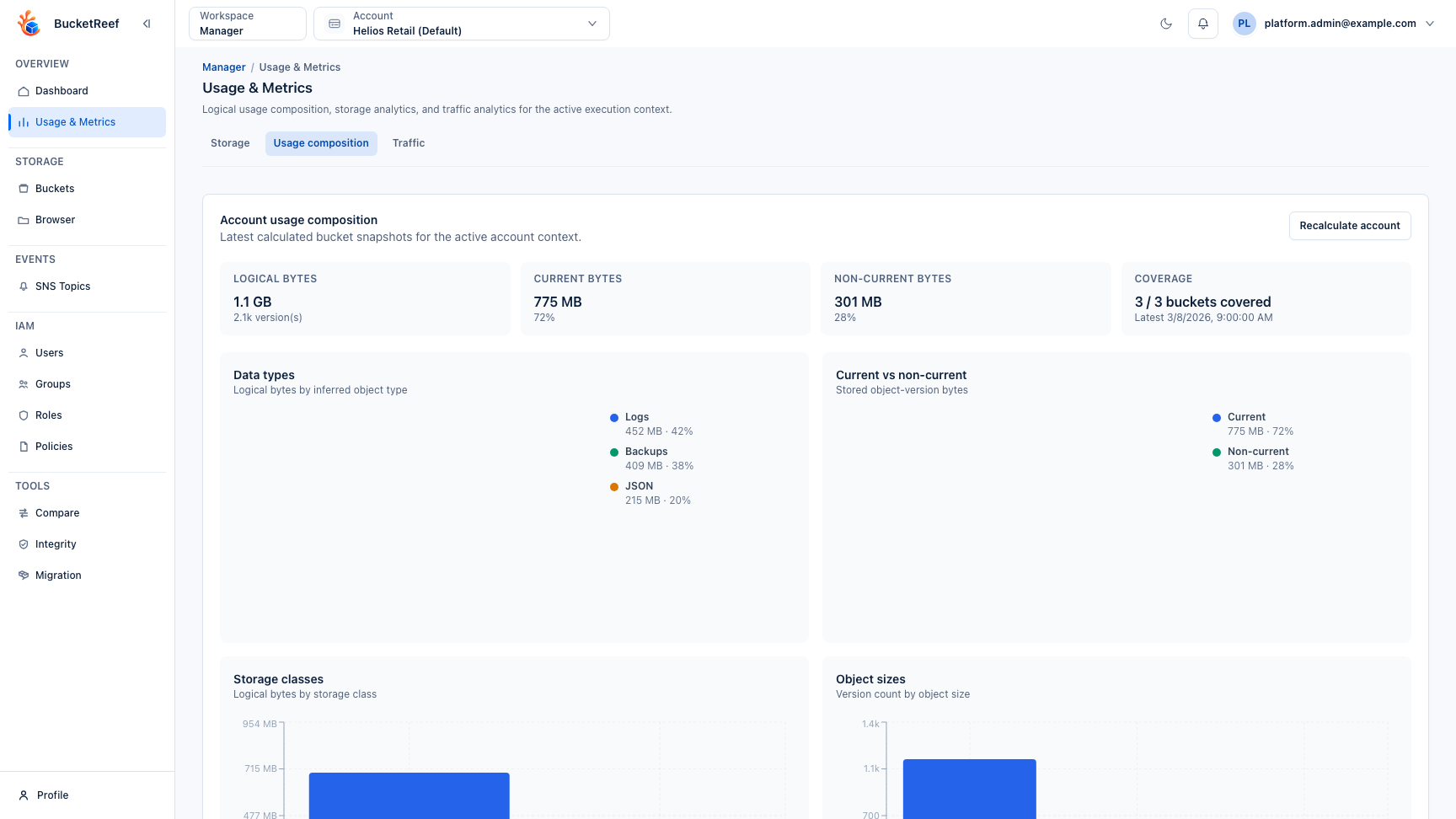
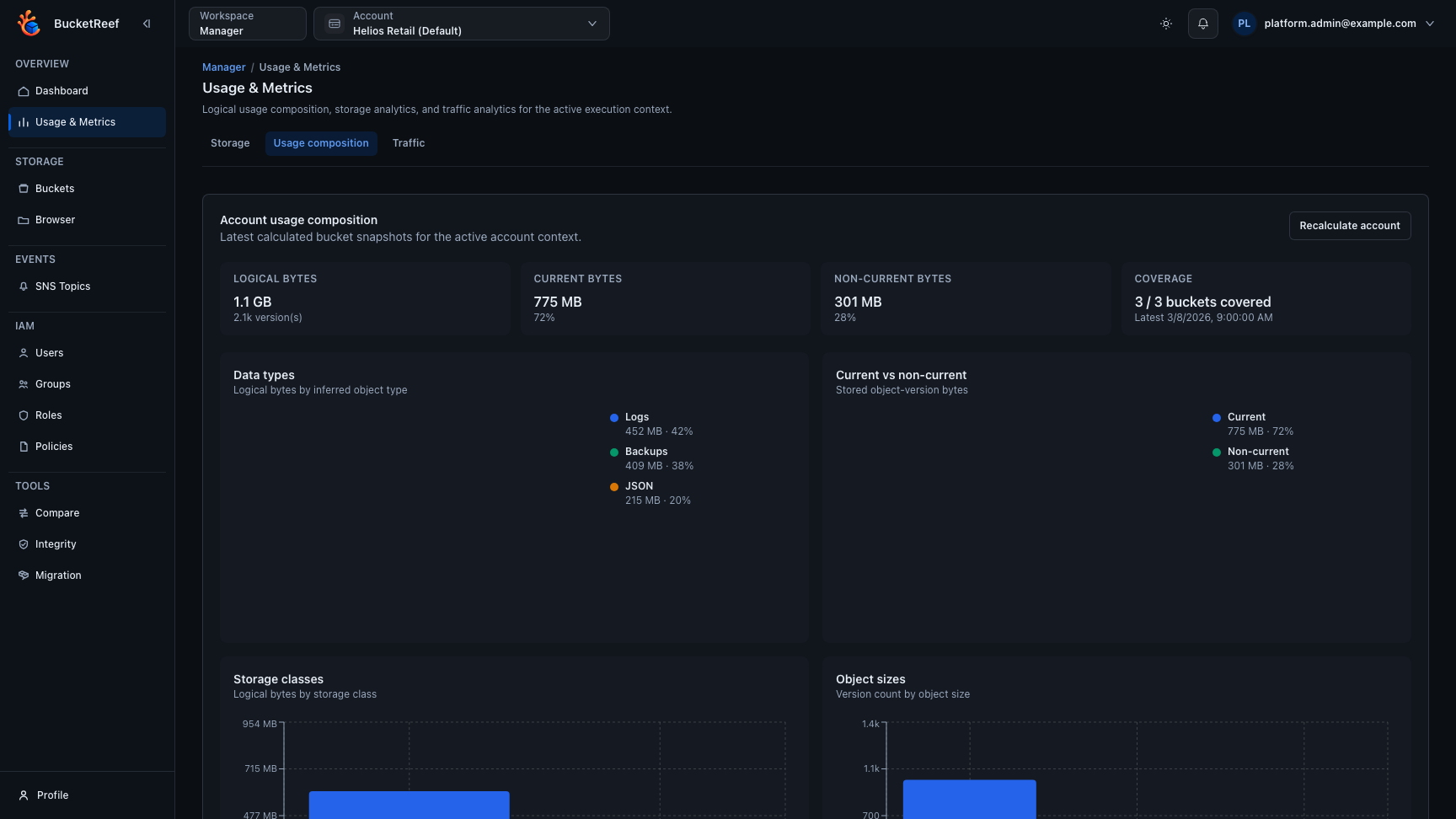
Use this feature when you need a quick usage snapshot for buckets, including object type mix, storage classes, object sizes, object age, and versioned storage split. The latest bucket snapshots are also aggregated on the Manager and Ceph Admin Usage & Metrics pages.
Visual example
Prerequisites
- Manager:
bucket_usage_stats_enabledset to true. - Portal:
bucket_usage_stats_enabledset to true and access to the target Storage Space. - Ceph Admin: access to the selected Ceph Admin endpoint with dedicated Ceph Admin credentials configured.
- Storage Ops: access to Storage Ops and to the manager contexts that own the selected buckets.
- S3 permissions to list objects or, when supported, list object versions.
Before you start
Use usage stats as a logical S3/RGW view, not as a physical storage-capacity report. The numbers help understand buckets and versions, but not Ceph placement overhead.
Steps
- Open Manager, Ceph Admin, or Storage Ops in the target scope.
- Open a bucket detail page and use the Usage stats tab to review the latest successful snapshot.
- Use Recalculate from the bucket tab when the latest snapshot must be refreshed.
- Open Manager or Ceph Admin Usage & Metrics to review the latest account or cluster aggregate.
- Use Recalculate account or Recalculate cluster to refresh all buckets in the current scope.
- In Ceph Admin or Storage Ops bucket lists, select buckets and use Calculate stats for an explicit multi-bucket calculation.
Expected result
The report stores the latest successful snapshot per bucket and scope. It shows total objects, total logical bytes, delete markers, type distribution, storage-class distribution, object-size distribution, age distribution, and the current versus noncurrent bytes split.
The account and cluster views do not store a separate aggregate history. They read the latest bucket snapshots, sum counts and bytes, merge distributions, recompute ratios on the aggregate totals, and show coverage such as N / M buckets covered.
You are done when
The page shows the latest snapshot time, coverage, and whether the snapshot is complete or partial for the selected scope.
If you do not see this action
Check bucket_usage_stats_enabled, access to the selected context, and whether the selected endpoint can list current objects or versions.
Limits / feature flags
Note
Manager and Portal composition statistics are controlled by bucket_usage_stats_enabled. This scan-based feature is independent from manager_rgw_usage_metrics_enabled, which controls RGW traffic and usage metrics in Manager. Ceph Admin and Storage Ops access stays controlled by their own workspace permissions and feature flags.
Note
When version listing is available, all object versions are counted for logical storage. IsLatest=true versions feed current bytes, IsLatest=false versions feed noncurrent bytes, and delete markers are counted separately without adding bytes.
Note
If version listing is explicitly unsupported, the tool falls back to current-object listing only. In that mode the current/noncurrent split is unavailable and the snapshot is marked as partial.
Warning
Values are logical S3/RGW object bytes. They do not include physical Ceph placement, replication, erasure-coding, or compression overhead.