Feature: Bucket Compare
When to use
Use this guide when you need to compare bucket states before migration or remediation.
Prerequisites
- Access to
/manager/bucket-compare. bucket_compare_enabledset to true.- A UI user with Manager > Bucket compare access enabled.
- Context with bucket management capability.
Before you start
Choose the comparison source and target deliberately. Compare results are only useful when the source and target contexts, bucket names, and optional modified-after cutoff match the remediation plan.
Steps
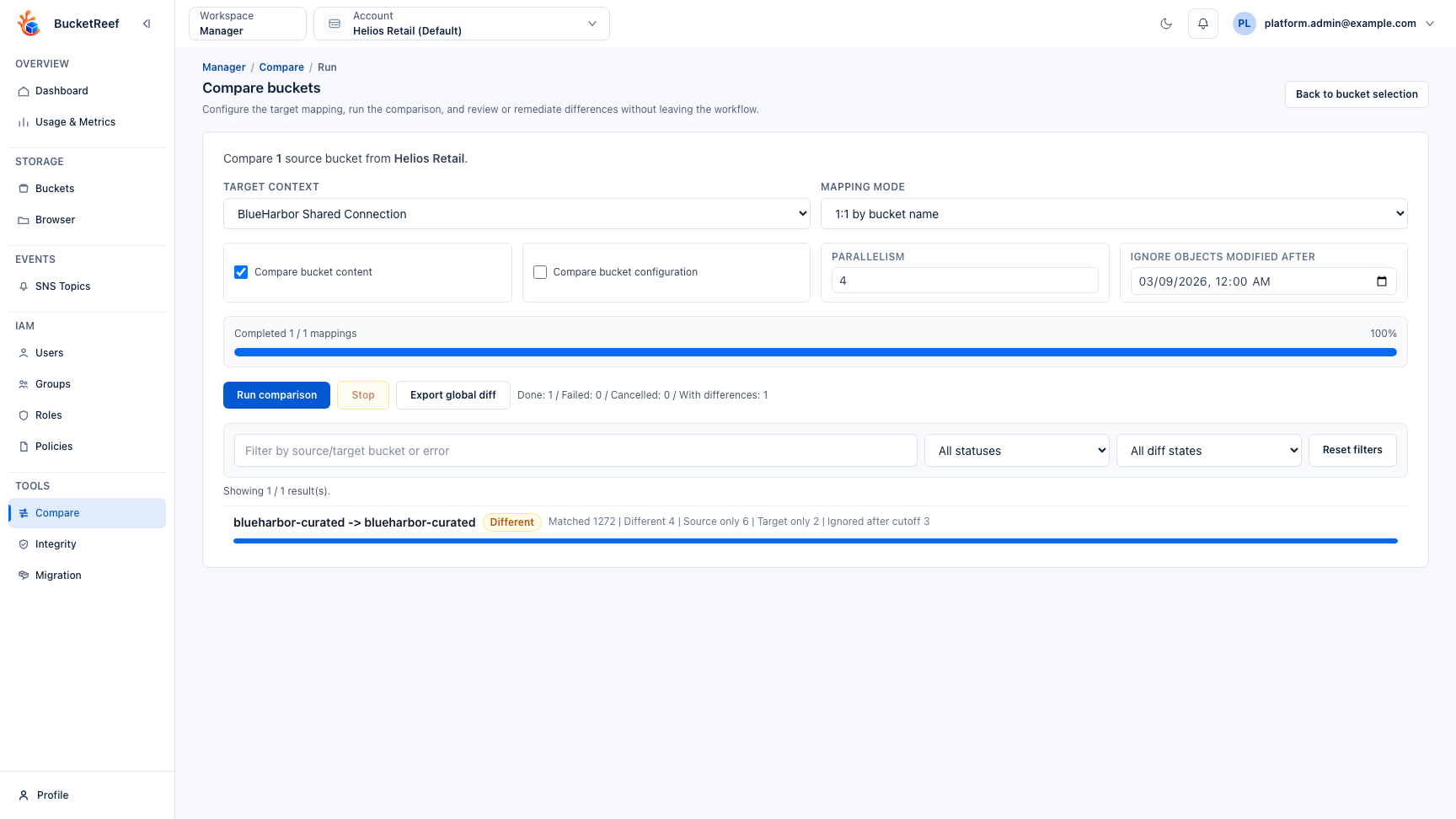
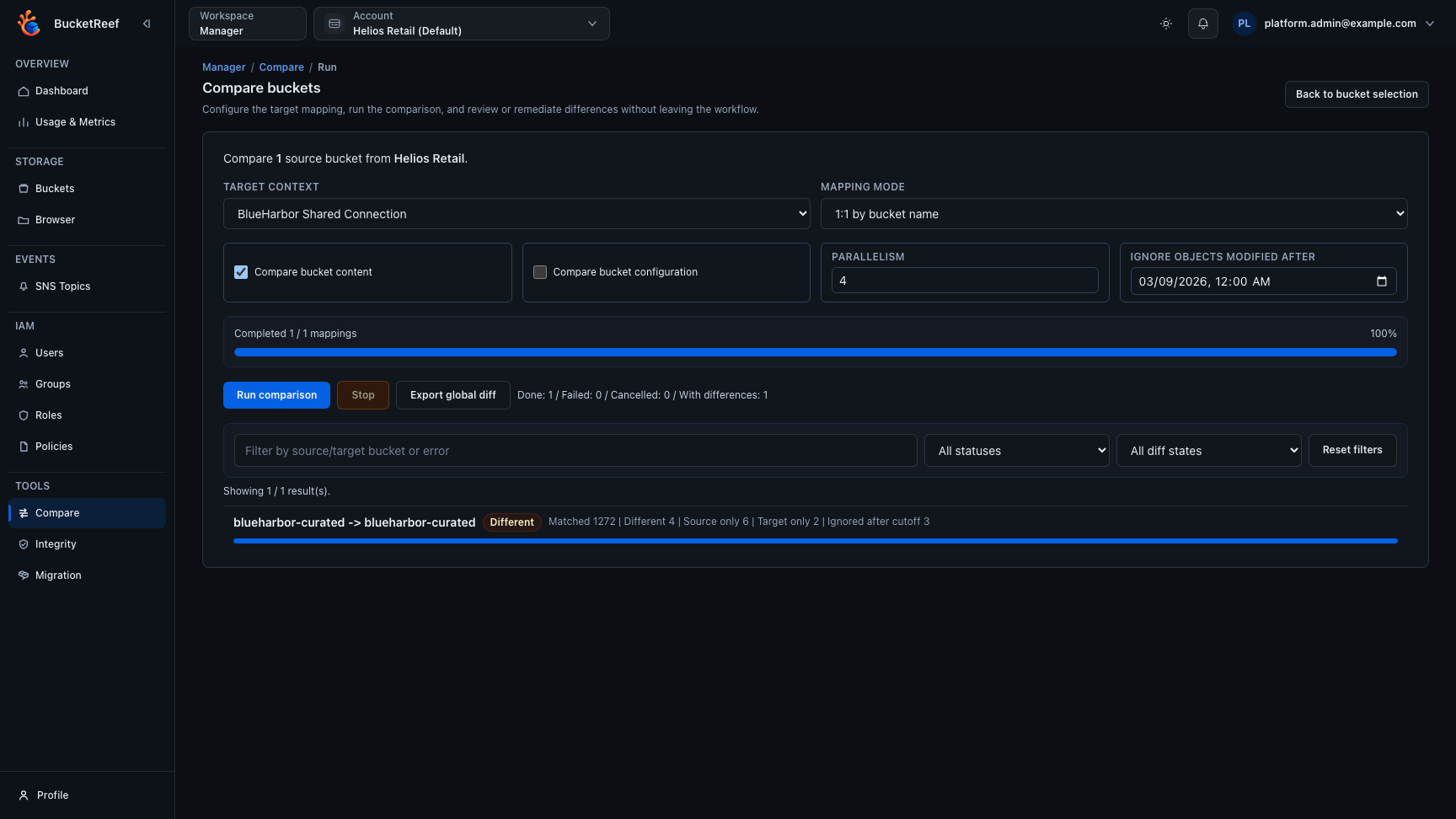
- Open Manager > Tools > Compare.
- Select source and target bucket scope.
- Optionally set Ignore objects modified after to exclude recently changed objects from the diff and remediation scope.
- Run comparison.
- Expand only the result rows you need to inspect; results stay collapsed by default.
- Review object-level details: key, size, modification date, ETag, storage class, Browser links, and direct download actions. Browser links open in a new tab so the comparison result stays available.
- Apply remediation actions only after validation.
Expected result
You get an actionable diff view to support controlled bucket alignment. Manager remediation actions apply only the exact object keys present in the current content diff section or object row.
Object keys are used exactly as selected, including leading/trailing spaces,
whitespace-only names, and distinct Unicode spellings. For example,
"report.txt" and " report.txt " are different objects; remediation never trims
or normalizes their names. Partial-failure samples retain those exact keys.
You are done when
The result summary is reviewed, the relevant rows are expanded, and any remediation action is limited to the exact object keys you intended to align.
If you do not see this action
Check bucket_compare_enabled, your Manager tool access, and whether the selected context can manage buckets.
Limits / feature flags
Note
Tool visibility depends on the global feature flag, per-user Manager tool access, and context requirements.
Related pages
Visual example