Common Tasks for Storage Administrators
Use this page when you manage storage access, bucket configuration, or operational safety.
Quick task map
| Task | Go to | What to check first |
|---|---|---|
| Configure endpoints and global features | Workspace: Admin | You have ui_admin or ui_superadmin. |
| Check endpoint health, incidents, or latency | Feature: Endpoint Status in Admin | Endpoint Status is enabled. |
| Prepare a team handover | Storage admin runbook | Endpoint, account/context, workspace, and support evidence are ready. |
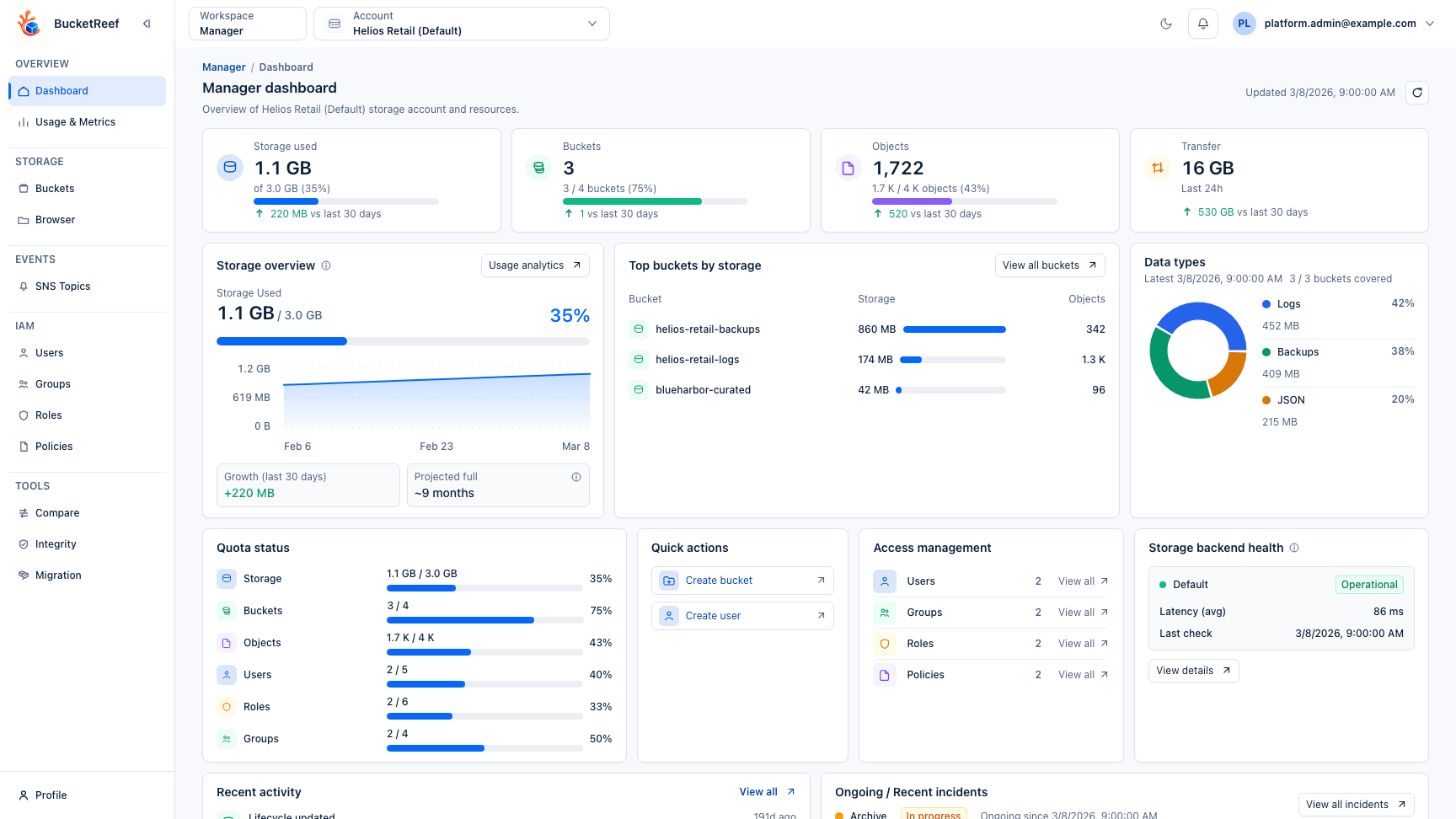
| Create or inspect account buckets | Workspace: Manager | The correct account context is selected. |
| Configure bucket features | How-to: Configure a bucket from Manager | The backend supports the feature. |
| Manage IAM users, groups, roles, and policies | Feature: IAM | IAM capability is available for the endpoint. |
| Manage delegated Ceph RGW S3 User keys | Feature: Ceph access keys in Manager | The selected context is a managed S3 User and the feature was intentionally enabled. |
| Review platform usage, quota, traffic, and billing | Feature: Admin Usage and Metrics, Feature: Usage History in Admin, and Feature: Billing in Admin | Collection jobs and feature flags are enabled. |
| Rotate managed storage keys | Feature: Key Rotation in Admin | You are a superadmin and have a maintenance plan. |
| Compare, verify, migrate, purge, or bulk-edit buckets | Safe destructive and bulk operations | You have the required Manager tool access and understand the confirmation flow. |
| Work at Ceph RGW cluster scope | Workspace: Ceph Admin | The Ceph Admin entitlement and endpoint are selected. |
| Run cross-context bucket campaigns | Workspace: Storage Ops | Storage Ops is enabled and the target contexts are authorized. |
A good first workflow
- Open Admin and confirm endpoint health.
- Confirm that the target UI user, account, and feature flags are configured.
- Open Manager and select the account context that will execute the action.
- Create or inspect a bucket, then validate object-level access in Browser.
- Review audit and usage pages before handing the workflow to end users.
You are done when
You can explain which workspace owns the task, which identity executes the action, and which page shows the result.
If something is unavailable
Check feature availability before changing permissions. A hidden action may be caused by a disabled feature flag, missing Manager tool access, endpoint capability, or storage-side denial.
Related pages
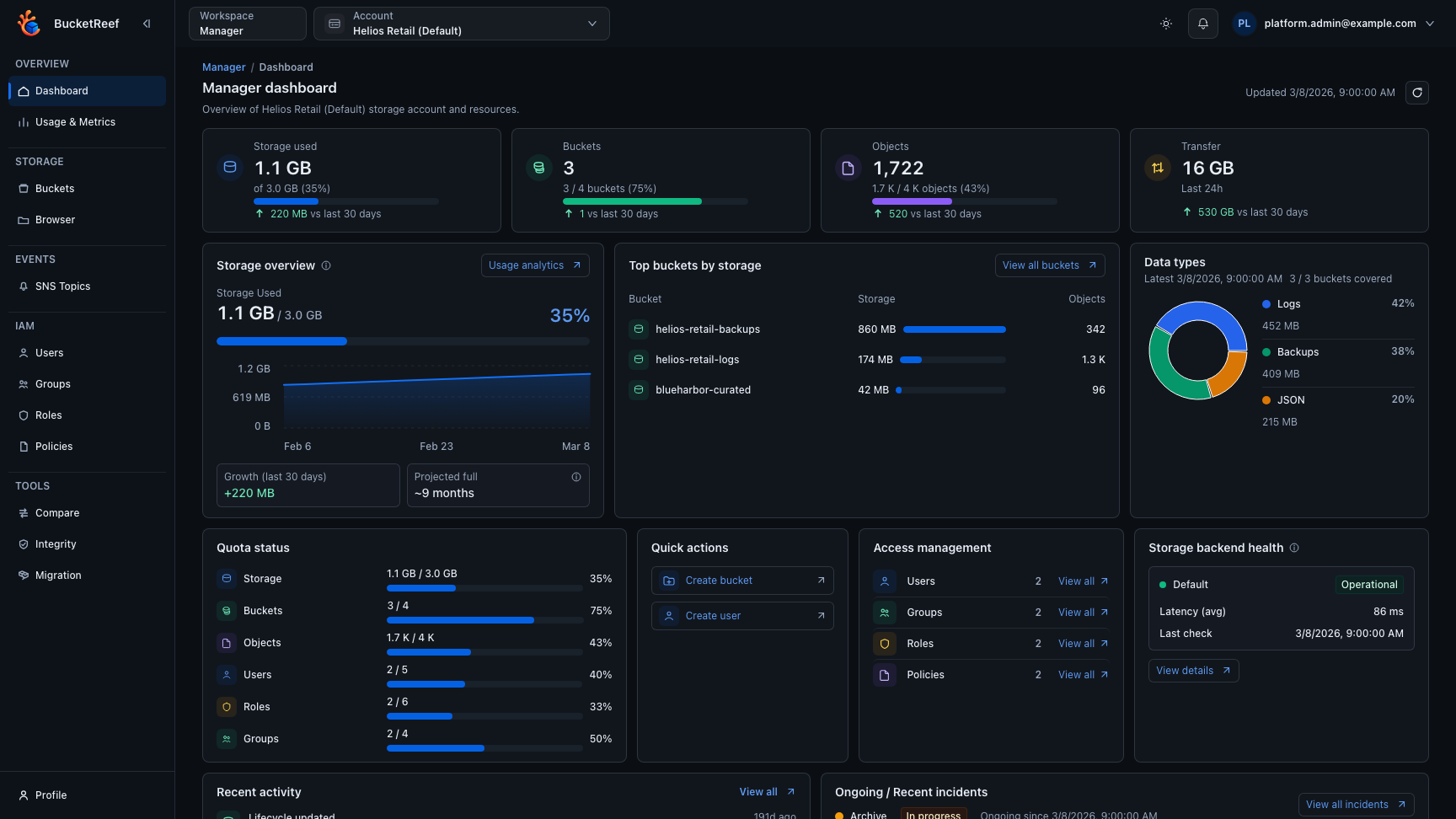
Visual example