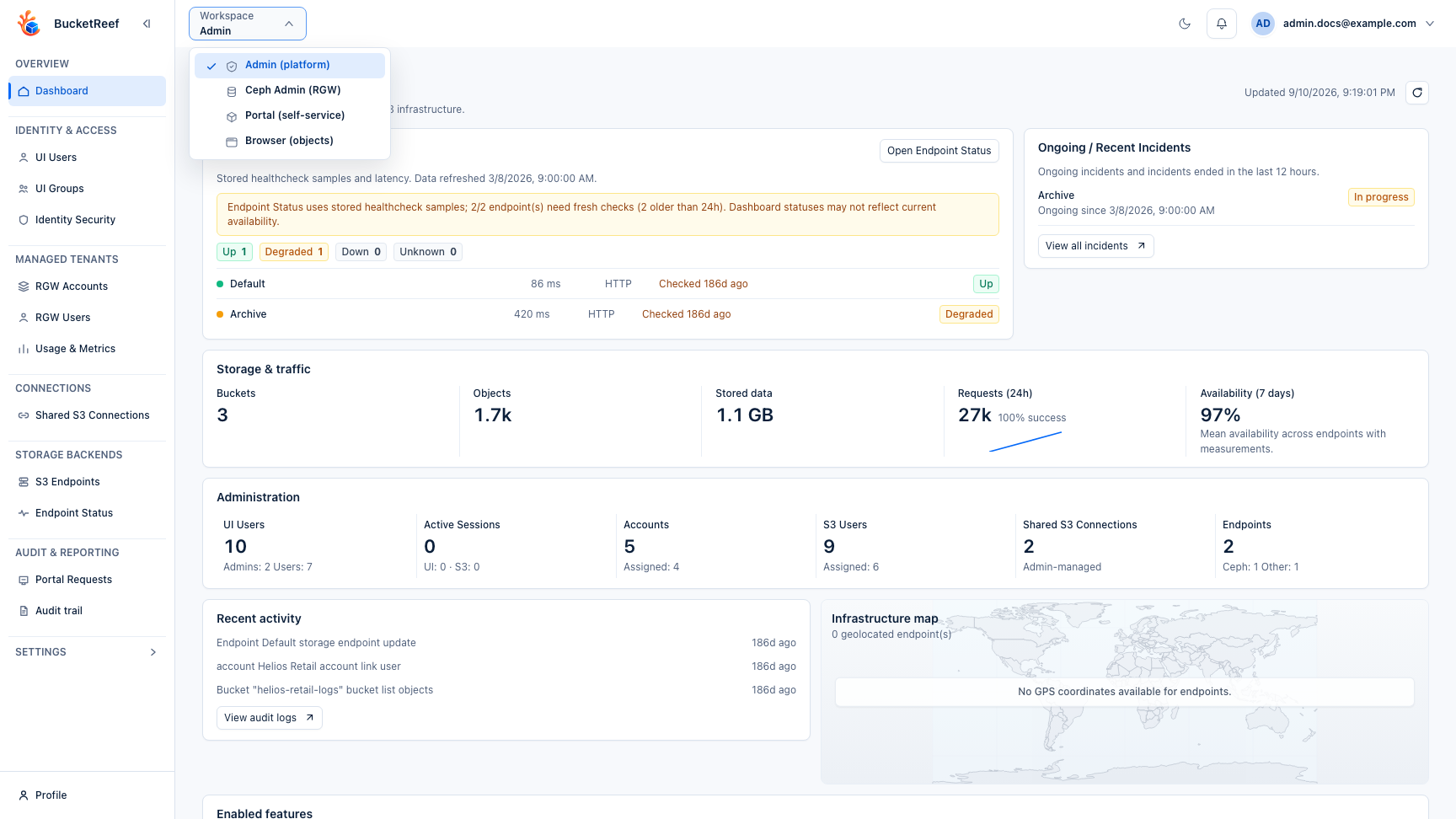
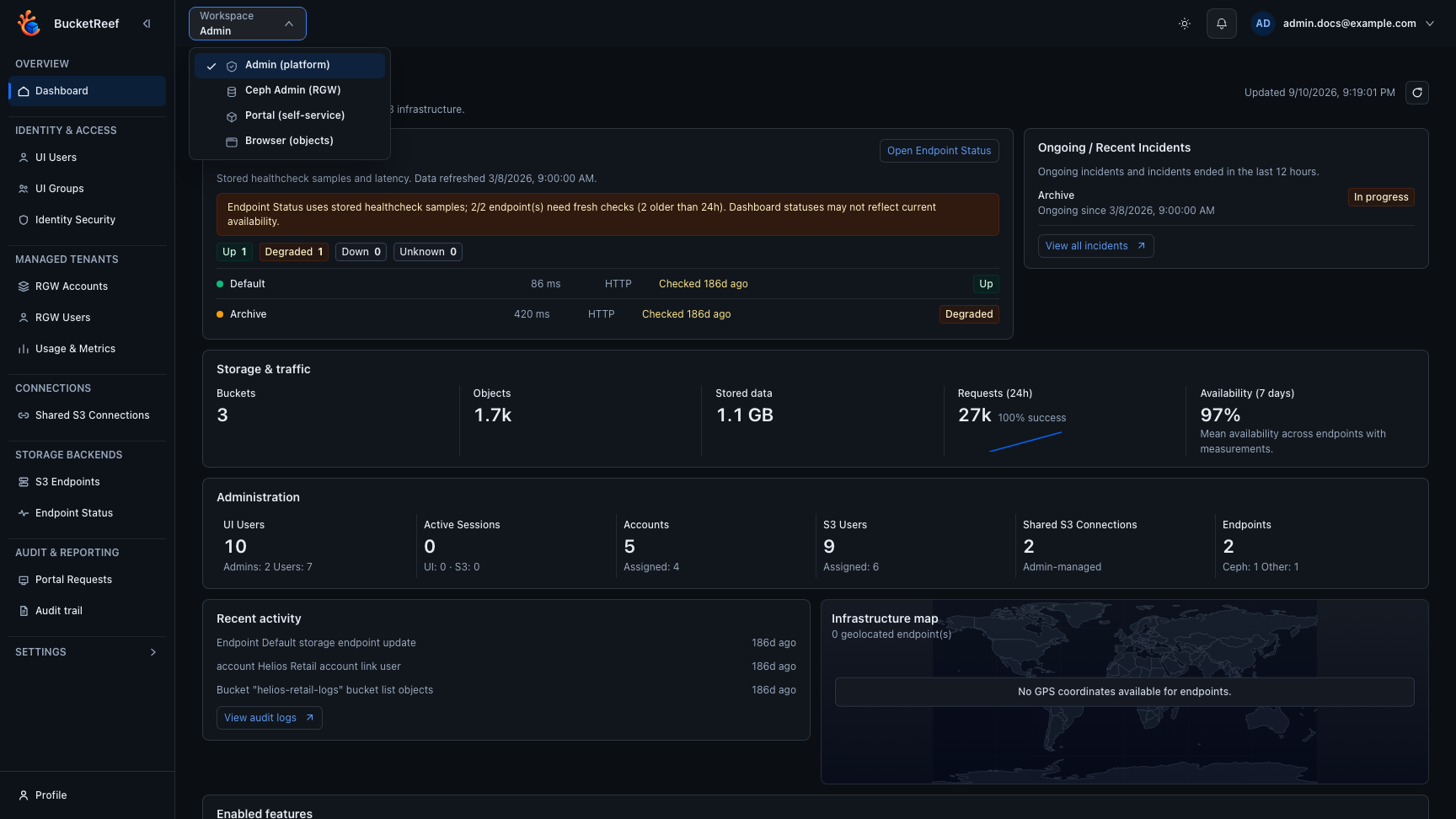
Feature Availability
Use this page when a page, action, or menu item is missing or disabled.
How availability is decided
BucketReef shows an action only when all required conditions are true:
- the workspace is enabled;
- the UI user has the right role or entitlement;
- the selected account, connection, endpoint, or Storage Space is allowed;
- the backend supports the feature;
- IAM/S3 permits the actual storage action.
Common availability checks
| Feature | Where users see it | Main controls |
|---|---|---|
| Portal | Workspace selector | portal_enabled plus explicit portal_user or portal_manager account link. |
| Browser | Workspace selector, Manager, Portal, Ceph Admin | browser_enabled plus workspace-specific Browser flags and context access. |
| Manager | Workspace selector | manager_enabled plus account, connection, or S3 user access. |
| Ceph Admin | Workspace selector | ceph_admin_enabled, Ceph-compatible endpoint, and can_access_ceph_admin. |
| Storage Ops | Workspace selector | storage_ops_enabled and can_access_storage_ops. |
| IAM | Manager | Endpoint IAM capability and effective Manager access. |
| Ceph S3 User access keys | Manager > Ceph | Effective S3 User Manager context access, manager_ceph_s3_user_keys_enabled, allow_access_key_management, Ceph endpoint, and Admin Ops credentials. |
| Managed private connection provisioning | Manager | managed_private_connection_provisioning_enabled, effective direct or inherited UI-user provisioning access, an eligible Manager context, the context resource opt-in when required, and endpoint IAM or Ceph Admin capabilities. |
| Bucket quota management | Manager, Ceph Admin | Manager requires effective Account or S3 User context access, bucket_quota_management_enabled, allow_bucket_quota_management, and buckets=write on the endpoint Admin Ops identity. Ceph Admin keeps its administrative authorization. Browser and Storage Ops cannot write quotas. |
| Bucket composition statistics | Manager, Portal | bucket_usage_stats_enabled, an eligible context, and S3 object or version-listing permission. |
| RGW traffic and usage metrics | Manager | manager_rgw_usage_metrics_enabled, an eligible Manager context, endpoint metrics or usage capability, and supervision credentials. |
| SNS topics and bucket notifications | Manager, Ceph Admin, Storage Ops | Endpoint SNS capability and feature-specific action rights. |
| Bucket compare, integrity, purge, migration | Manager | Global Manager setting plus per-user or inherited Manager access. |
| Feature rule inventory | Manager | Per-user or inherited Manager access and selected context capability. |
| Usage, traffic, and billing | Admin, Portal | Collection jobs, endpoint capabilities, and feature flags. |
| Key rotation | Admin settings | ui_superadmin access and eligible managed endpoint credentials. |
| Portal governance activity, access logs, and settings | Portal | Portal account link, visible Storage Space scope, Portal Manager permission for access logs, and Portal feature flags. |
What to do first
- Manager bucket quota management is globally disabled by default. Enable it
only after the endpoint Admin Ops identity has
buckets=write. - Recheck the selected workspace and context.
- Open User profile if you expected a private connection or selector tag.
- Ask an admin whether the feature is globally enabled.
- Ask an admin whether your UI user or group has the required entitlement.
- If the action is visible but fails, treat the error as storage-side authorization or backend capability until proven otherwise.
You are done when
You can identify whether the missing action is caused by workspace visibility, user entitlement, endpoint capability, feature flag, or IAM/S3 authorization.
Related pages
Visual example