Safe Administrative Storage Operations
Use this page before destructive or bulk work in Ceph Admin or Storage Ops.
Before you act
- Confirm the workspace and endpoint/context shown in the topbar.
- Review the exact target list after filters and selections are applied.
- Keep destructive RGW options such as
purge-data,purge-objects, orbypass-gcdisabled unless the operation explicitly requires them. - Read the confirmation dialog and type the exact requested phrase only after its target and effect match your intent.
Administrative operations
| Operation | Main risk | Safety expectation |
|---|---|---|
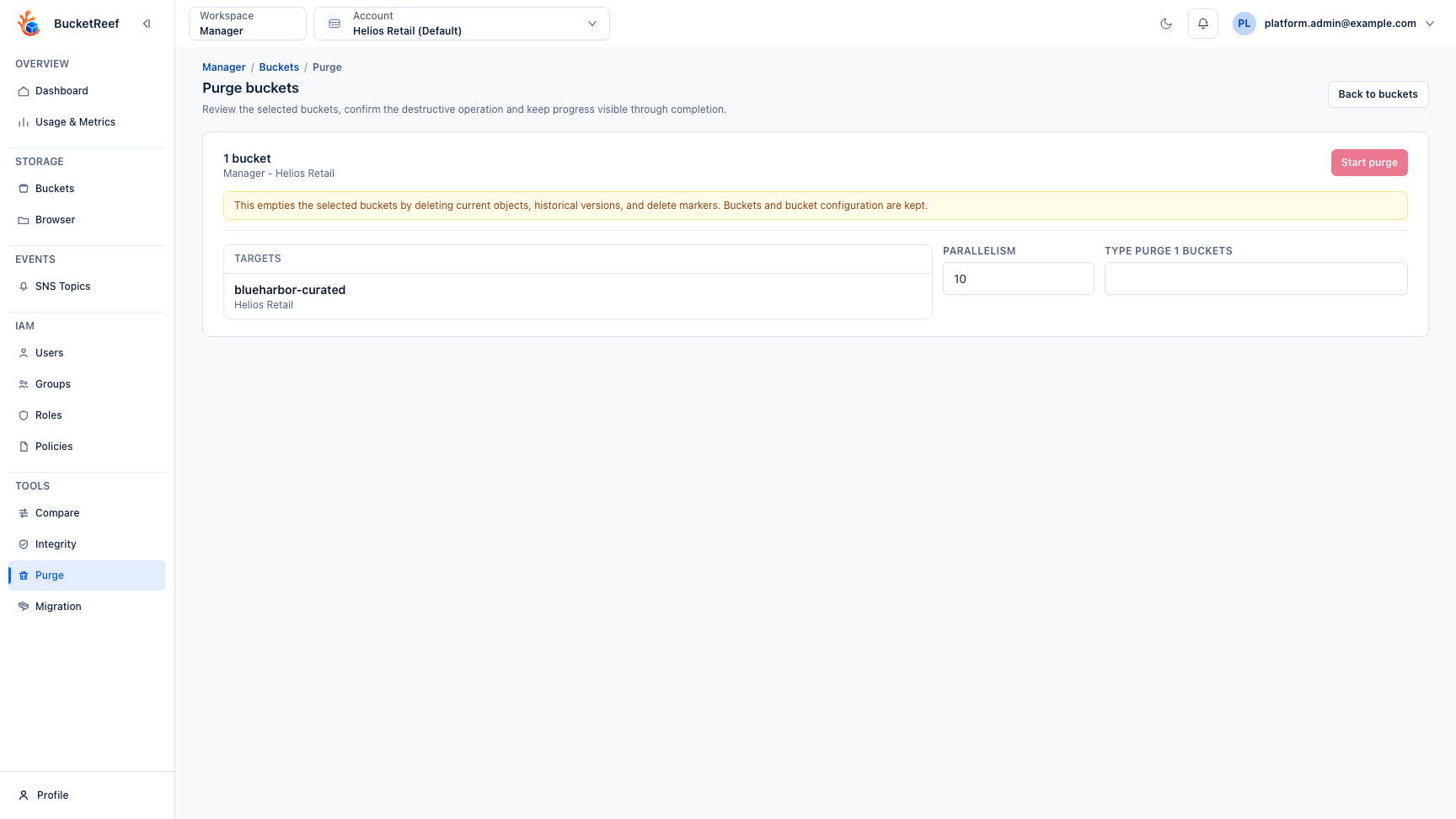
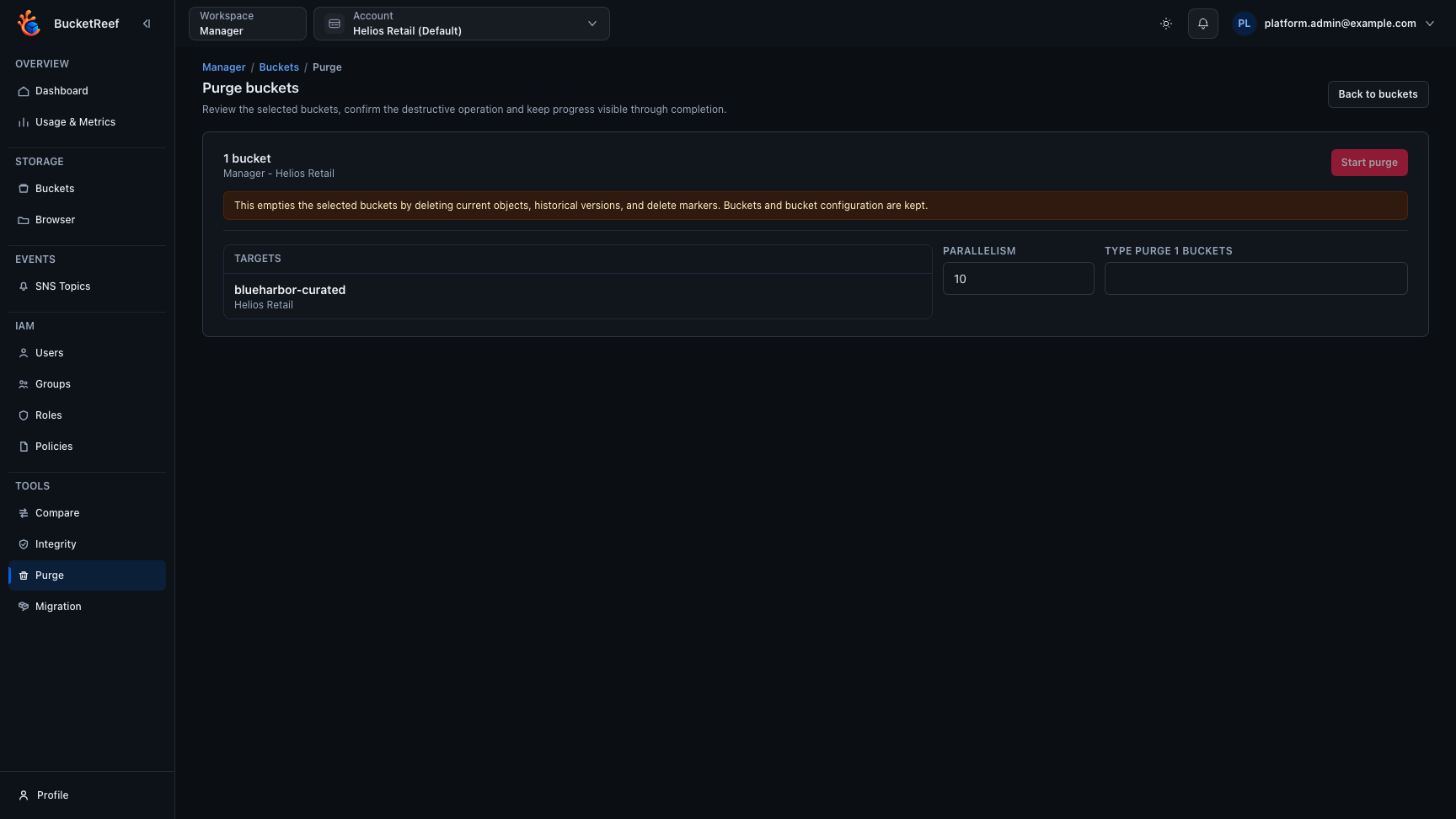
| Purge bucket contents | Permanently removes current objects, versions, and delete markers. | Explicit target summary, confirmation phrase, progress and failures. |
| Delete RGW account or user | Removes an administrative identity; optional data purge can remove owned data. | Unitary target confirmation and persistent RGW result. |
| Delete an RGW bucket | Can remove all bucket data when purge options are enabled. | Destructive options off by default and exact target confirmation. |
| Link or unlink a bucket | Changes bucket ownership association. | Review old and new owner; do not treat it as an object ACL repair. |
| Check or fix bucket index | fix modifies RGW bucket index state. |
Bulk checks stay read-only; unitary repair requires explicit confirmation. |
| Bulk lifecycle/notification changes | Changes configuration on many buckets. | Preview/apply workflow and visible per-target result. |
Treat the RGW HTTP status and Ceph error code shown by Ceph Admin as the result
of the administrative request. A backend request can be accepted while RGW
still returns a domain failure such as BucketNotEmpty or AccountNotEmpty.
After the operation
Review completed and failed targets, refresh the affected administrative list, and verify the resulting state before retrying any failure. Use the application audit for the control-plane action and backend logs when deeper diagnosis is required.
Related pages
Visual example