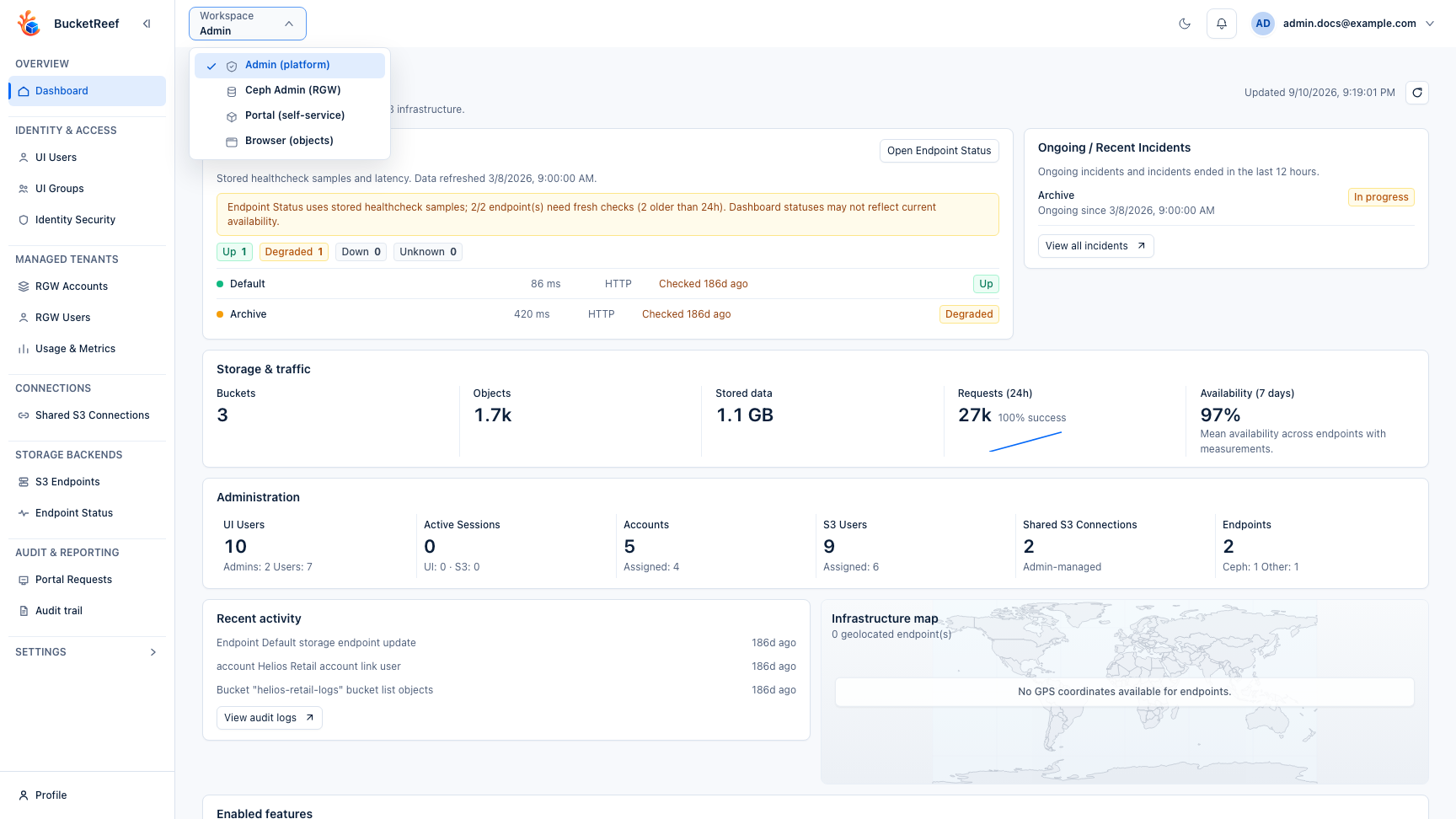
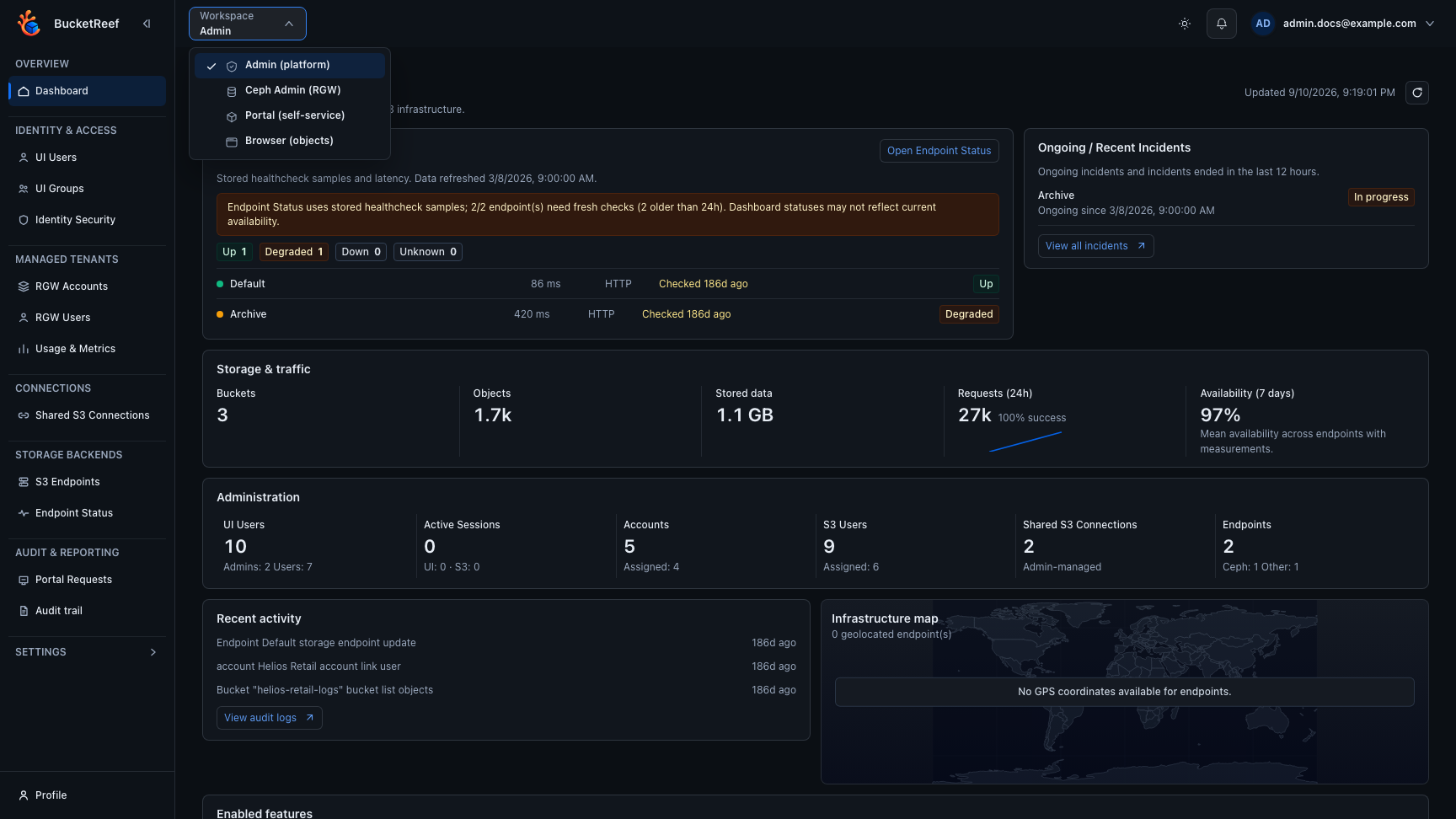
Feature Availability
Use this page when an administrator needs to understand why a workspace, feature, or action is not available.
Availability layers
BucketReef evaluates several independent layers:
- the workspace or feature is enabled in platform settings;
- the UI user or group has the required BucketReef role or entitlement;
- the selected account, connection, S3 user, or endpoint is in scope;
- the storage endpoint exposes the required capability;
- the execution identity is authorized by S3, IAM, or Ceph RGW.
A visible UI action does not override the storage-side decision.
Feature policies
Admin Settings > Manager and Settings > Portal use one selector for features that support targeted activation:
| Policy | Effect |
|---|---|
| Disabled | Blocks the feature in its stated scope, including local activations. |
| Targeted activation | Requires an explicit Account/RGW User/project choice or a UI User/Group grant. |
| Enabled by default | Enables eligible targets that follow the platform value. It does not grant access to additional storage resources. |
Account, RGW User and project editors distinguish Platform value, Enabled and Disabled. Changing the platform default preserves explicit choices. Existing resource choices remain explicit after upgrade; select Platform value to adopt inheritance. New resources follow the platform value.
UI User and Group Tool grants are additive. Removing a direct grant does not remove a Group or platform grant. The effective access audit identifies these sources. A platform default still requires an eligible UI role and the existing storage-context and execution permissions.
Scope matters: disabling purge also blocks Ceph Admin and Storage Ops purge. The Portal external-sharing policy controls Portal Users who own a Storage Space; Portal Managers retain their project-wide capabilities. Delegation cannot lift a platform prohibition, including through a setting-change request.
Only additional explanations move into the information tooltips. Applied values, prohibitions and validation errors remain visible. Tooltips support keyboard focus, click/touch and Escape.
Statistics and metrics remain independent global switches. Numeric limits and new-space defaults retain their own controls. Creation defaults affect new spaces; logging changes reconcile existing Portal logging; disabling key-expiration configuration does not cancel expirations already recorded.
Administrator checks
| Area | Main controls to verify |
|---|---|
| Admin | ui_admin or ui_superadmin plus the relevant platform setting. |
| Ceph Admin | ceph_admin_enabled, a Ceph-compatible endpoint, dedicated Admin Ops credentials, and can_access_ceph_admin. |
| Storage Ops | storage_ops_enabled and the user's Storage Ops entitlement. |
| Manager | manager_enabled, explicit context access, endpoint capabilities, and feature-specific Manager rights. Account access uses account_administrator. |
| Portal | portal_enabled plus an explicit portal_user or portal_manager project role. Portal roles are independent from Manager access. |
| Browser | browser_enabled plus the Browser rules of the host workspace or standalone context. |
| IAM and topics | Endpoint IAM or SNS capability and the execution identity's permissions. |
| Bucket quotas | Global quota management setting, context permission, and the required endpoint administrative capability. |
| Usage and metrics | Collection jobs, endpoint capabilities, and the corresponding feature settings. |
| Destructive Manager tools | Global tool setting plus the user's direct or inherited Manager tool entitlement. |
Diagnosis order
- Reproduce the issue with the same user, workspace, and context.
- Check the platform setting and effective BucketReef access.
- Check the endpoint capability advertised for the selected storage backend.
- If the UI action is available but the request fails, inspect the returned S3, IAM, or RGW error before changing BucketReef permissions.
- Correlate the application audit, endpoint health, and backend logs when the failure is operational rather than an authorization denial.
Related pages
Visual example