Administrative Bucket Purge
Use bucket purge from Ceph Admin or Storage Ops when an administrator needs to empty selected buckets while keeping their bucket configuration.
Before you start
- In Ceph Admin, select the intended endpoint and verify the administrative authorization path.
- In Storage Ops, verify every selected context and bucket after filtering.
- Treat current objects, versions, and delete markers as permanently removable data for this operation.
Steps
- Select the target bucket rows in the administrative workbench.
- Open Actions > Destructive S3 operations > Purge bucket contents.
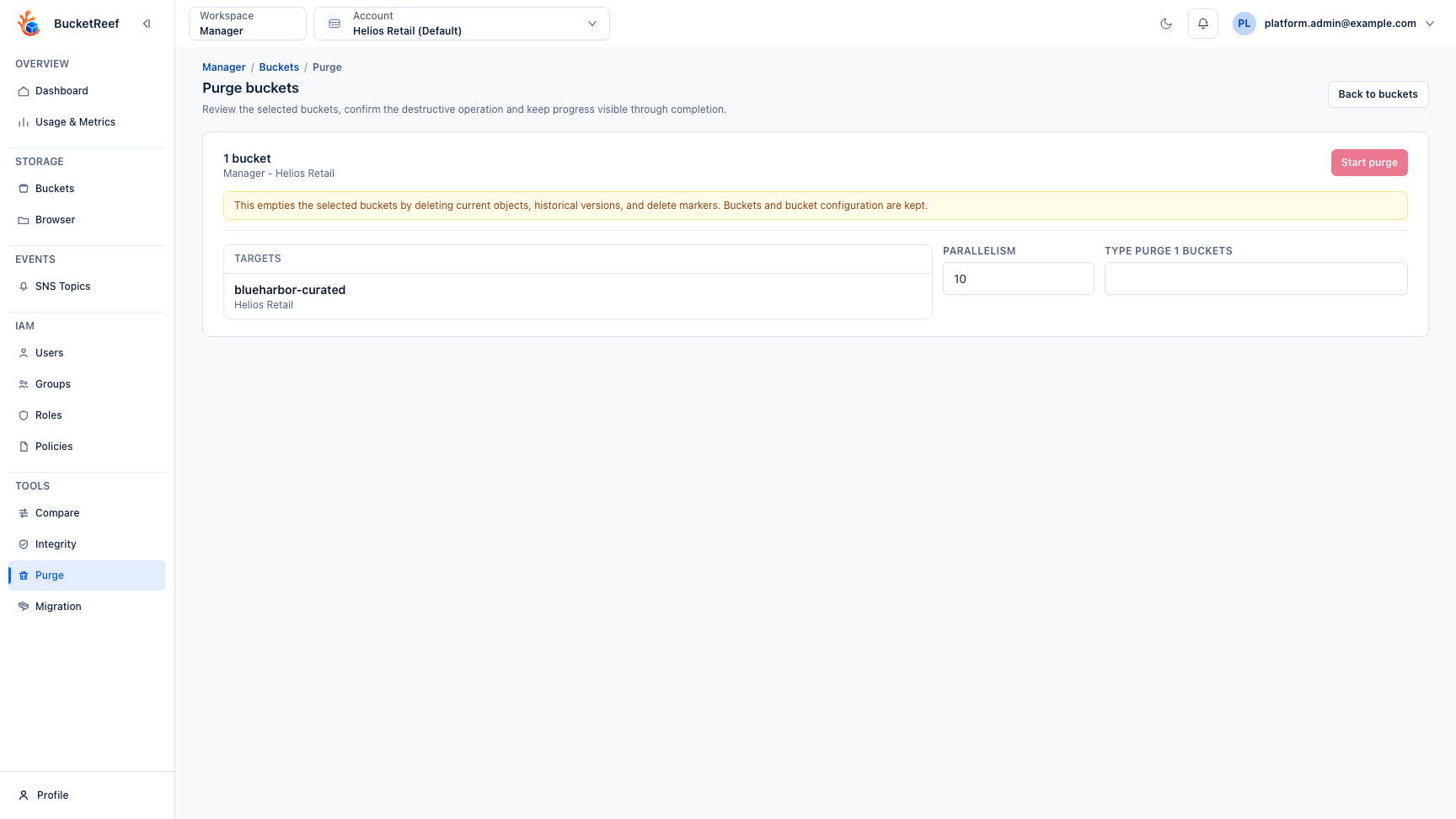
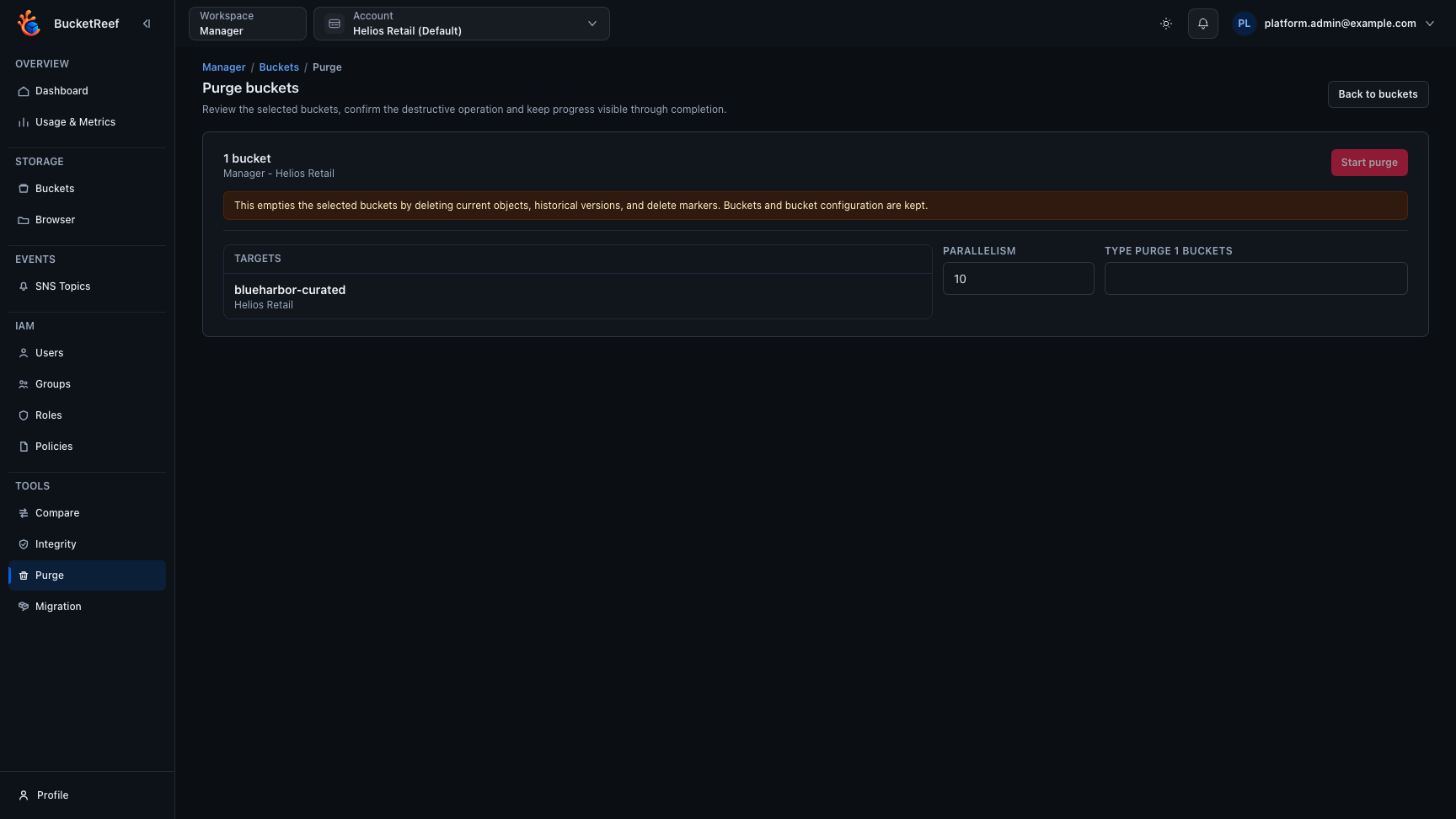
- Review the workspace, endpoint/context, target buckets, and exact effect.
- Set parallelism only when operationally justified.
- Type the exact confirmation phrase shown by BucketReef.
- Monitor progress and retain the failed-target details before closing the result.
Storage Ops uses the authorized S3 execution contexts associated with the selected buckets. Ceph Admin follows its dedicated administrative path for the selected endpoint. Their authorization and failure semantics therefore differ even though the operator intent is the same.
Purge keeps bucket configuration. Administrative bucket deletion, ownership changes, and RGW index repair are separate actions with their own safeguards.
Related pages
Visual example