How-to: Check Bucket Indexes in Bulk After RGW Inconsistencies
Use this workflow after an RGW incident, interrupted maintenance, or another event that gives you reason to suspect bucket-index inconsistencies across more than one bucket.
BucketReef's multi-selection workflow is diagnostic only. It runs read-only checks in bulk; any repair remains an explicit per-bucket operation.
Prerequisites
- Access to Ceph Admin > Buckets.
- A selected Ceph RGW endpoint with RGW Admin Ops access.
- A bounded set of buckets related to the incident.
1. Define the incident scope
Use Quick filter, Advanced filter, owner identity, naming conventions, or existing UI tags to reduce the bucket list to the set plausibly affected by the incident.
Avoid checking an entire large cluster when incident evidence points to one tenant, application, or maintenance window.
2. Tag the diagnostic set
Select the candidate buckets and use
Actions… > Selection > Manage UI tags… to add a shared tag such as
index-check-incident-2026-10.
3. Run read-only index checks
- Keep at most 200 buckets selected.
- Open Actions… > RGW Admin Ops > Check bucket indexes….
- Review the endpoint and selected bucket count.
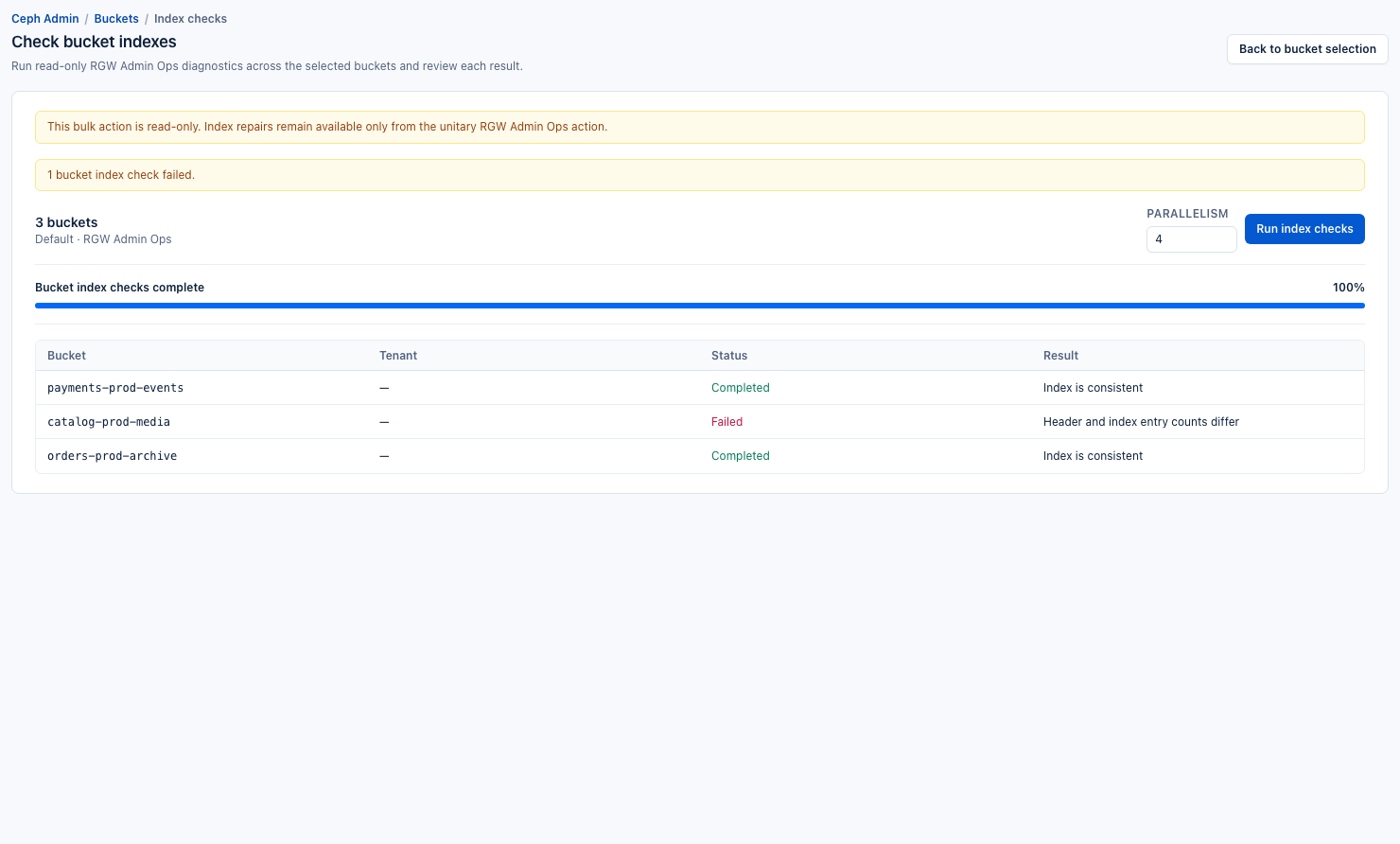
- Choose an appropriate parallelism between 1 and 16. Start conservatively on a busy cluster.
- Click Run index checks.
- Keep the page open until the result table is complete.
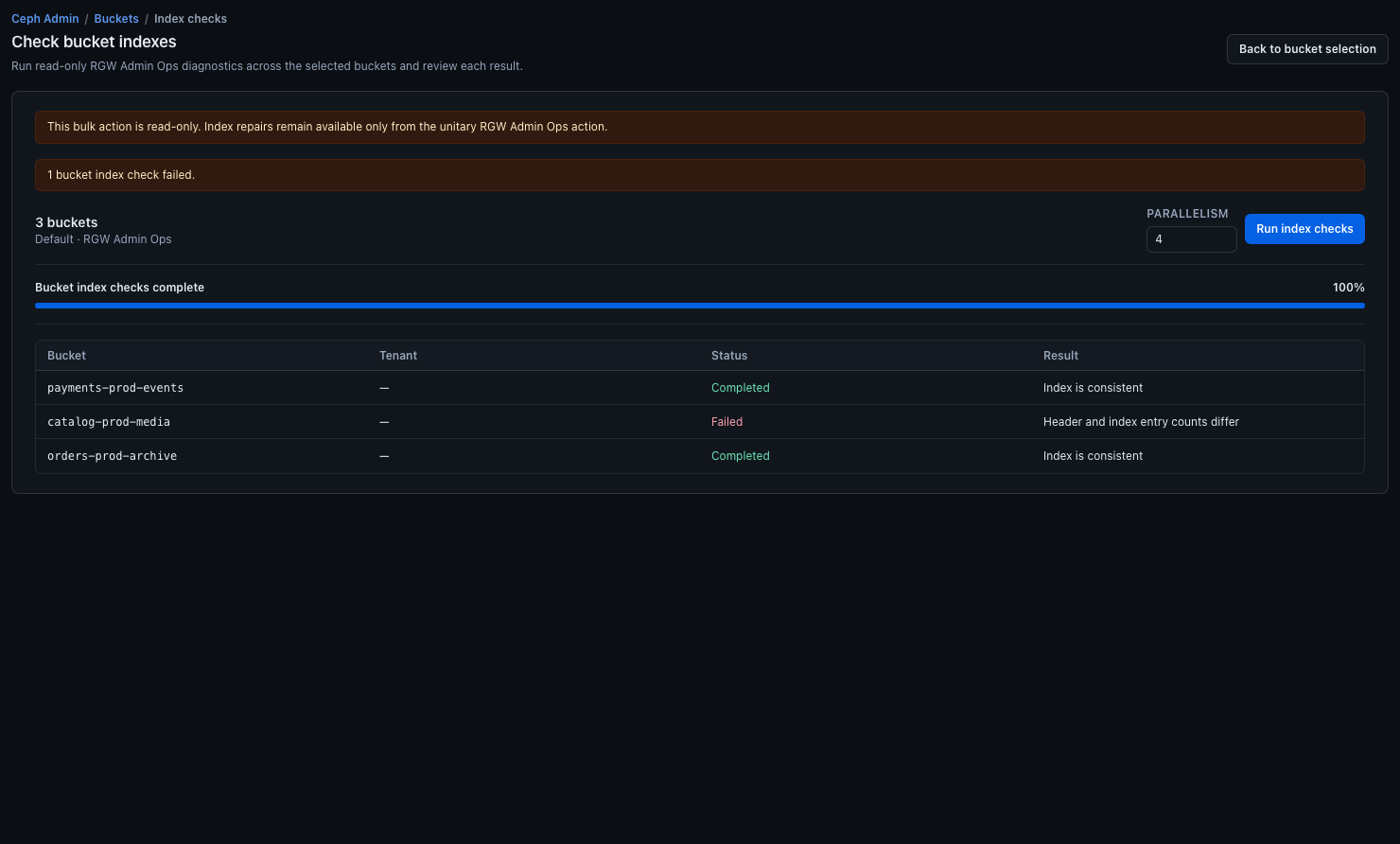
The result table reports Bucket, Tenant, Status, and Result for each checked bucket.
The bulk check remains diagnostic. A completed run can mix clean buckets and anomalies, while the warning at the top keeps the repair boundary explicit.
4. Separate clean and suspicious buckets
Review every failed or inconsistent result. Apply a UI tag such as
index-repair-required to buckets that need deeper investigation, and remove
the incident tag from buckets that are confirmed clean if that makes the
working set easier to manage.
5. Repair only after review
For a bucket that requires repair:
- Open that bucket's individual RGW Admin Ops action.
- Use Check bucket index again to review the specific target and options.
- Enable Fix detected index issues only when the repair is understood and approved.
- Follow the typed confirmation shown by BucketReef for a fixing operation.
- Re-run a read-only check after the repair.
The bulk workflow never enables repair. This boundary keeps a diagnostic sweep from turning into an uncontrolled multi-bucket mutation.
Expected result
You finish with a small, evidence-based repair queue instead of performing cluster-wide fixes without knowing which buckets are actually inconsistent.
Limits / feature flags
Note
The bulk checker supports at most 200 buckets per run and parallelism from 1 to 16. Repairs remain unitary.