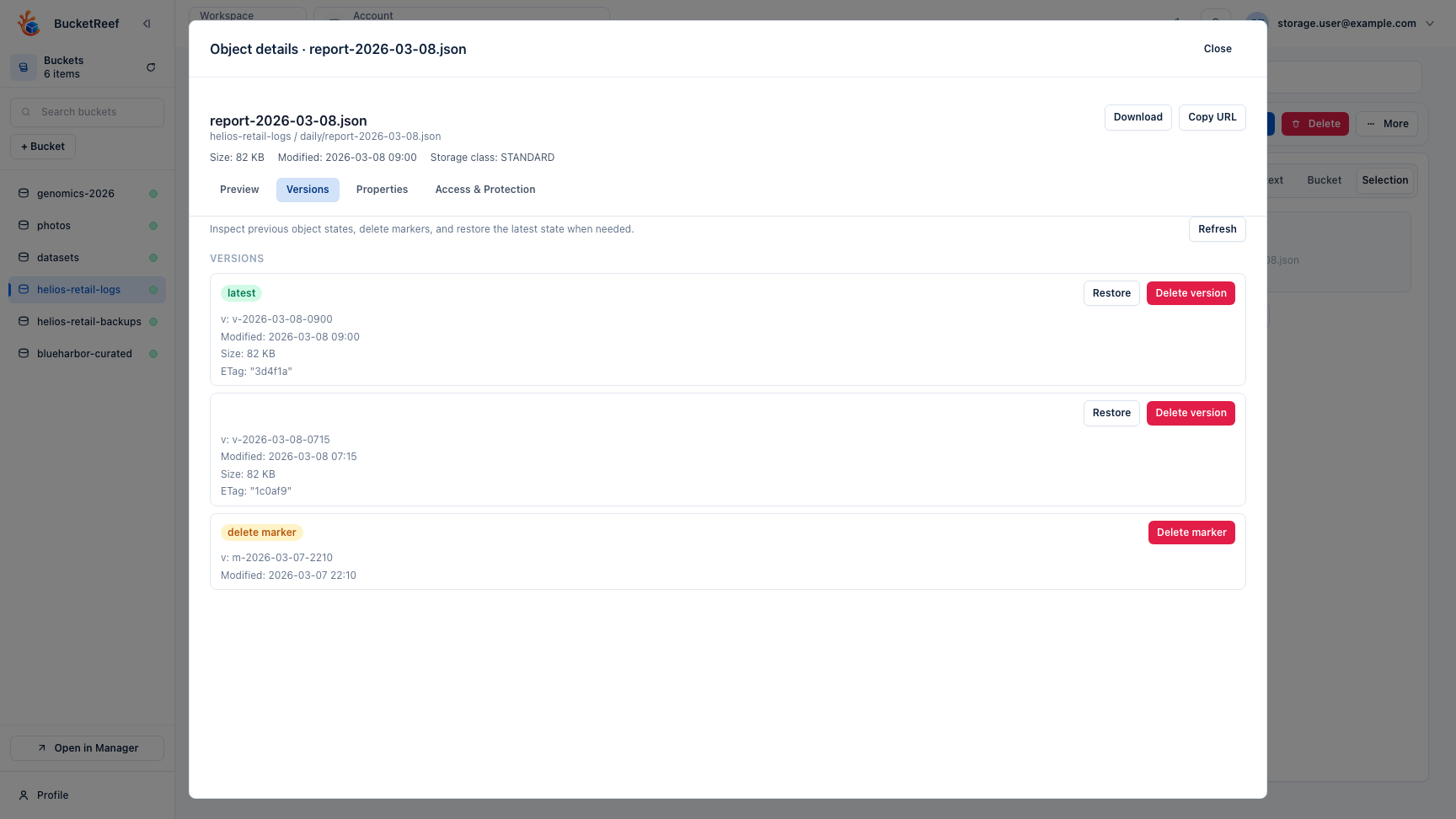
Object Versions from Ceph Admin
Use this page when an administrator opens object history from a Ceph Admin Browser context.
Before you start
- Select the correct Ceph Admin endpoint and bucket.
- Confirm that bucket versioning/history exists.
- Confirm that the administrative execution path is allowed to list and operate on the required versions.
Steps
- Open the embedded Browser from the intended Ceph Admin context.
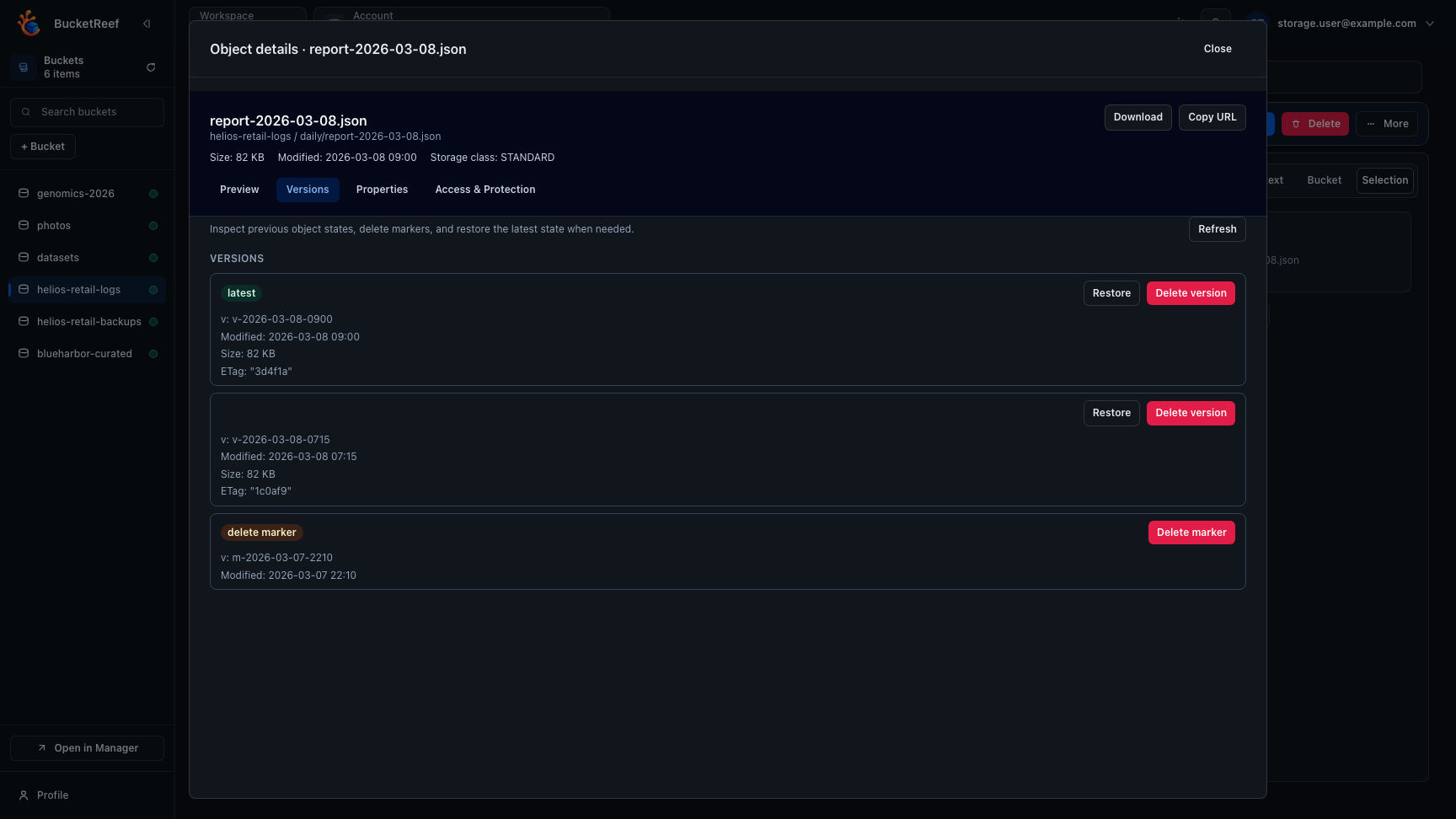
- Navigate to the exact object key and open Versions.
- Review current and historical versions and any delete markers.
- Download, restore, or remove only the intended version.
- Refresh the bucket/object view and verify the post-action state.
Version operations are S3 object-history work. Use the separate RGW Admin Ops workflows for bucket index repair, ownership changes, or administrative bucket removal.
Related pages
Visual example