Administration Troubleshooting
Use this page for platform, Ceph Admin, Storage Ops, deployment, or service failures that require administrator diagnosis.
First checks
- Reproduce the issue with the exact workspace, endpoint, and account/context.
- Check Endpoint status and the relevant health checks.
- Check effective access when the problem is a missing workspace, context, or action.
- Expand Technical details on an application error and keep its request reference, HTTP status, and timestamp.
- Use the application audit for control-plane changes and backend/service logs for runtime failures. Object data-plane operations are not application-audit events.
Common symptoms
| Symptom | First checks |
|---|---|
| Workspace missing | Global workspace setting, user/group entitlement, account association. |
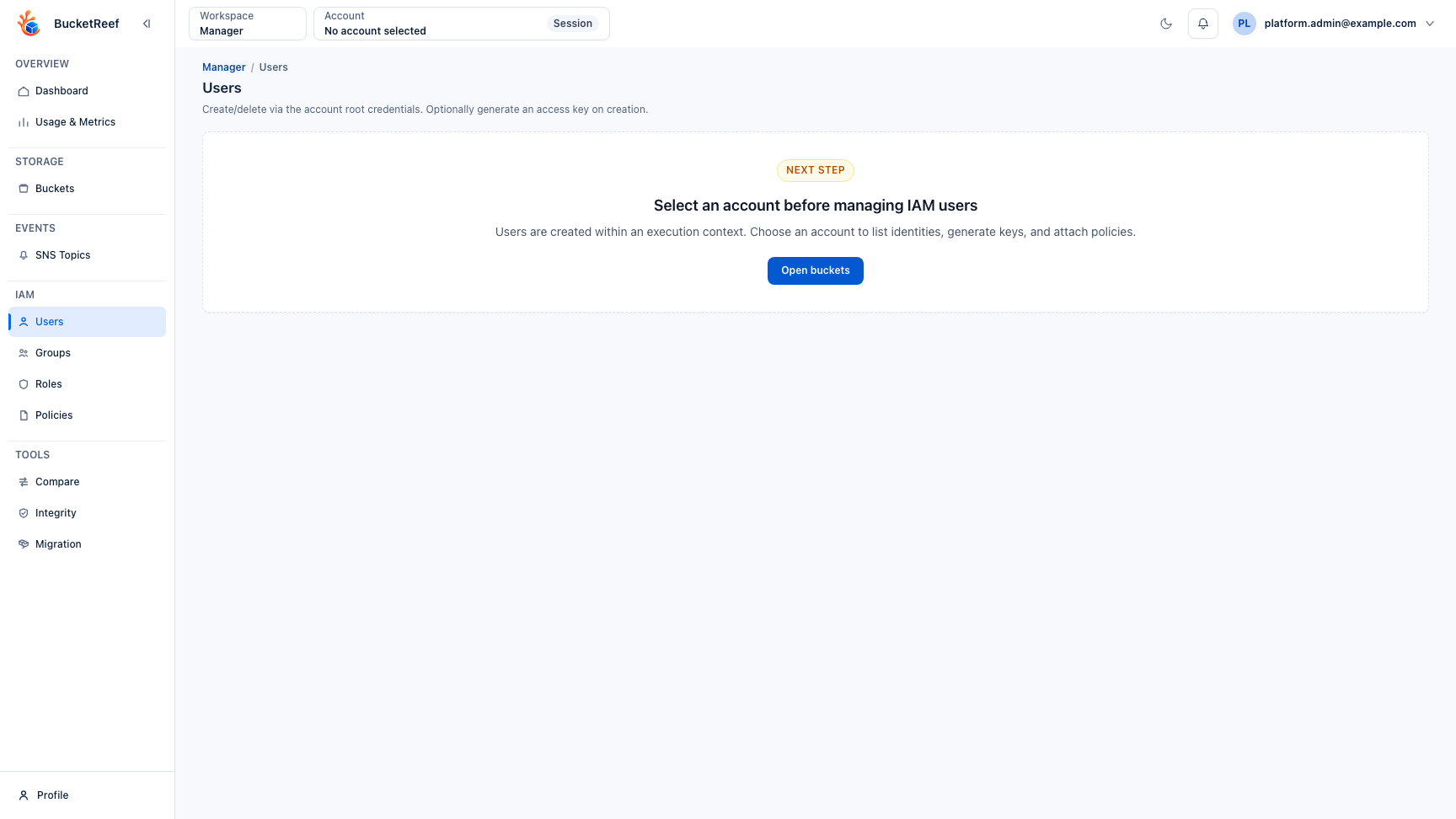
| Endpoint or account missing | Active configuration, endpoint health, effective access, scope filters. |
AccessDenied |
Execution identity and storage-side IAM/S3/RGW authorization. |
| Metrics or usage unavailable | Scheduler/collection jobs, endpoint capability, collection credentials. |
| Ceph Admin action fails | Selected endpoint, Admin Ops credentials, RGW HTTP/Ceph result. |
| Storage Ops target missing | Authorized contexts, endpoint filters, Storage Ops entitlement. |
| Repeated 5xx or network errors | Backend logs, reverse proxy, DNS/TLS, dependency health, request reference. |
Do not resolve a storage-side denial by widening unrelated UI roles. Confirm the identity that executed the request and fix the narrow authorization or endpoint configuration that caused the failure.
Escalation evidence
Include the workspace, route, endpoint/context, target, timestamp, request reference, exact error, and relevant health state. Never include passwords, secret keys, bearer tokens, or recovery codes.
Related pages
Visual example