Feature: Cost in Admin
When to use
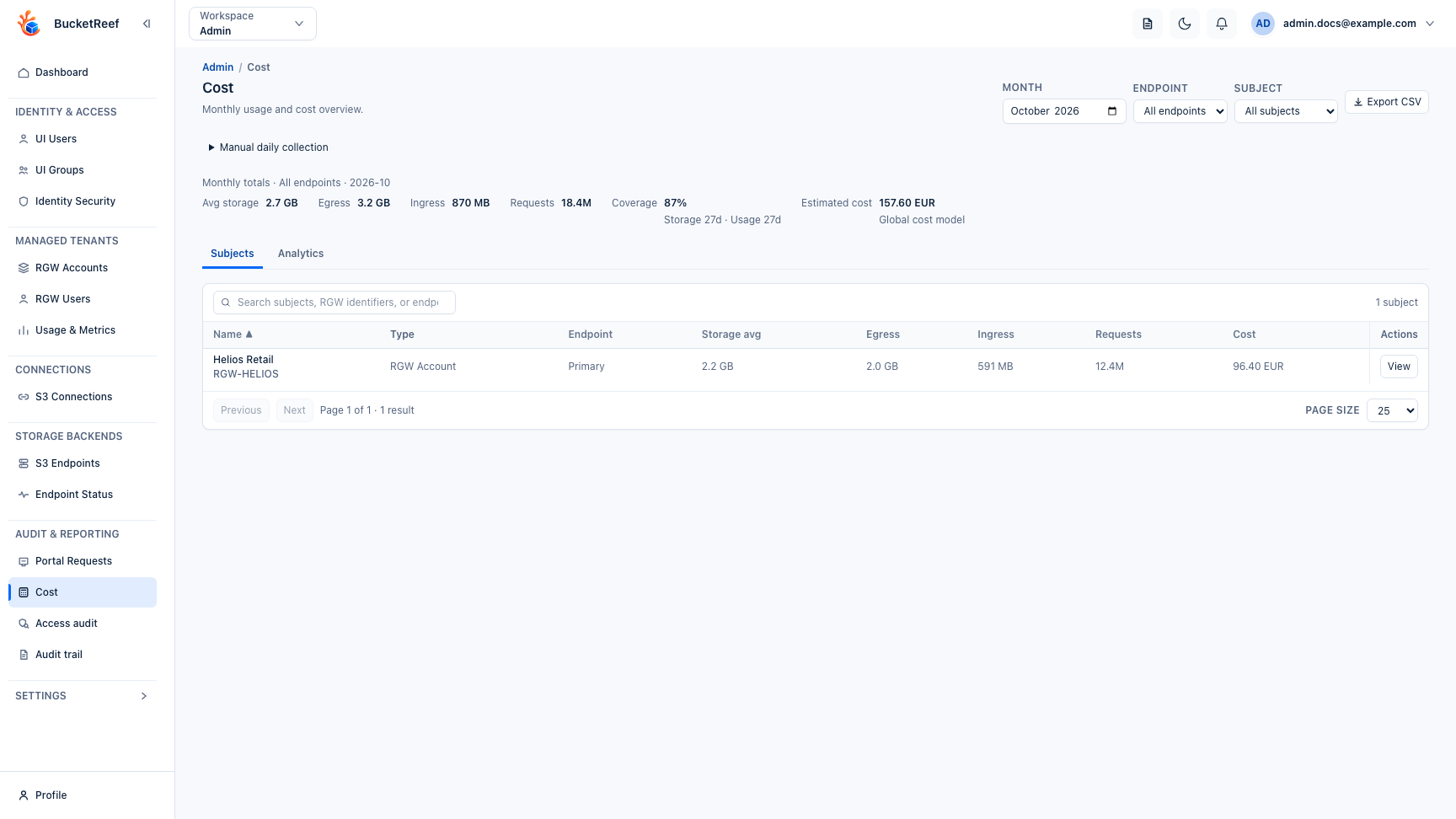
Use this page to explore monthly usage and estimated cost across Ceph RGW Accounts and RGW Users. The default view covers all Ceph endpoints and both subject types, so you can compare the whole platform before narrowing the scope.
Prerequisites
ui_adminorui_superadminrole.cost_enabled=truein general settings.- At least one Ceph endpoint.
- Collected cost data for the months you want to analyze.
- A configured Cost model if you need estimated costs, not only usage totals.
Before you start
Choose the month first. Endpoint and Subject are page-level filters shared by the Subjects and Analytics views:
- All endpoints aggregates every Ceph endpoint.
- All subjects combines RGW Accounts and RGW Users.
- Selecting one endpoint or one subject type narrows both views.
Coverage is shown with the results. Treat estimates for incomplete months or mismatched storage/usage coverage as provisional.
Subjects
- Open
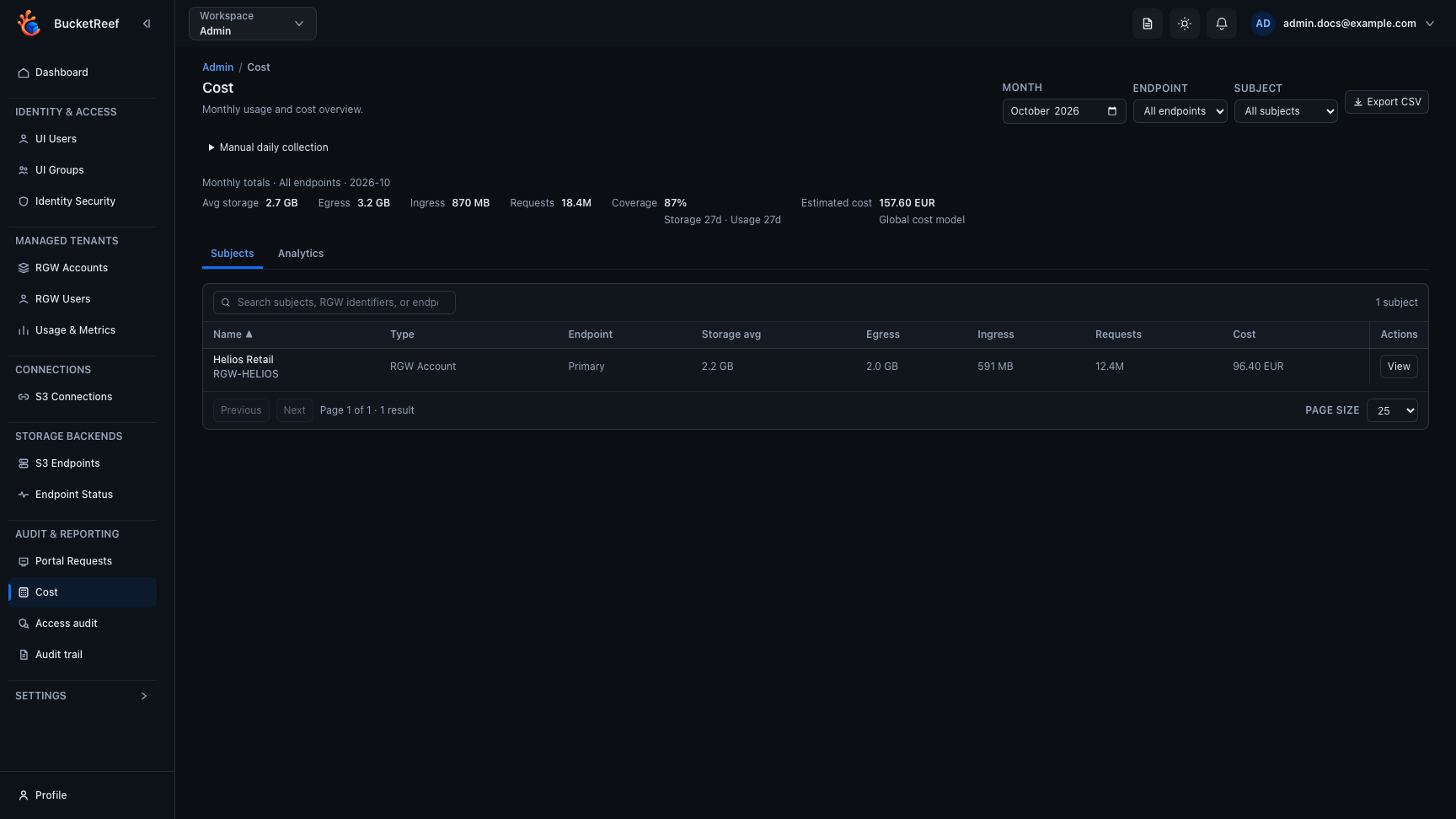
/admin/cost. The page starts with All endpoints and All subjects. - Use Search to find a subject by display name, RGW identifier, or endpoint name.
- Sort the global list by name, endpoint, cost, egress, ingress, storage, or requests.
- Use pagination to move through the filtered result set. Sorting and pagination apply after subjects from the selected endpoints and types are combined.
- Select View for a subject to open its dedicated detail page.
- Review the subject detail page. It shows the estimated-cost breakdown, change from the previous month when comparable data exists, a 12-month cost trend, RGW request categories, and separate daily ingress/egress alongside storage and request activity. Back to Cost restores the list filters, search, sort, page, and active tab.
- Use Export CSV to export the selected month, endpoint scope, and subject type. Export also supports All endpoints and All subjects.
The search box affects only the Subjects list. It does not change Analytics.
Analytics
Open the Analytics tab to review the complete filtered scope independently of the current Subjects page. It includes:
- Cost by component: storage, egress, ingress, and request cost.
- Cost by endpoint: compares endpoints in the selected scope. Select an endpoint bar to focus the page on that endpoint.
- 12-month cost trend: stacked monthly component cost ending with the selected month.
- Top 10 subjects: ranks subjects across the whole filtered scope. Select a subject bar to open its dedicated detail page.
- Cost concentration: compares the Top 5 subjects with all remaining subject cost.
Analytics uses server-side aggregates. Top subjects and totals are not derived from the currently visible paginated Subjects rows.
Manual daily collection
If scheduled data is stale or missing, expand Manual daily collection, select one UTC day, and run Collect daily. The page reloads the current summary and subject data after collection. Partial endpoint, storage, or usage failures remain visible below the action.
Expected result
You can move from a platform-wide monthly view to an endpoint, subject type, or individual RGW subject while keeping coverage and pricing provenance visible.
You are done when
The selected scope has enough storage and usage coverage to support the estimate, the main cost drivers are identified in Analytics, and individual subjects can be traced to their daily storage, traffic, or request activity.
If you do not see this action
Check cost_enabled, Ceph endpoint configuration, cost collection status, Cost settings, and your Admin role.
Limits / feature flags
Note
Cost analytics are available only when the Cost feature is enabled and cost collection is configured.
Note
Estimated costs use the global Cost model, with a complete per-endpoint override when one is configured. Aggregating endpoints with different pricing sources reports mixed pricing. Without a Cost model, usage and coverage remain visible while estimated cost is unavailable.
Configure pricing from Admin > Settings > Cost or directly at /admin/cost-settings. Cost settings remain available while the Cost feature is disabled so pricing can be prepared before activation.
Related pages
Visual example