Start Here
Use the Administration guide when you deploy BucketReef, configure the platform, or operate its storage integrations.
Choose your starting point
| Your responsibility | Start with |
|---|---|
| Evaluate or install BucketReef | Local quickstart, then choose Docker Compose or Helm. |
| Take over an existing deployment | Sysadmin onboarding. |
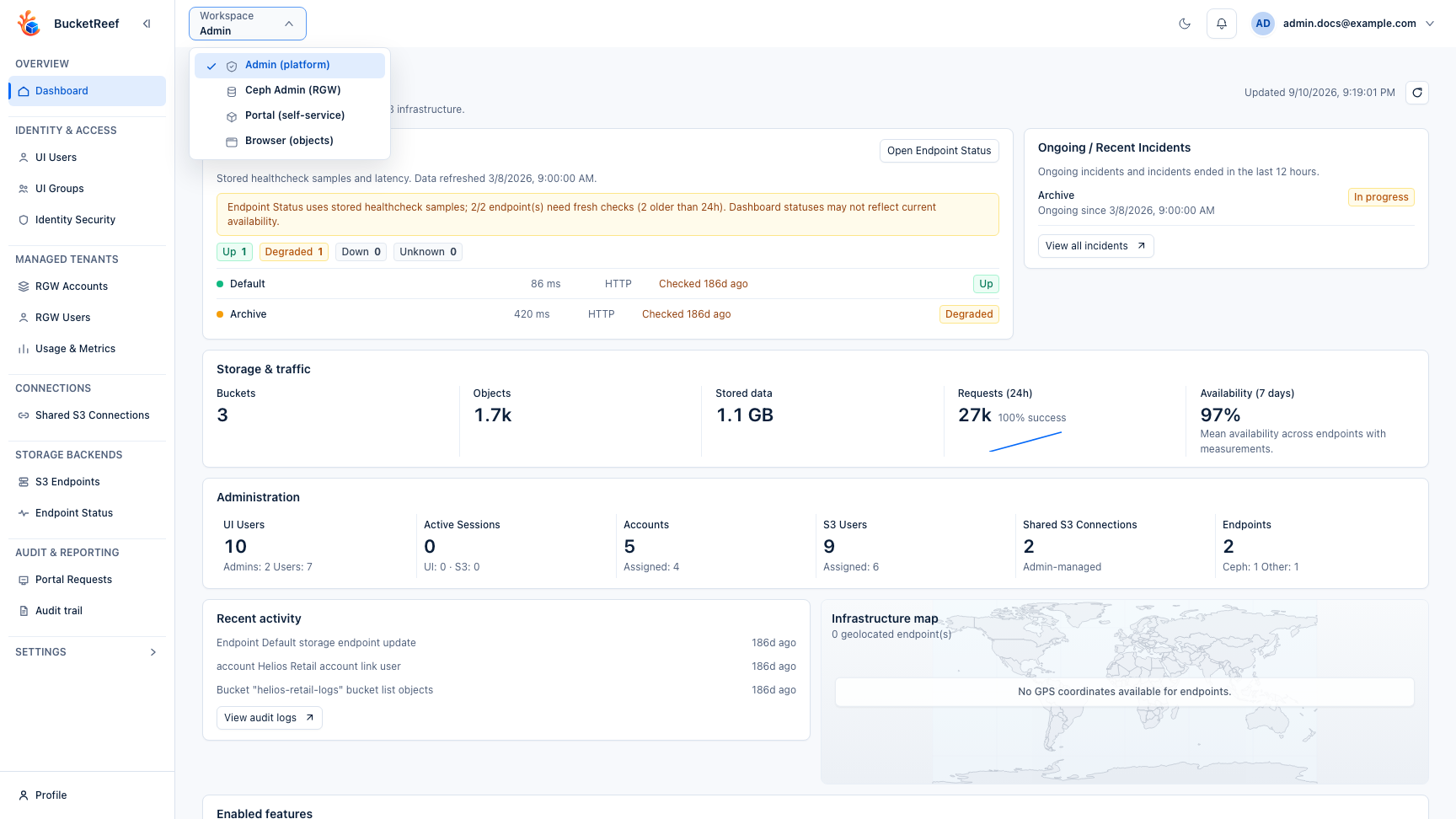
| Configure users, endpoints, accounts, S3 connections, settings, audit, or cost | Admin workspace. |
| Operate Ceph RGW at cluster scope | Ceph Admin. |
| Run bucket operations across authorized contexts | Storage Ops. |
| Prepare a service for application or end-user teams | Storage admin runbook. |
| Diagnose a production problem | Troubleshooting and Observability. |
First administration pass
- Verify the deployment, persistent services, secrets, and public URL.
- Configure at least one storage endpoint and confirm its health.
- Configure UI users/groups and the storage contexts they should access.
- Enable only the workspaces and features the service needs.
- Verify scheduler jobs, metrics, audit, backup, and recovery.
- Run a small end-to-end handover scenario with the target user role before announcing the service.
Administration owns platform configuration and operational storage work. Bucket and IAM administration inside a user's assigned S3 context is documented in the separate Manager guide; end-user Storage Space workflows are documented in the Portal guide.
Related pages
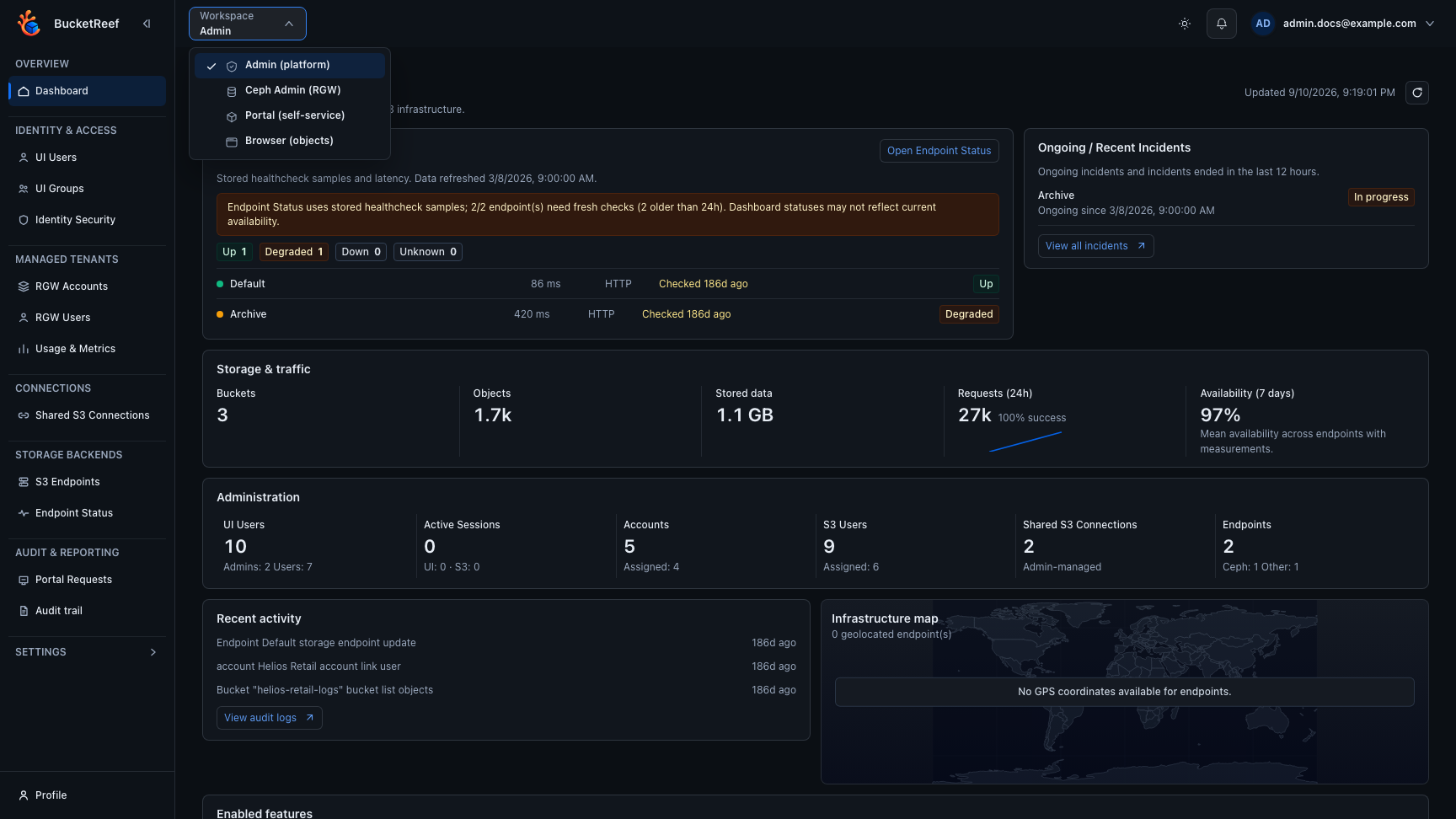
Visual example