Portal: Storage Health
Use this page when you need to know whether there is room for more files, which spaces are growing, how files moved in or out, or what the current month may cost.
Before you start
- Select the right project.
- Usage, quota, or transfer-activity collection must be enabled by the platform for the matching tab to appear.
- The Costs tab additionally requires global Cost enablement and Cost estimation enabled for the selected Portal project.
- Some metrics may be unavailable even when file access works.
What Portal can show
| Signal | Meaning |
|---|---|
| Overview | Storage used, room left, file count, and visible spaces for the selected workspace. |
| By space | Per-space storage and file counts only for spaces you can access. |
| File types | Optional breakdown of visible files by type, size, and storage class. |
| Trends | Stored readings that show whether storage and file counts are growing. |
| Uploads & downloads | File movement and activity when traffic collection is available. |
| Costs | Optional monthly estimate for storage and transfer activity. |
| Other | Anonymous storage used elsewhere in the project. It is not a Storage Space you can open and does not reveal hidden names or identifiers. |
| Alerts | Deduplicated warnings such as quota near limit, public links, or a degraded endpoint. |
The By space view is useful when you need to compare visible spaces while keeping the project-level room and file-count context in view.
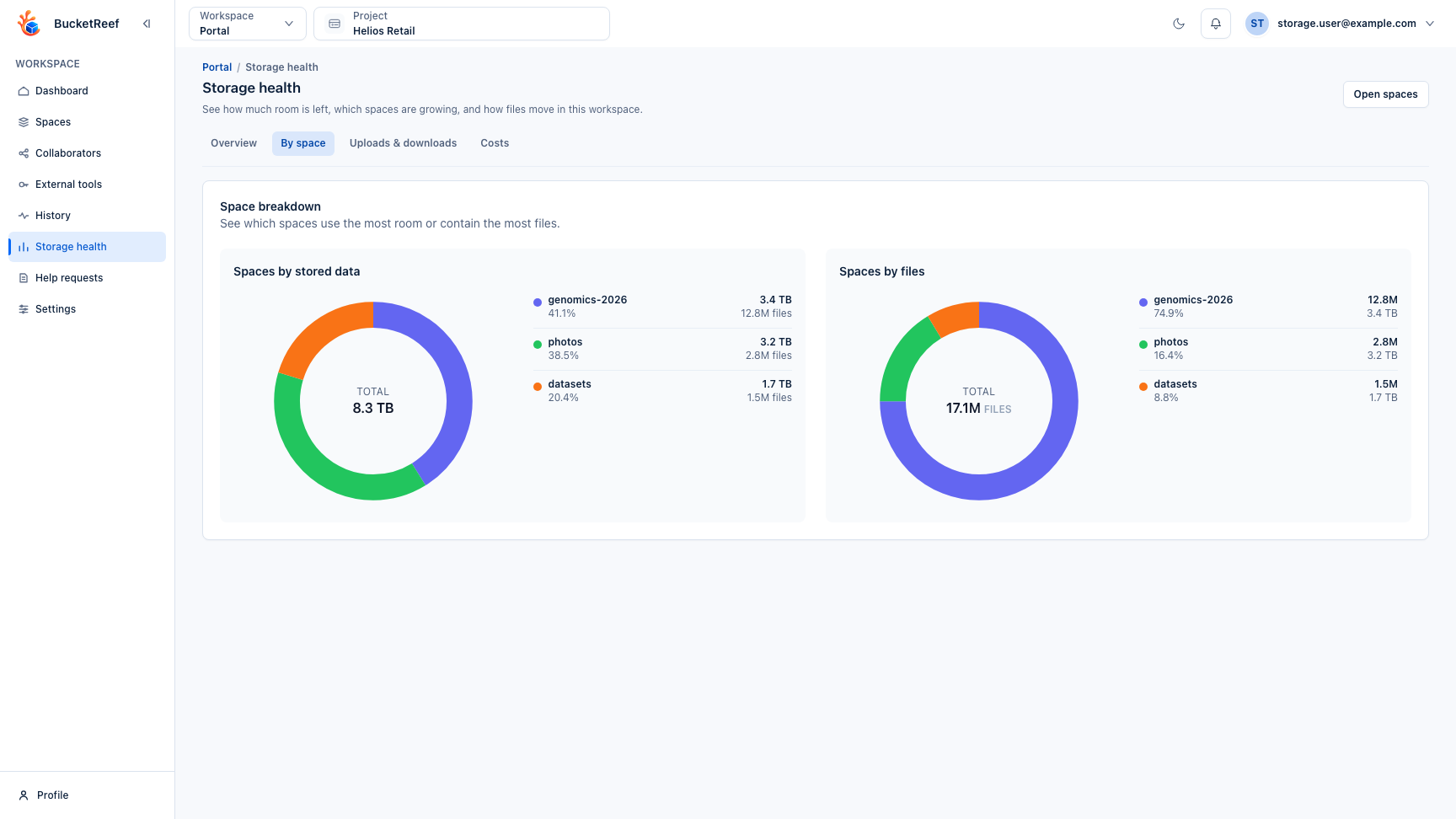
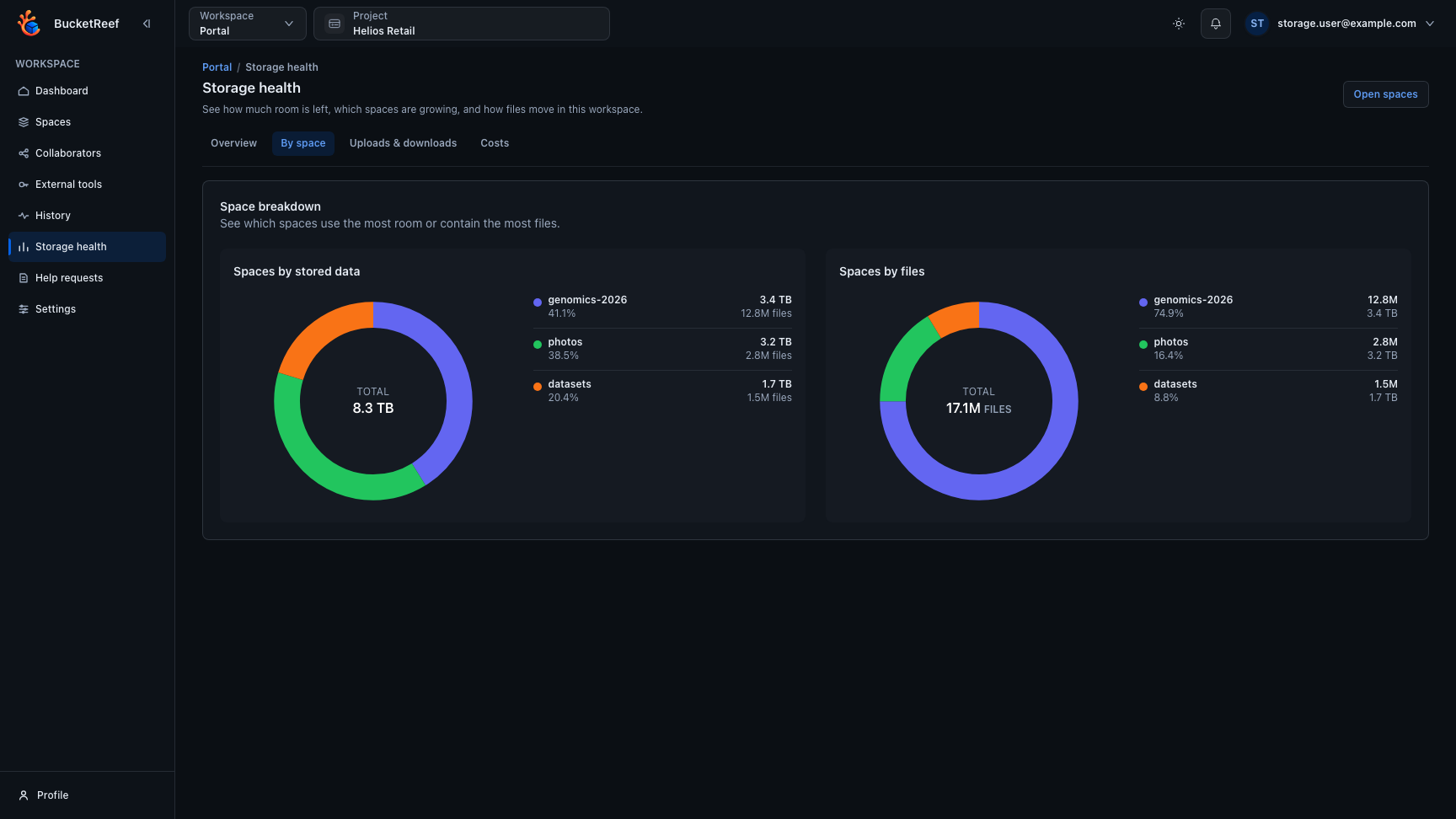
Traffic details are shown only for Storage Spaces you can access. The dashboard may keep global totals so you can understand quota pressure, but it must not expose the names of other users' private spaces.
You are done when
You can tell whether the selected project has room left, which spaces need attention, whether file movement looks normal, and whether cost data is available.
If a metric is unavailable
Unavailable metrics do not always mean the space is broken. File access can continue while usage, traffic, or cost information is temporarily unavailable. If data remains missing, report the project, tab, and time to your administrator.