Start Here
Portal is the workspace for working with the storage projects and Storage Spaces assigned to you.
Your first visit
- Open
/portaland choose the project you were given access to. - Open Spaces.
- Choose a Storage Space and open Files.
- Upload a small test file if your role allows it, then download it again.
- Use Collaborators when you need to understand who can access the space.
- Check Storage health when you need to understand capacity or alerts.
Open Portal from the workspace selector, then choose the project you intend to work with.
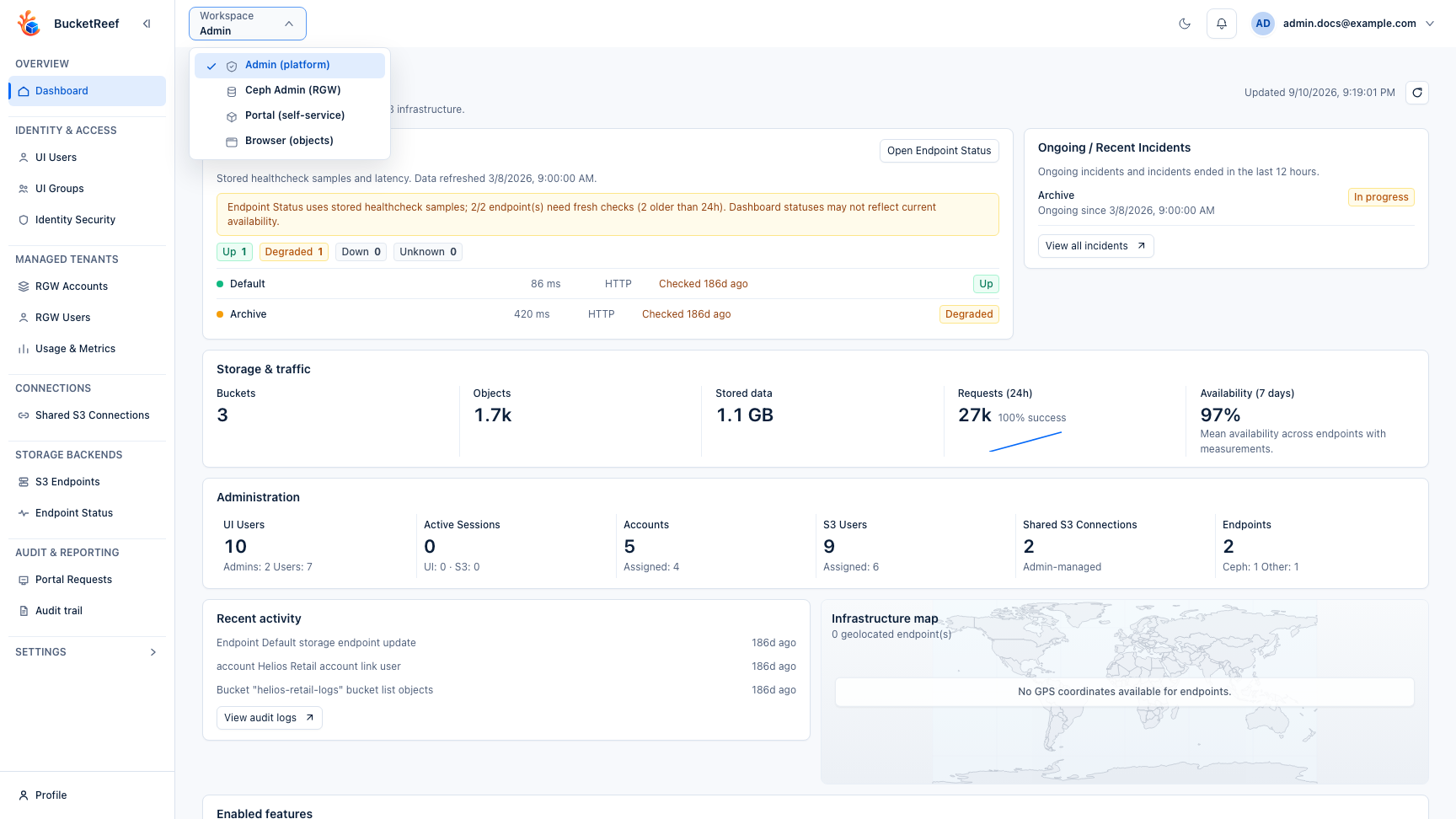
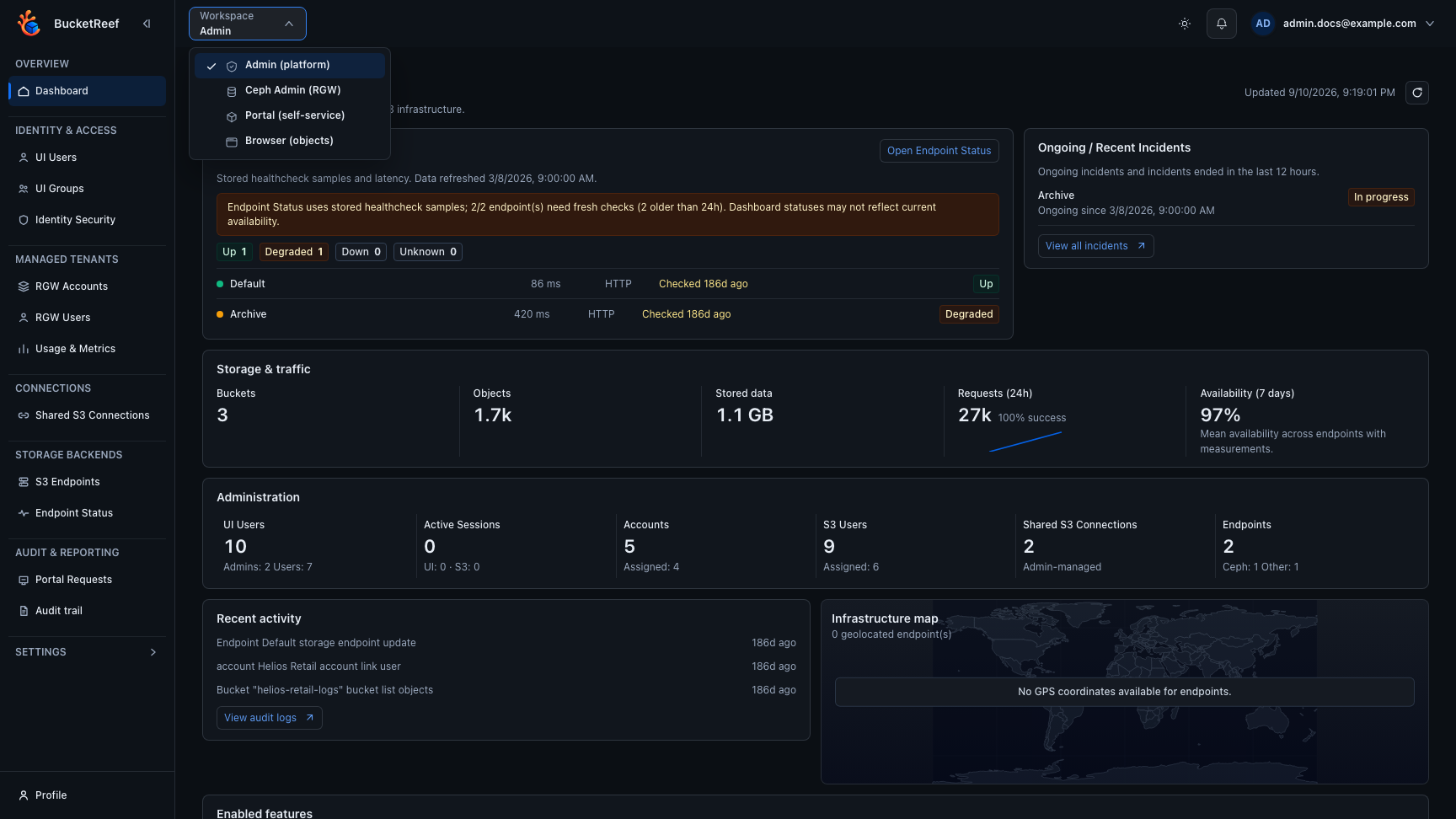
You do not need to choose S3 accounts, endpoints, or execution identities for normal Portal work.
Portal roles
- Portal User works with the spaces and actions granted to them.
- Portal Manager has additional project responsibilities inside Portal.
Portal Manager does not mean access to the separate Manager workspace.
Where to continue
| Goal | Read next |
|---|---|
| Open or organize storage | Storage Spaces |
| Upload, download, preview, or organize files | Files |
| Recover a previous file version | Previous versions |
| Invite or review collaborators | Collaboration |
| Use an external S3 application | External tools |
| Understand capacity and alerts | Storage health |
| Ask for an administrative change | Help requests |