Portal: Help Requests
Use this page when you need help from a storage admin before you can finish a Portal task, add or remove someone from the project, or change the project storage limit or a project setting that has not been delegated to Portal Managers. Collaborator additions and direct project-role changes also appear here when they require Admin approval. If the corresponding collaborator action is delegated, it is applied immediately and retained in the request history as an approved entry for traceability.
Before you start
- The selected project is the project concerned by the request.
- You are a storage manager for the selected project when creating collaborator or storage-limit requests, or a Portal Manager when requesting a project-setting change.
- You know the person's name and email when requesting project access for them.
- For storage-limit changes, you know the target capacity. The reason field is optional.
- Project-setting requests are available only while project settings remain managed by the platform administrator. If settings are delegated, edit them directly from Portal > Settings.
- Collaborator delegation is configured independently by an Admin for each project. Addition delegation and project-role-management delegation are two separate permissions and are disabled by default.
Main tasks
- Open Portal > Help requests.
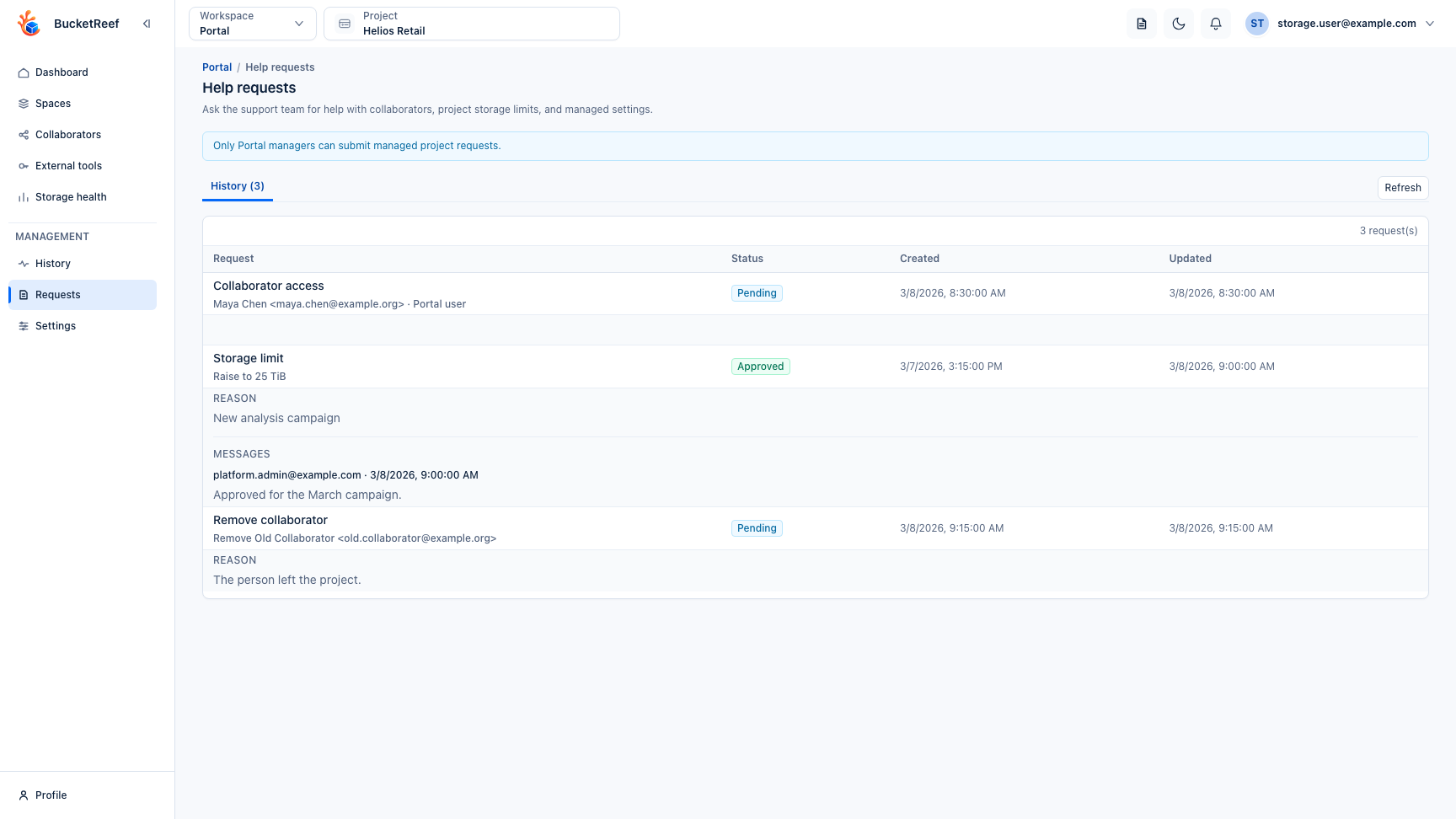
- Review My help requests first to see pending, approved, rejected, or failed requests.
- Select Manage membership to add or remove a collaborator from the same
form. When adding someone, choose whether the requested project role is
Workspace member (
portal_user) or Workspace manager (portal_manager). For removal, choose an existing direct collaborator from the project list; the name and email are filled from that selection. The reason field is optional. When collaborator addition is delegated, a Workspace member is added immediately. Adding a Workspace manager immediately requires both collaborator addition and role management to be delegated; otherwise the request remains pending for Admin approval. Project removal is never applied through these delegations and always remains an Admin-approved request. To change the role of an existing direct collaborator, open that person's access review from Portal > Collaborators, then select Change role. The action switches between Workspace member and Workspace manager. It is applied immediately when role management is delegated; otherwise it remains pending for Admin approval. Portal does not offer this action for your own membership or for access inherited from a group. - Select Change storage limit to choose a higher or lower limit, enter the new target, and choose the unit. The preview shows the current limit, the requested limit, and the space already used. The reason field is optional.
- If project settings are not delegated, select Change a project setting. Choose one setting, review its currently applied value and source, then request either a project override or Platform value to remove that setting's project override. The delegation switch and global-only settings are not requestable.
- Review the request list to follow its status.
- Open request details to read admin messages, execution errors, or the final result.
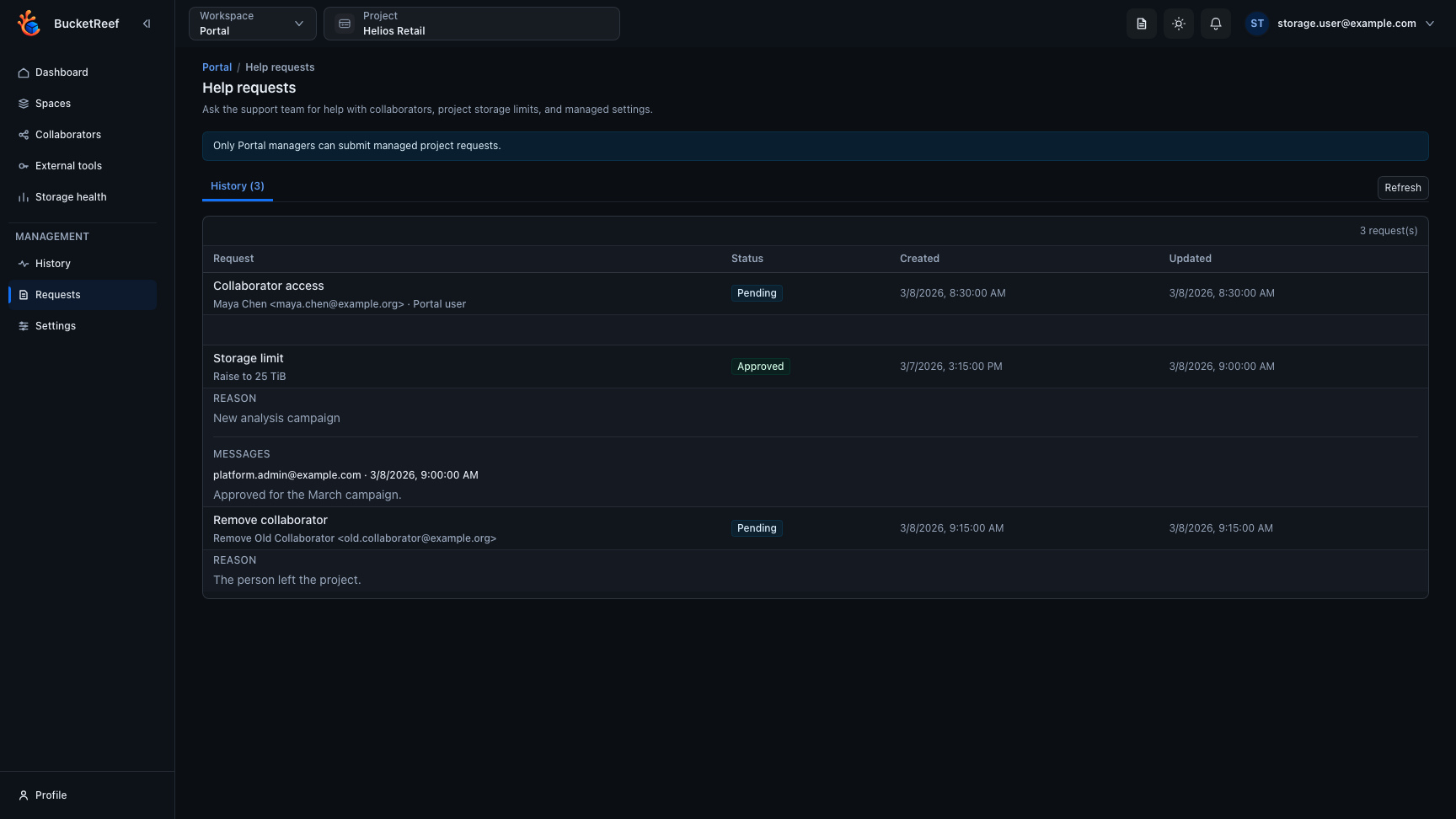
The request history keeps pending and completed requests together, including the reason and administrator messages when those details are available.
Statuses
| Status | Meaning |
|---|---|
| Pending | The request is waiting for an admin decision. |
| Processing | An admin approved it and the platform is applying the change. |
| Approved | The requested action completed successfully, either immediately through delegation or after Admin approval. |
| Rejected | An admin declined the request. |
| Failed | The platform could not apply an approved request. |
Expected result
The request stays visible from Portal with its final status and any Admin messages. Non-delegated collaborator actions, removals, and storage-limit changes remain unchanged until an Admin validates them. Delegated collaborator actions are recorded directly as Approved, do not notify an Admin for a decision, and include an audit entry identifying delegated execution. For collaborator additions, every request carries an explicit intent and Portal role, and execution applies that requested role. For role changes, execution first verifies that the collaborator still has the same direct Portal role recorded when the request was created. If their membership or role changed in the meantime, the action fails instead of overwriting the newer state. Portal blocks storage-limit requests that would set the new limit below the space already used. For a project-setting request, approval changes only the requested setting and preserves any other project-setting changes made since the request was created.