Files in a Storage Space
Use this page for file work inside an active Portal Storage Space.
Main tasks
| Task | How it works |
|---|---|
| Browse folders | Use breadcrumbs and folder rows inside the selected Storage Space. |
| Upload files | Available when your Storage Space role allows writes. |
| Preview a file | Open the file and use Preview for supported formats. |
| Download | Use the file row or details view when your role allows reads. |
| Review history | Use History when versioning or file history is available. |
| Restore a previous or deleted file | Restore from History; the recovered content becomes the current version. |
| Create folders | Use the file-list action when your role allows writes. |
| Delete | Delete is available only with the required write/delete permission. |
| Share a file | Use the Sharing view when project policy allows external sharing. |
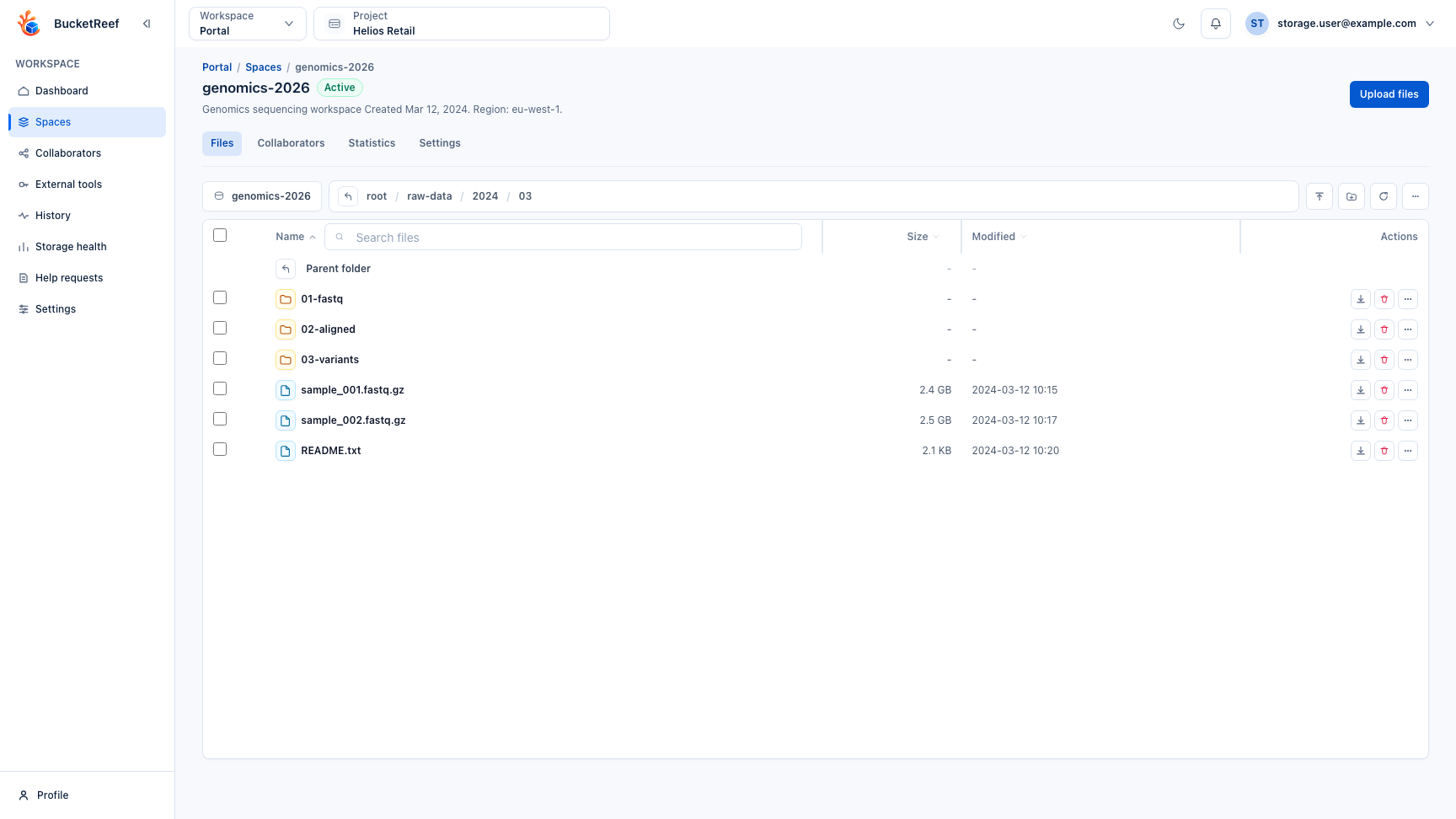
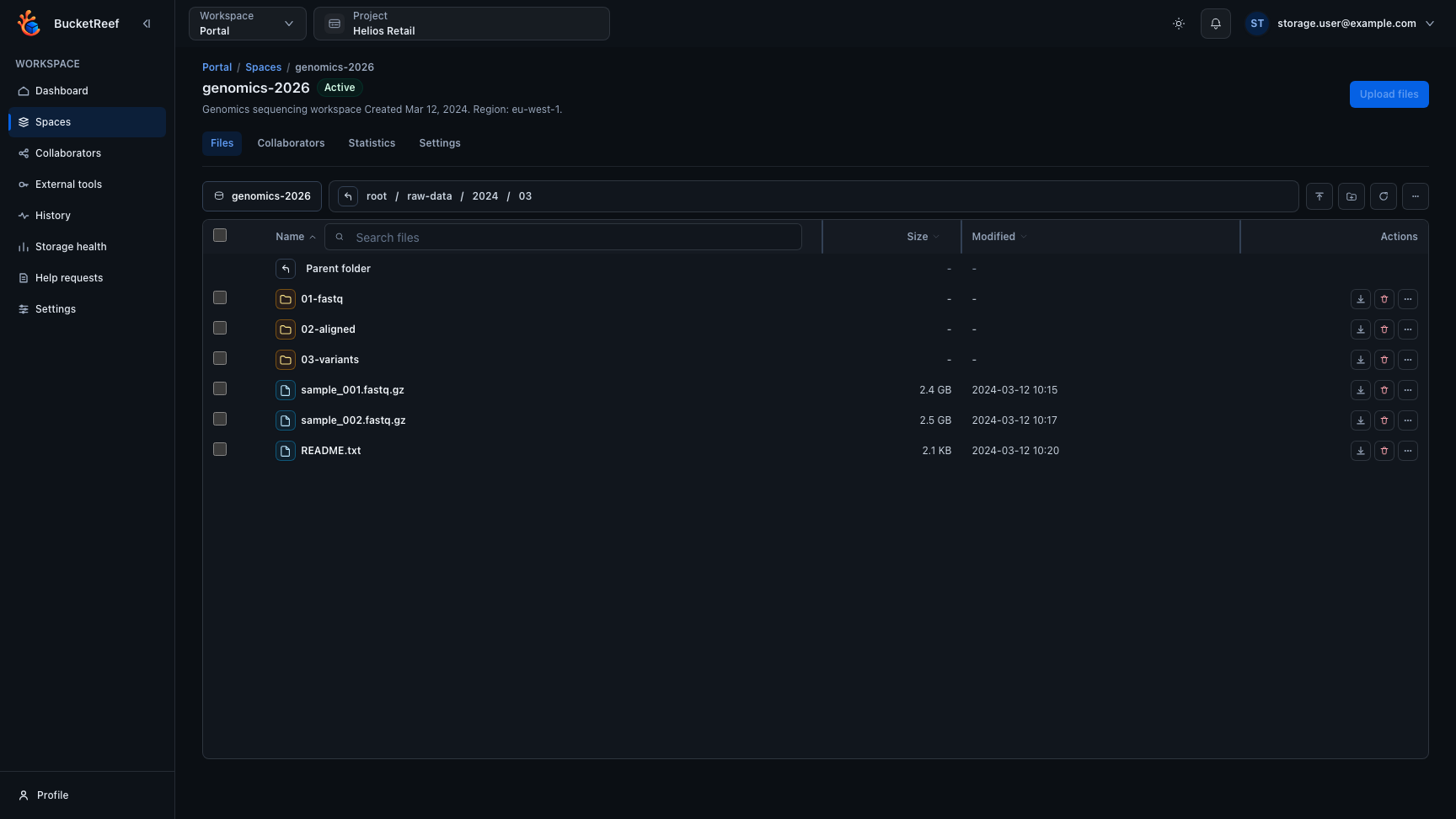
The file list keeps the current path, folders, files, and the actions available for your role together inside the selected Storage Space.
File details
Portal keeps the default view user-oriented: name, path, size, type, update time, preview, history, sharing, and safe file details. Advanced S3 metadata, tags, retention, and diagnostics belong to Browser or Manager workflows.
Paths are exact. Spaces and repeated or leading / characters are significant
S3 key characters and are preserved by file, history, restore, and sharing
operations.
Deleted files and history
When history is enabled, deleted files can remain recoverable. Use Show deleted files in the current folder, open a deleted entry, and restore an available version. Folder restoration acts on the exact folder path and shows progress and failures explicitly.
See versions for the Portal-specific history flow and safe deletion before destructive operations.