Bucket Purge in Manager
Use Tools > Purge when you need to empty one or more buckets in the active Manager context while keeping the buckets and their configuration.
Prerequisites
- Bucket purge is enabled for Manager.
- Your direct or inherited Manager access includes the bucket-purge tool.
- The active execution context can delete current objects, versions, and delete markers in the selected buckets.
Before you start
Purge is destructive. BucketReef does not provide an application-level undo for objects, versions, or delete markers removed by this tool.
Steps
- Open Manager > Tools > Purge.
- Confirm the execution context and select the target buckets.
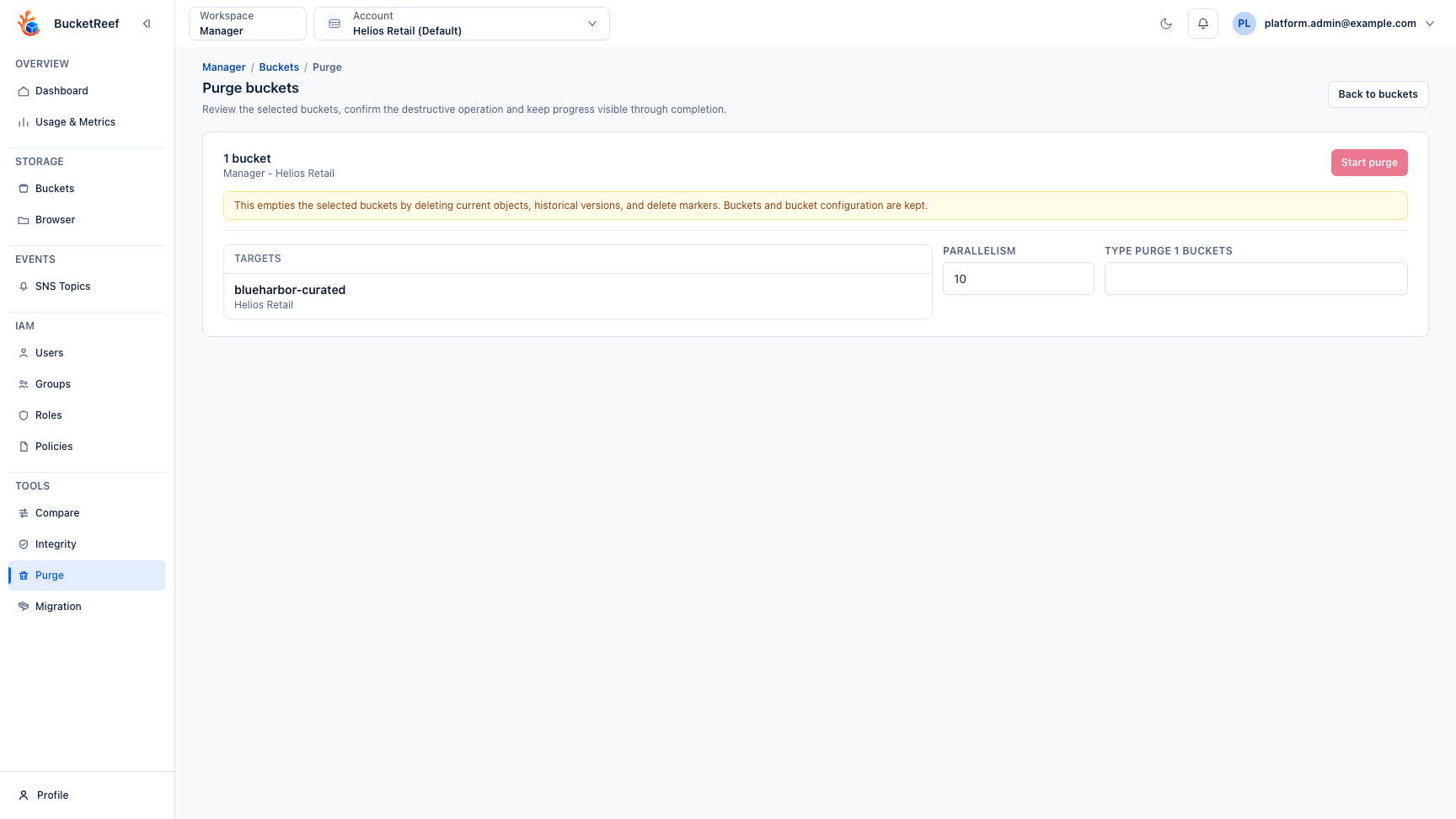
- Review the target summary and the effect of the operation.
- Adjust parallelism only when necessary.
- Type the exact confirmation phrase shown by the page.
- Start the purge and keep the result open until completed and failed targets are known.
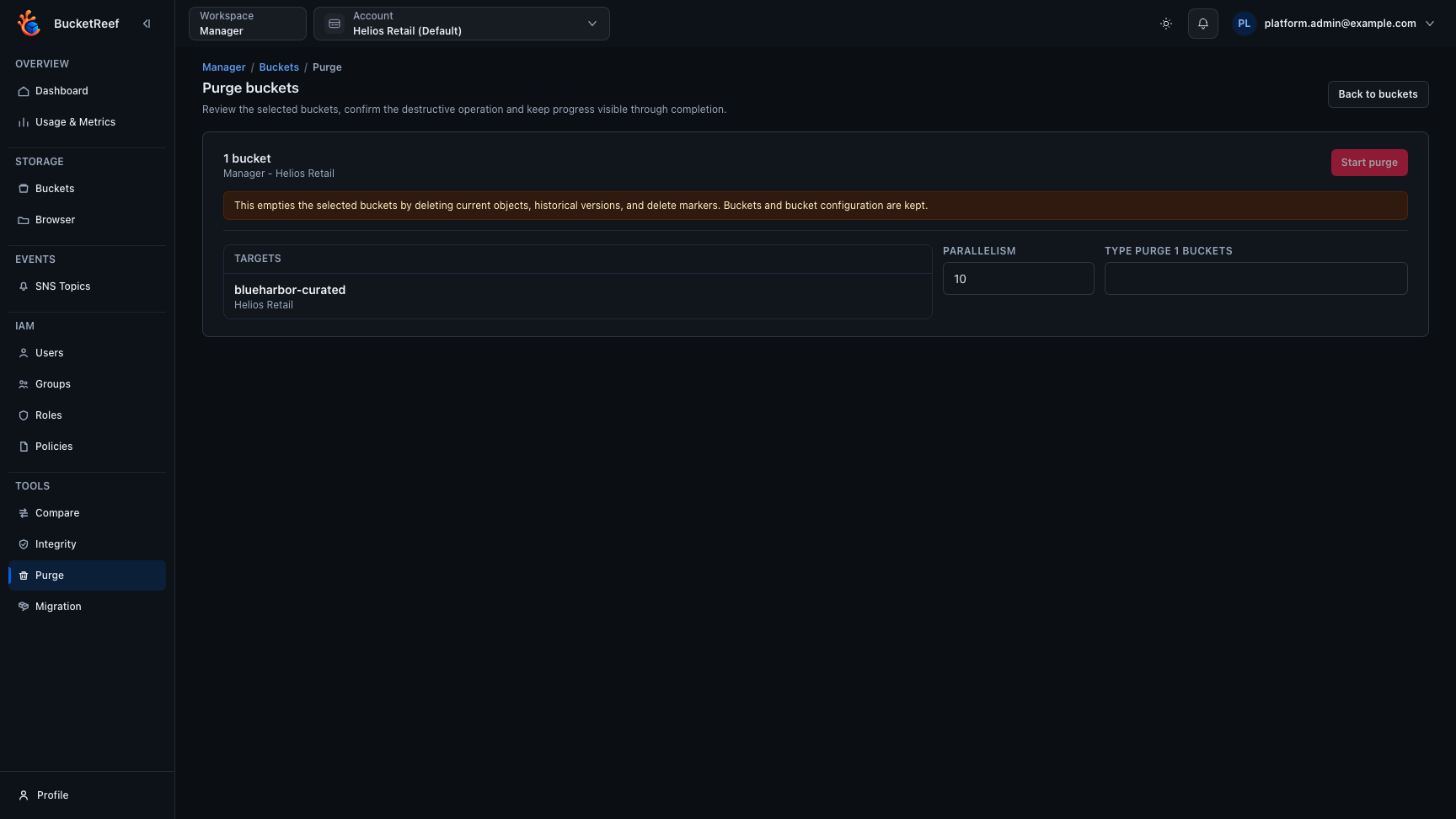
The final confirmation keeps the selected target, destructive warning, parallelism, and exact confirmation phrase together so the scope can be checked one last time before Start purge becomes available.
When bucket statistics are available, BucketReef can use them as an initial progress estimate. The exact total can remain non-final while listing is still in progress.
Result
Purge removes current objects, historical versions, and delete markers. It keeps the bucket itself and its configuration such as policy, lifecycle, CORS, notifications, and versioning state.
A partial failure keeps confirmed deletion counts and reports the entries or batches that failed. Inspect the bucket before retrying.
Deleting the bucket itself is a separate Manager bucket action. Deleting a non-empty bucket can require purge access and removes the bucket configuration after its content has been successfully purged.