Manager Profile and Personal Connections
Open Profile from Manager when you want to change personal preferences, secure your sign-in, or manage storage connections that belong only to you.
Preferences
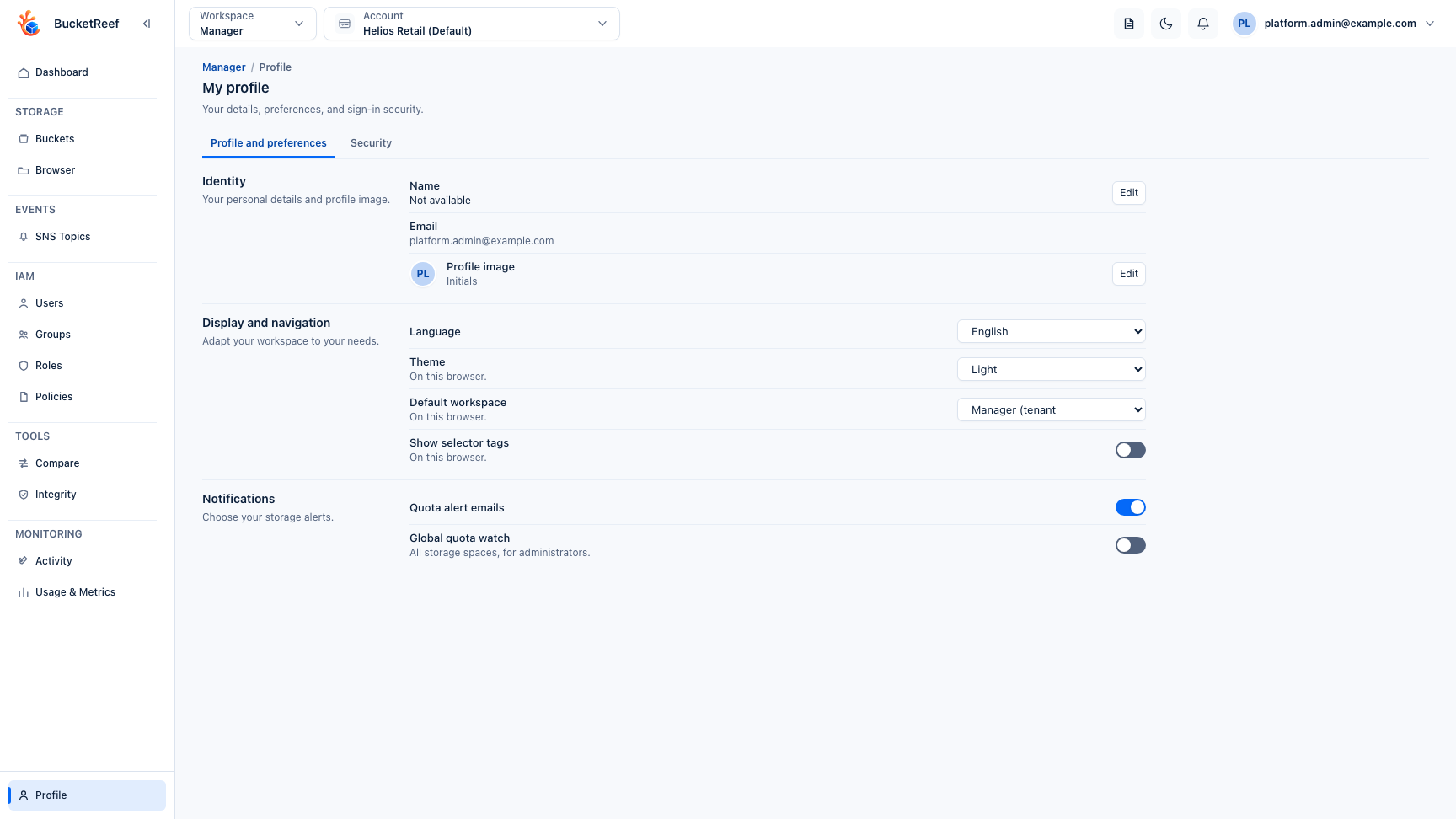
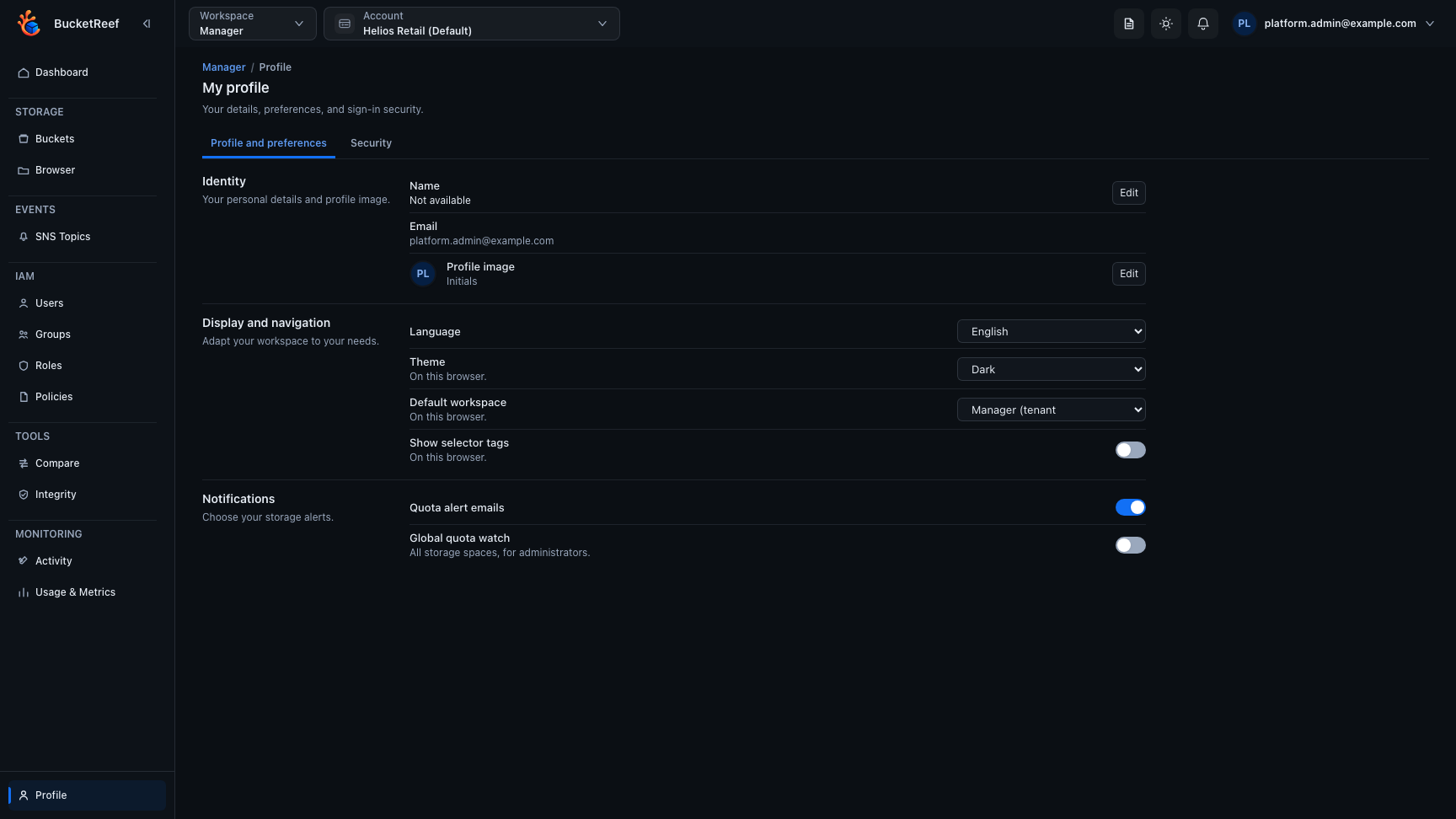
From Profile and preferences you can choose your avatar, language, theme, default workspace, quota-email preference, and whether selector tags appear in the Manager context selector on this browser.
Private S3 connections
When private connections are enabled for your user, the profile inventory lets you create, edit, tag, enable, disable, and remove your own connections. A connection can be enabled independently for Manager and Browser.
A Server managed connection was created by the Manager Create my private access workflow. Its remote identity and credentials are managed by BucketReef. You can change its presentation and availability, but you cannot edit or reveal its managed secret. Removing it first runs the corresponding remote cleanup; if cleanup fails, use the retry action shown by BucketReef.
Security
Use Security for your password when applicable, passkeys, recovery codes, open sessions, and linked external identities. Recovery-code renewal invalidates the old codes and existing sessions, so save the newly displayed codes before leaving the delivery screen.
Manager notifications
Quota notifications can appear for accounts or RGW users you administer. Their visibility follows your current access; losing Manager access removes unrelated notifications from your effective view.