Object Versions Inside Manager
Use version history in Manager's embedded Browser when you need to inspect, download, restore, or remove a historical object version from the active Manager context.
Before you start
- Keep the intended Manager context selected.
- The bucket must have versioning history to show.
- The active storage identity must be allowed to list and operate on versions.
Steps
- Open Browser from Manager and navigate to the object.
- Open its Versions view.
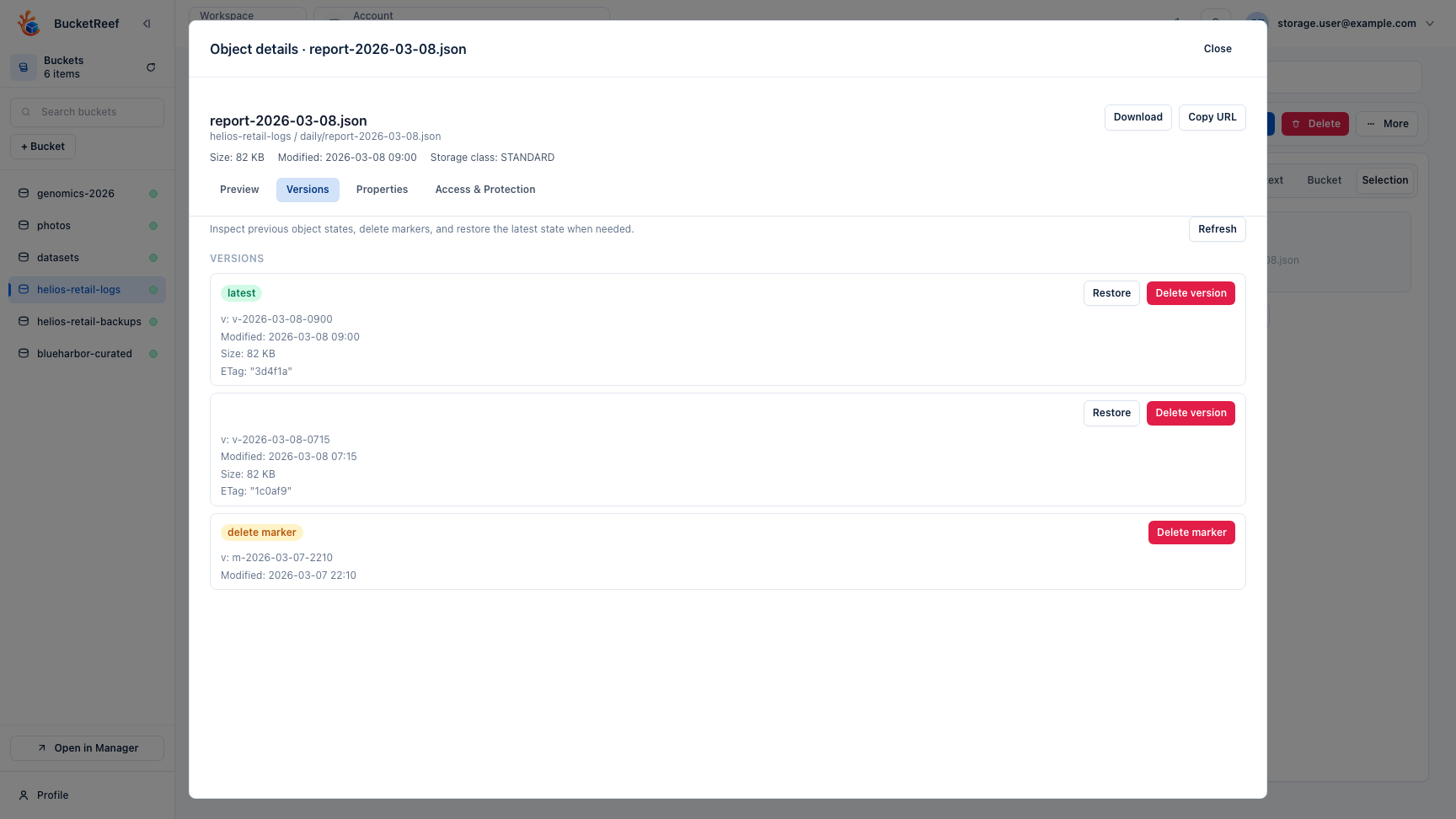
- Review which entry is current and whether delete markers are present.
- Download, restore, or remove the intended version using the action beside that exact version identifier.
- Refresh the object listing after a restore or delete so the current state is clear.
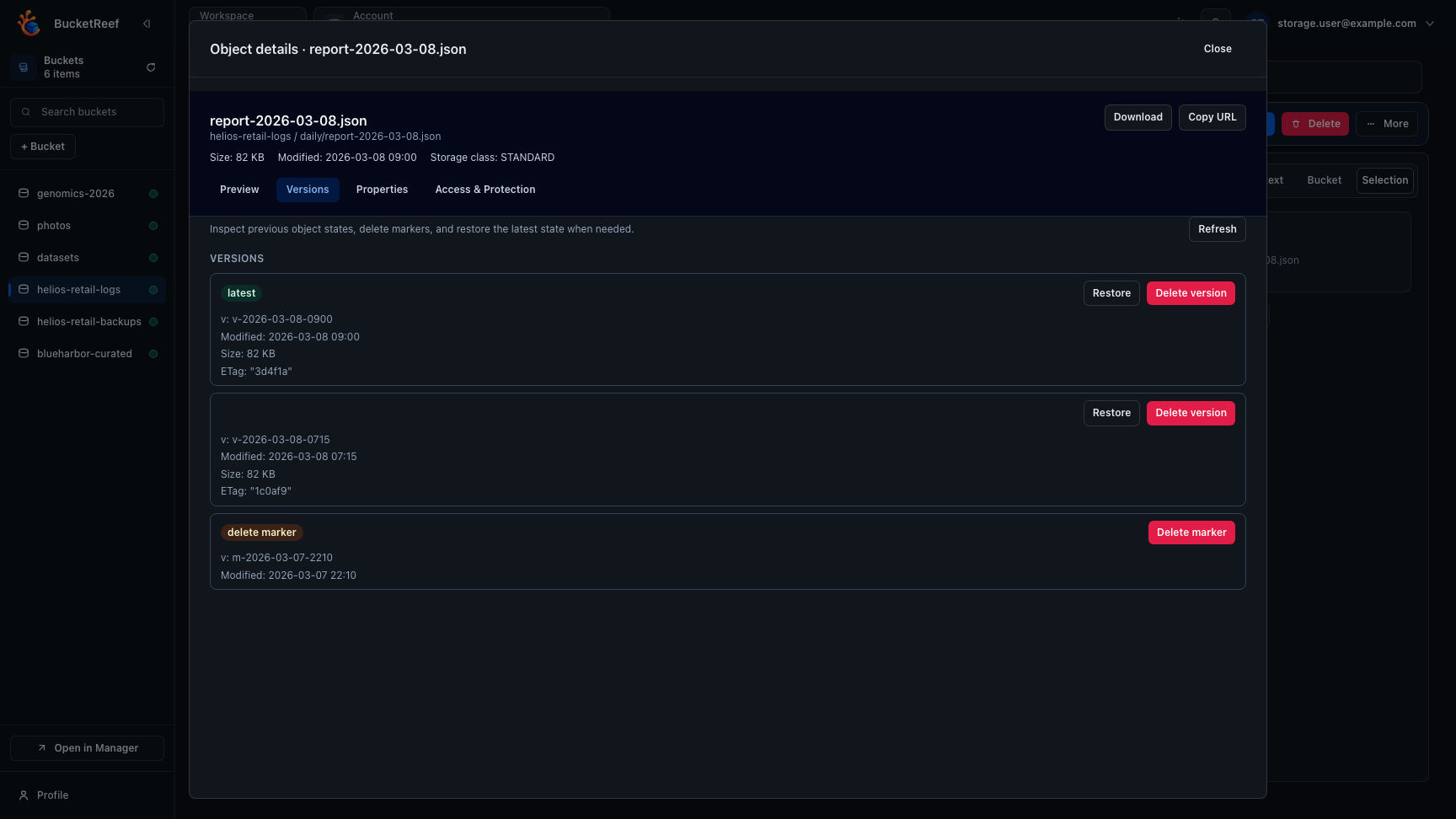
The versions drawer focuses on the exact object key and keeps each version or delete marker next to the actions that apply to that entry.
A historical read never silently falls back to the current object if the requested version cannot be read.