Object Operations Inside Manager
Manager can embed Browser for object work when data access is explicitly enabled for the active Manager context.
Execution context
The embedded Browser reuses the context already selected in Manager. It does not ask you to choose a separate standalone Browser connection. Bucket and object operations therefore run with the storage identity represented by that Manager context.
For an account, embedded data access requires the account-administrator association and the corresponding Manager Browser data-access permission. Other context types follow their own Manager/Browser eligibility rules.
Main tasks
- Select the intended context in Manager.
- Open Browser from Manager.
- Choose a bucket and navigate to the required prefix.
- Use the object actions available for that context: upload, download, preview, copy, move, delete, details, and versions where supported.
- Follow long-running work from the embedded operation UI until its result is clear.
The embedded view keeps the Manager shell and active context visible while the Browser handles objects. The identity banner also makes clear which storage principal RGW will attribute those operations to.
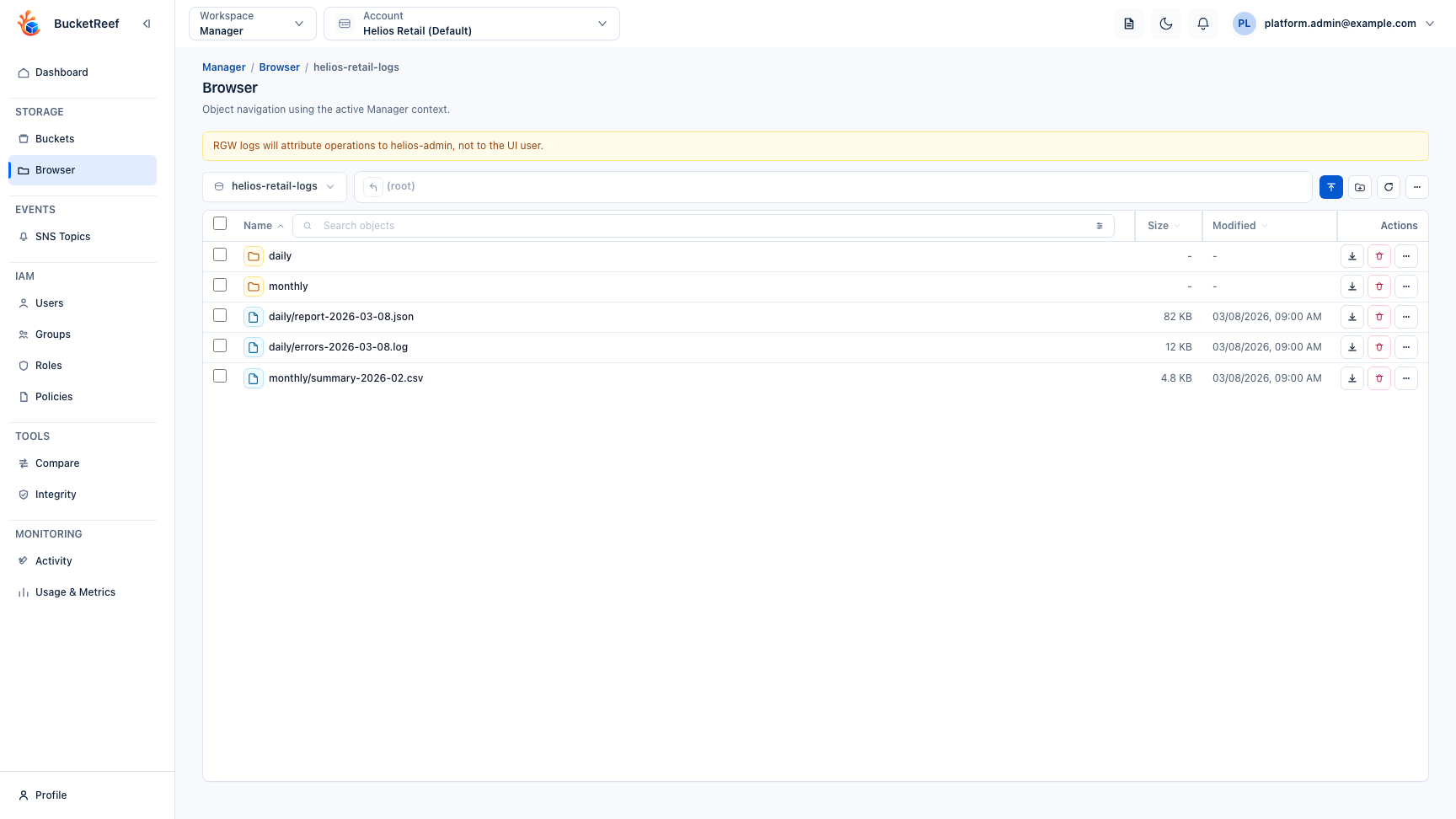
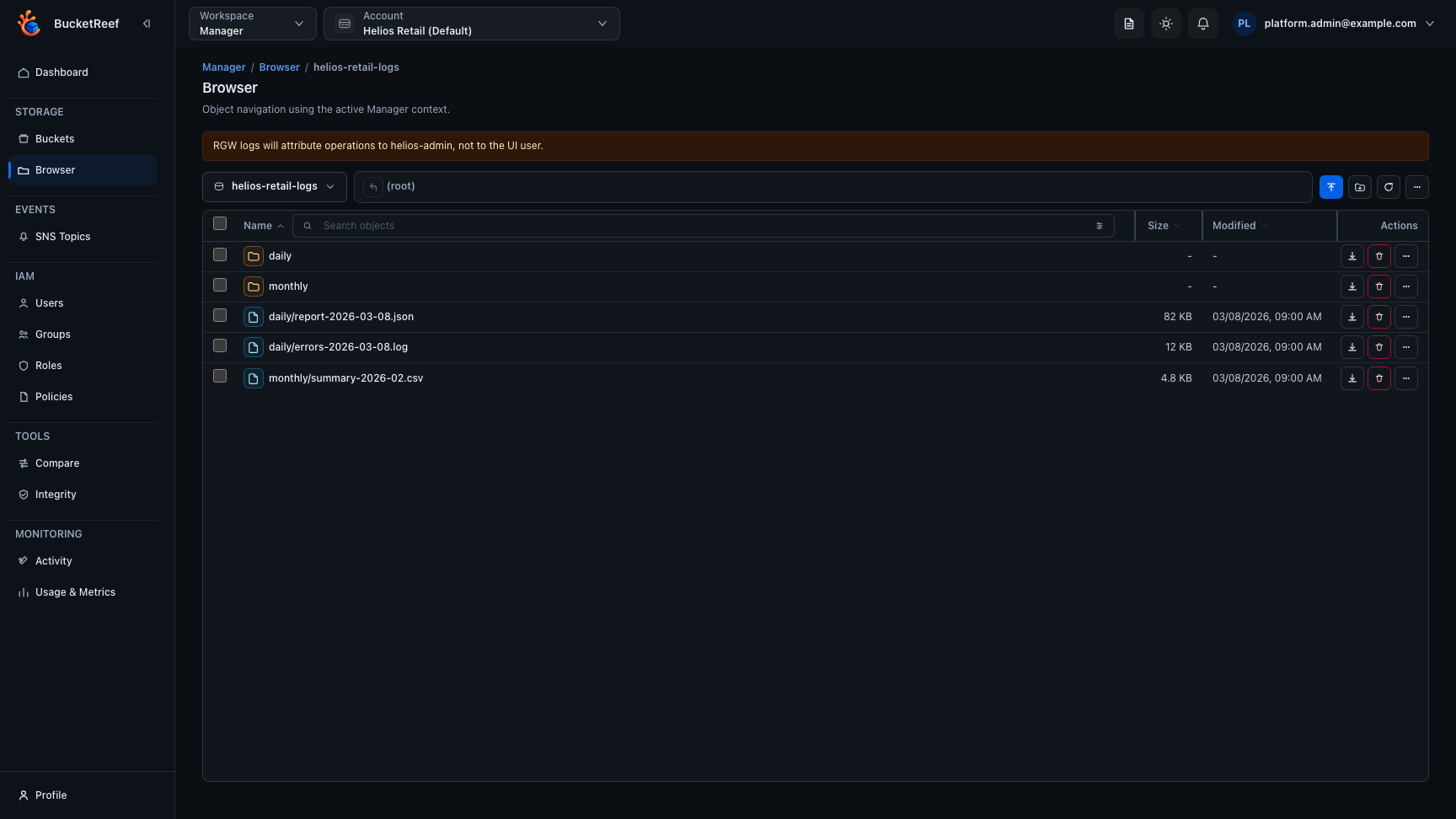
The visible actions depend on the Manager Browser profile, endpoint
capabilities, and storage-side S3 permissions. An AccessDenied response remains
a storage authorization result; Manager does not bypass it.
Standalone Browser features that depend on its own sidebar, such as personal path favorites, are not part of the embedded Manager workflow.