Feature: Bucket Migration
When to use
Migrate buckets to new destinations with a reviewed preparation report, pre-copy, explicit cutover and a separate optional source cleanup. An existing destination is rejected, including an empty bucket. Use Bucket Compare to compare existing buckets.
Prerequisites
- The Manager feature policy
bucket_migrationis notdisabled, and the UI user has Manager > Bucket migration access. - Access to both execution contexts; cross-account migrations require account administrator access on both accounts.
- Source read/list/content/tag permissions, destination creation/write/read/delete permissions, and bucket policy permissions for the requested protections.
- A maintenance window for the active checks: they briefly block source writes.
Prepare and check
- Open Manager > Tools > Migration > New migration. The selected execution context is the source. Choose the destination context.
- Select buckets and edit destination names in the same table. Prefix/suffix helpers are optional. Invalid names, duplicates and known conflicts are shown next to the corresponding field.
- Keep Pre-copy, then manual cutover for a transfer that initially leaves source writes available. Immediate migration, under advanced options, requires a separate confirmation of the write interruption before it starts.
- Select Check migration. The draft is saved before read-only checks are queued. No copy starts automatically. You can leave and reopen the detail page while the checks run.
- Resolve blocking diagnostics or choose Run active checks. Review the confirmation: these checks temporarily protect the source, create and delete a temporary destination, and test content, tags, multipart uploads and the requested configuration operations. They restore the original source policy. Temporary source read grants are used only when explicitly enabled.
- Review the per-bucket backend plan, including current objects or version history, copied/omitted settings, warnings and protections. Start copy is available only after active checks pass for the current configuration.
Checks expire after 15 minutes. Editing a draft invalidates its report. Unknown permissions or required capabilities cannot count as a successful check. For an empty source, the report explicitly leaves content/tag reads unverified; they are checked again before copying if current objects appear. A failed restoration stays visible and blocks editing or starting until Restore access succeeds. A network error retains the saved draft.
Copy and cut over
- Select Start copy and confirm the reviewed plan. BucketReef rechecks permissions, source features and destination conflicts before execution.
- In pre-copy mode, wait for Ready for cutover. Source writes remain allowed; destination writes are protected when that option is enabled.
- Select Start cutover when ready to interrupt source writes. BucketReef protects the source, synchronizes final changes and verifies the copy.
- Review the result per bucket. Counters distinguish verified, failed, awaiting cutover and uncopied buckets; finished work does not imply successful work.
- Reconfigure client applications yourself to use the destination. BucketReef does not redirect clients. Successful source buckets remain read-only.
Pause copy, Resume copy and Stop migration are available in the appropriate transfer states. Stop is processed by the worker and restores access protections; it retains bucket data. A restoration failure requires explicit recovery. Retry failed buckets preserves successful copies and recognizes only destinations recorded as created by this migration.
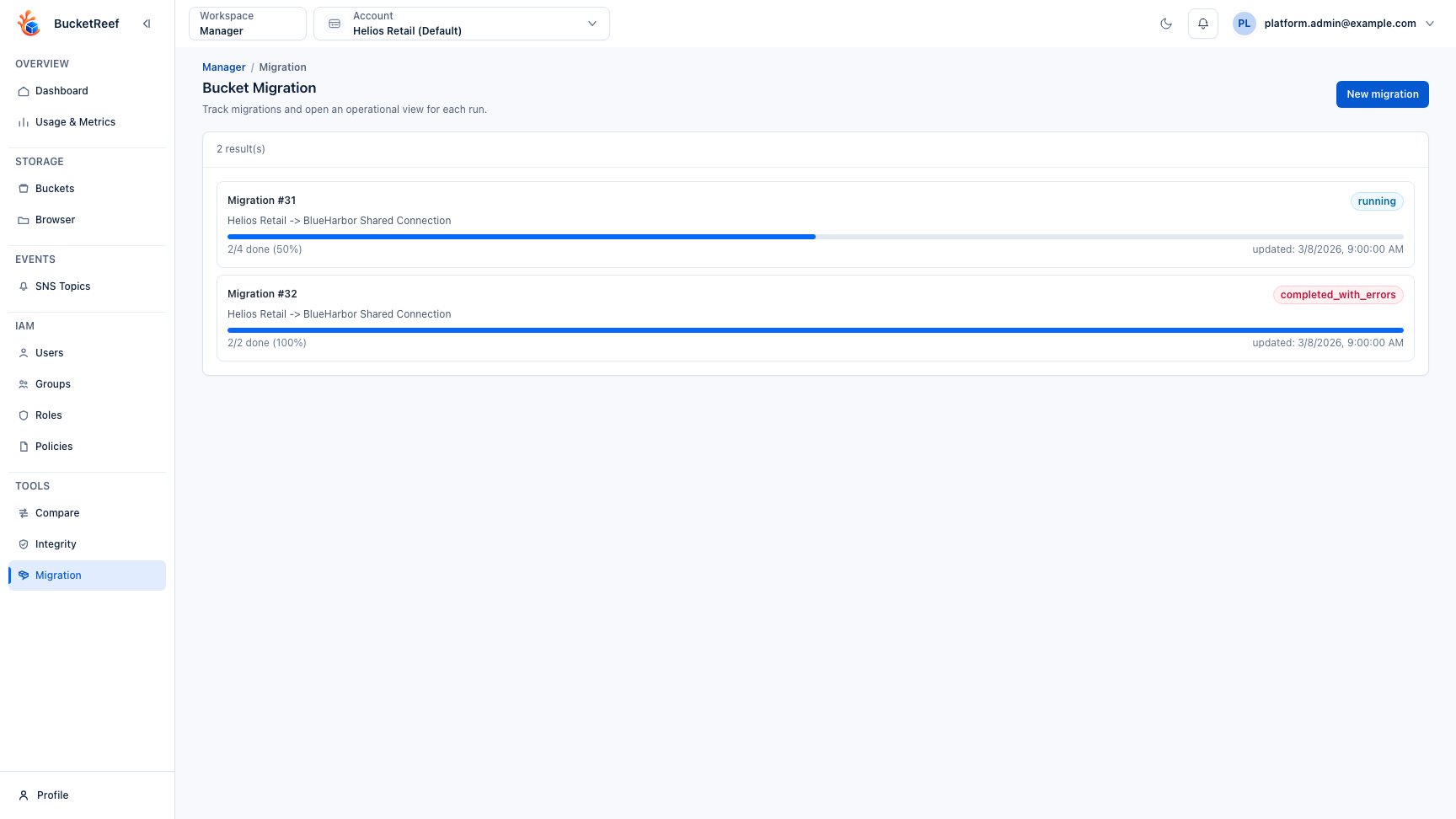
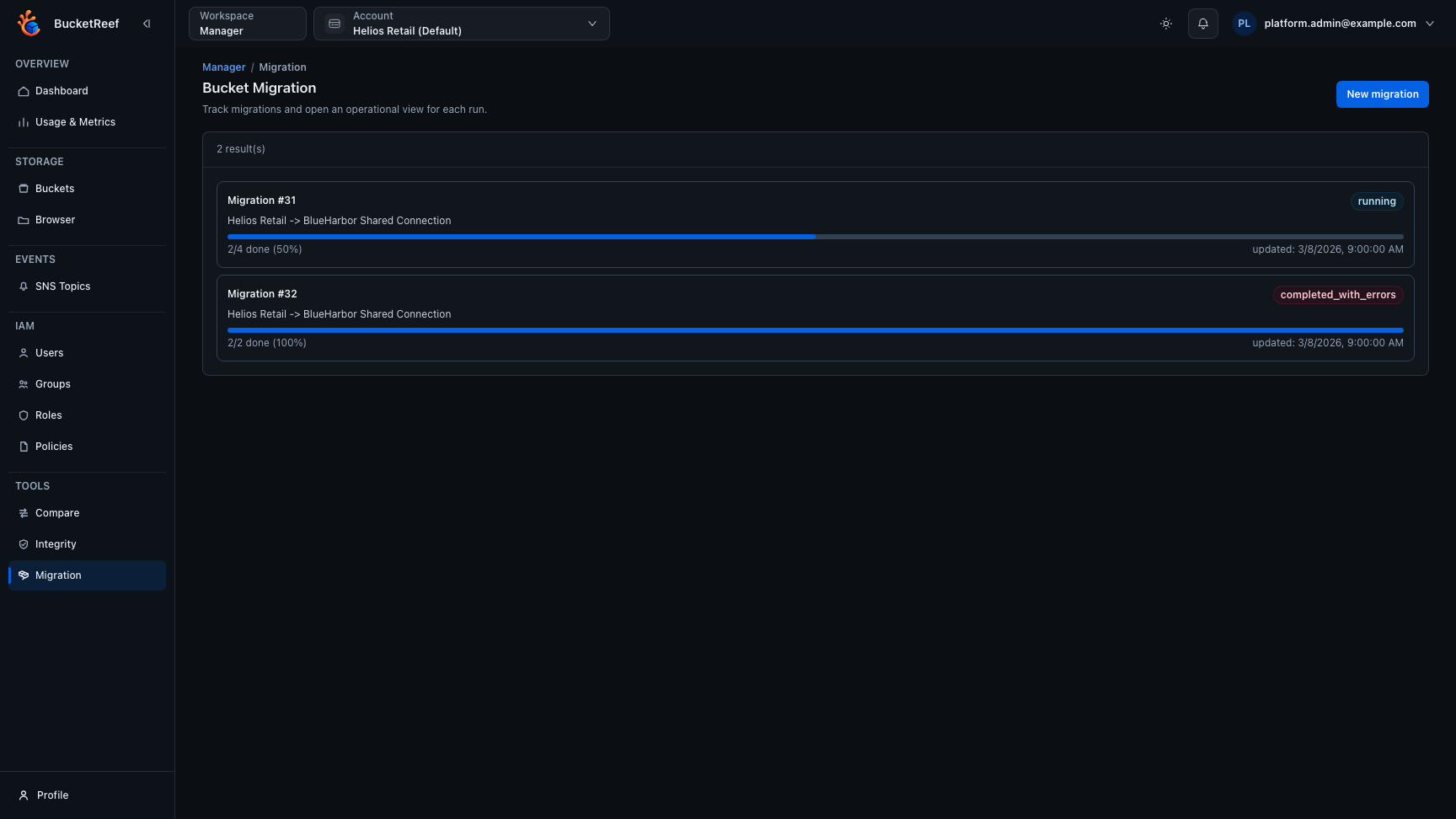
The migration inventory keeps running and completed runs visible together so you can distinguish progress from a completed run that still contains errors.
Recovery and optional cleanup
Use More actions to choose the operation you actually need:
| Action | Effect |
|---|---|
| Restore access | Restore recorded source/destination policies and remove temporary check resources. Copied data is retained. Source writes can resume, so the copy may subsequently diverge. |
| Delete incomplete destinations | Delete only failed destination buckets created by this migration, including their objects and versions. Successful copies and source protections remain. |
| Delete source buckets | After explicit confirmation, protect both sides, compare fresh SHA-256 contents, exact tags and complete ordered version history, then delete sources. Destination copies remain. |
| Delete migration record | Remove the record/history only, after outstanding protections have been restored. |
Source cleanup is never triggered by starting, cutting over or retrying a migration. It requires verified copies with the remaining sources still protected. A cleanup failure retains the transfer result and reports its own error. Interrupted deletion can resume from a durable verification receipt only while the verified destination and recorded source protection remain unchanged. Restoring source access invalidates that receipt. Deleted source data cannot be recovered by restoring access.
An authorized operator with access to both contexts may request recovery even if the migration creator's access was revoked. Execution still uses the recorded S3 identities; revoked storage credentials must be corrected before recovery.
Fidelity and limits
Exact source object keys, version IDs used in requests, tag names and tag values
are preserved without trimming. For example, " stage " and "stage" are distinct
tags. Replayed destination versions receive storage-generated version IDs; the
ordered history and delete markers are verified, not equality of generated IDs.
Invalid tag responses fail the affected operation instead of dropping tags.
The reviewed backend report lists which bucket settings are copied or omitted. Configuration copying is optional. ACLs, website hosting, notifications and replication are not copied; requesting configuration copy when incompatible settings are present blocks preparation. Object Lock governance and SSE-KMS remain outside the supported migration perimeter. Required versioning is enabled for history replay even when configuration copy is disabled.
Copy via BucketReef streams objects through the worker. Copy within storage uses storage-side copy on the same endpoint and requires the destination identity to read the source. An empty source cannot validate that method: select streaming copy instead. Permission probes use representative objects and temporary bucket names; object-specific policies, quotas, connectivity and later permission changes can still cause execution failures. Protections are bucket policies, not a lock against administrators changing policies or independent storage lifecycle actions.