Manager Troubleshooting
Use this page when a Manager context, bucket, IAM action, embedded Browser operation, or Manager tool does not behave as expected.
Diagnosis order
- Confirm the selected Manager execution context.
- Confirm that the target bucket, principal, or topic belongs to that context.
- Check feature availability for endpoint capability and Manager tool access.
- If the UI action is visible but fails with
AccessDenied, review the IAM/S3 permissions of the selected execution identity. - For a failed write, purge, or migration, inspect the current resource or job state before repeating the action.
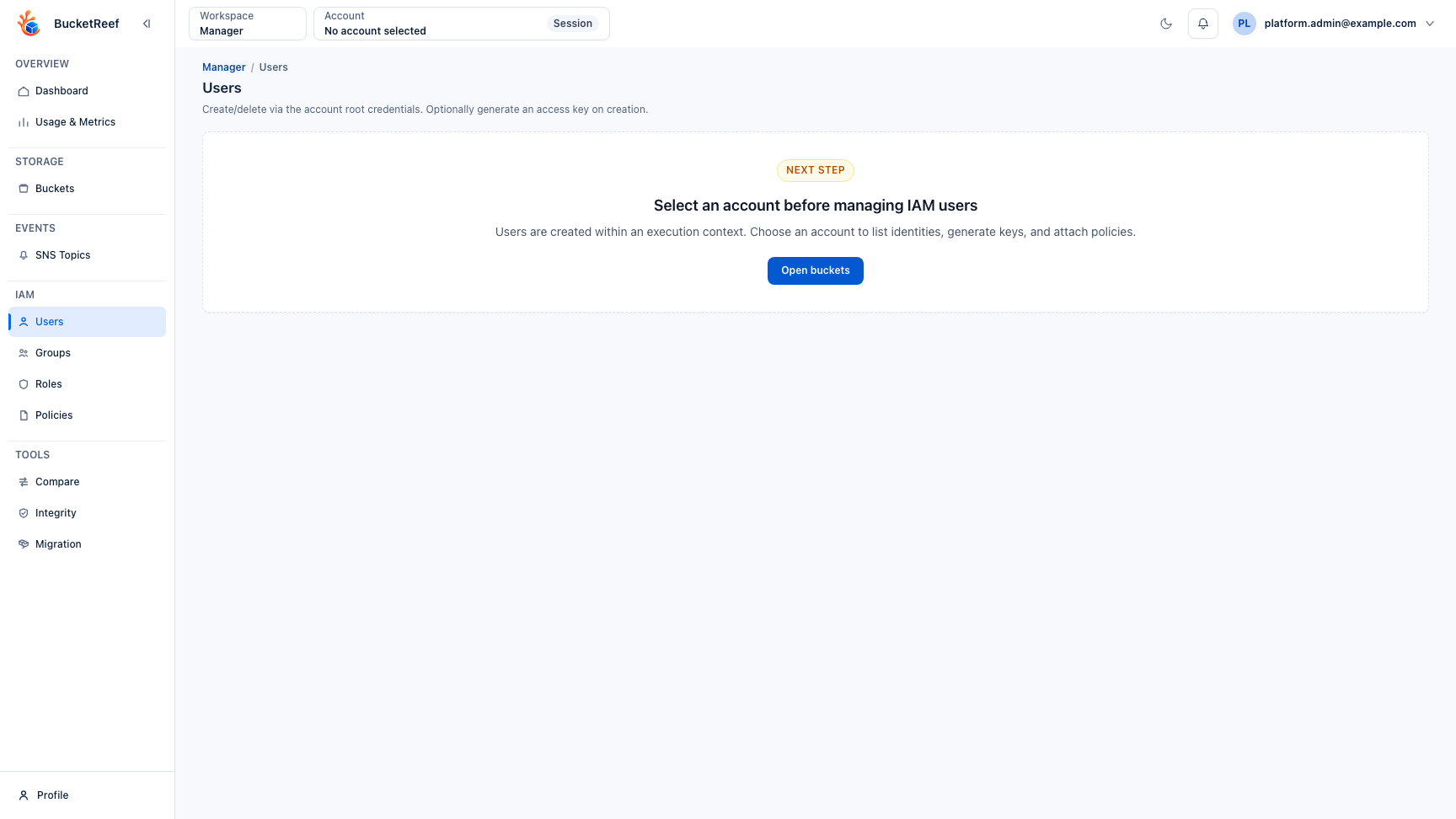
An unavailable Manager context is surfaced directly in the workspace so you can resolve the execution identity before trying an IAM or storage action.
Common symptoms
| Symptom | First checks |
|---|---|
| Account context missing | account_administrator access for that account. Portal roles are separate. |
| Bucket missing | Selected context, bucket-list permission, endpoint reachability. |
| IAM page unavailable | Endpoint IAM capability and context eligibility. |
| Tool hidden | Global tool setting plus your direct or inherited Manager tool entitlement. |
| Embedded Browser unavailable | Manager data-access permission for the active context. |
AccessDenied |
IAM/S3 policy for the active execution identity. |
| Migration or purge partly failed | Job result, failed target list, current bucket state before retry. |
Report a problem
Use Copy details when an error page provides it. Include the Manager context, target bucket or principal, action, timestamp, request reference, and exact storage error. Do not include secret keys or session tokens.