Bucket Usage in Manager
Use Usage stats to understand the logical S3 content of buckets in the active Manager context.
What the snapshot contains
A successful bucket snapshot can include:
- object count and logical bytes;
- delete-marker count;
- object type, storage class, size, and age distributions;
- current versus noncurrent logical bytes when object-version listing is available.
These values describe logical S3/RGW content. They are not Ceph physical capacity figures and do not include replication, erasure-coding, compression, or other placement overhead.
Steps
- Select the intended Manager context.
- Open a bucket and choose Usage stats.
- Review the latest successful snapshot and its timestamp/coverage.
- Choose Recalculate when the snapshot needs to be refreshed.
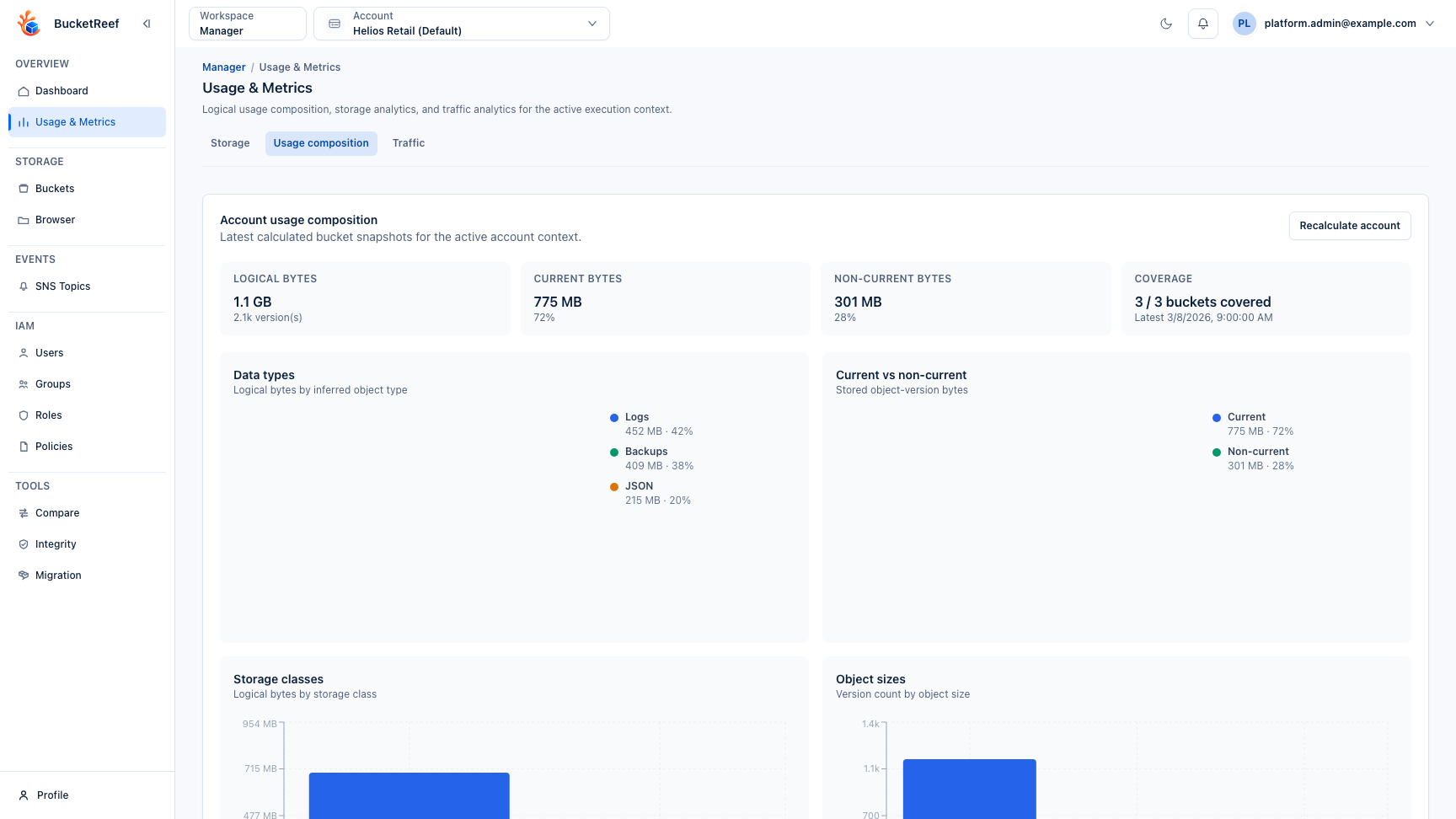
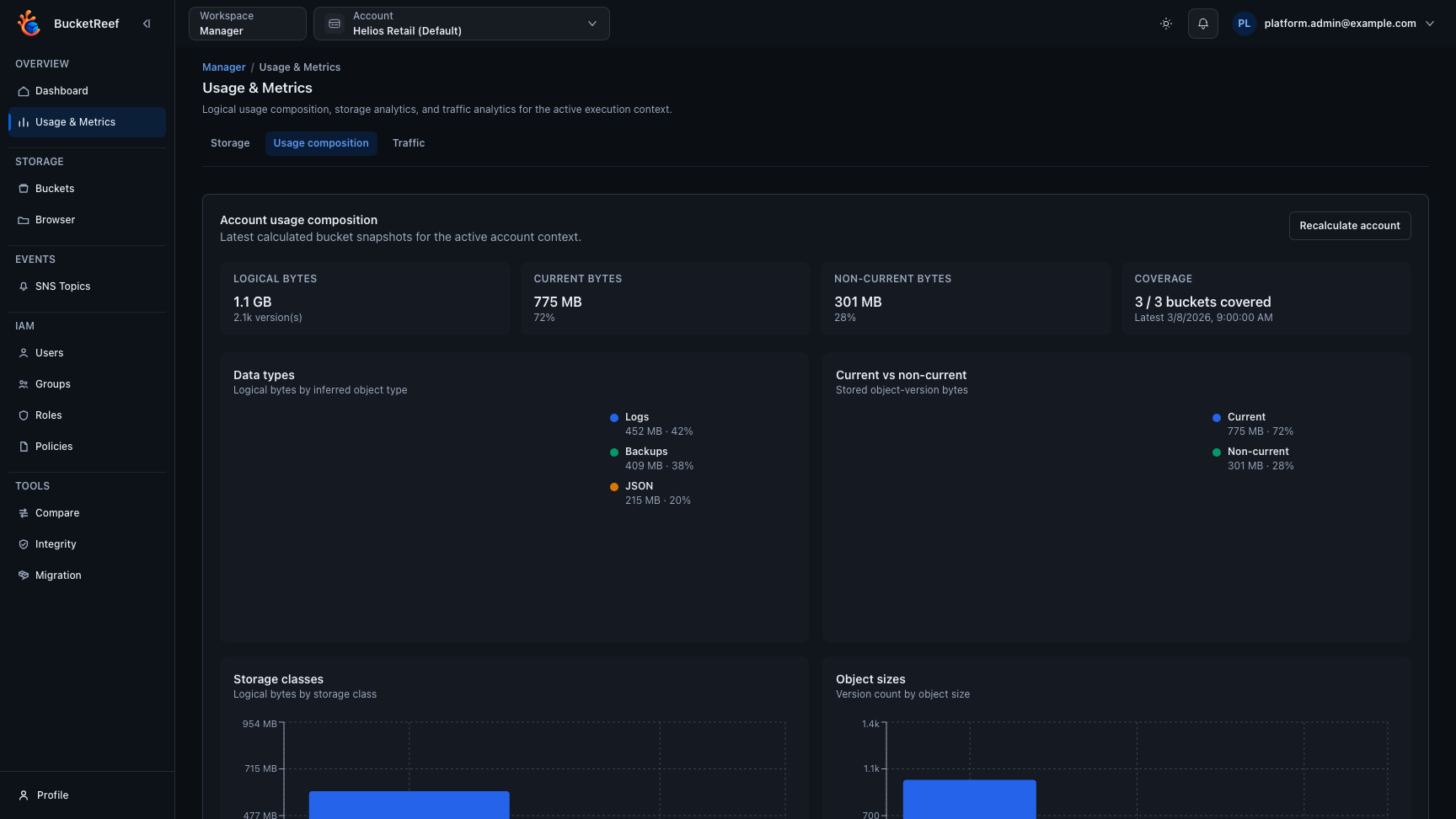
- Use the Manager Usage & Metrics view when available to review the latest bucket snapshots aggregated for the current account scope.
At Manager context scope, Usage composition makes coverage, logical bytes, current/noncurrent bytes, and the main composition breakdowns visible together.
If version listing is unsupported, BucketReef can fall back to current-object listing. The resulting snapshot is partial and does not provide a current/noncurrent split.
Bucket composition statistics are separate from RGW traffic/usage metrics; the two features can have different availability.
Automatic collection is configured separately from feature availability. When enabled for an RGW Account or RGW User, the scheduler checks hourly for missing snapshots or snapshots at least 24 hours old and refreshes only those buckets in that Manager context. Manual recalculation remains available whenever bucket composition statistics are enabled, even when automatic collection is disabled.