Start Here
Use Manager when you administer S3 resources for an application, team, or assigned storage context.
First steps
- Open
/manager. - Select the account, S3 user, or eligible S3 connection you intend to manage.
- Open Buckets to inspect or configure storage.
- Use IAM when the selected endpoint supports IAM.
- Use Topics or Manager tools only when those capabilities are enabled for your context.
Use the workspace selector to enter Manager before choosing the execution context you intend to administer.
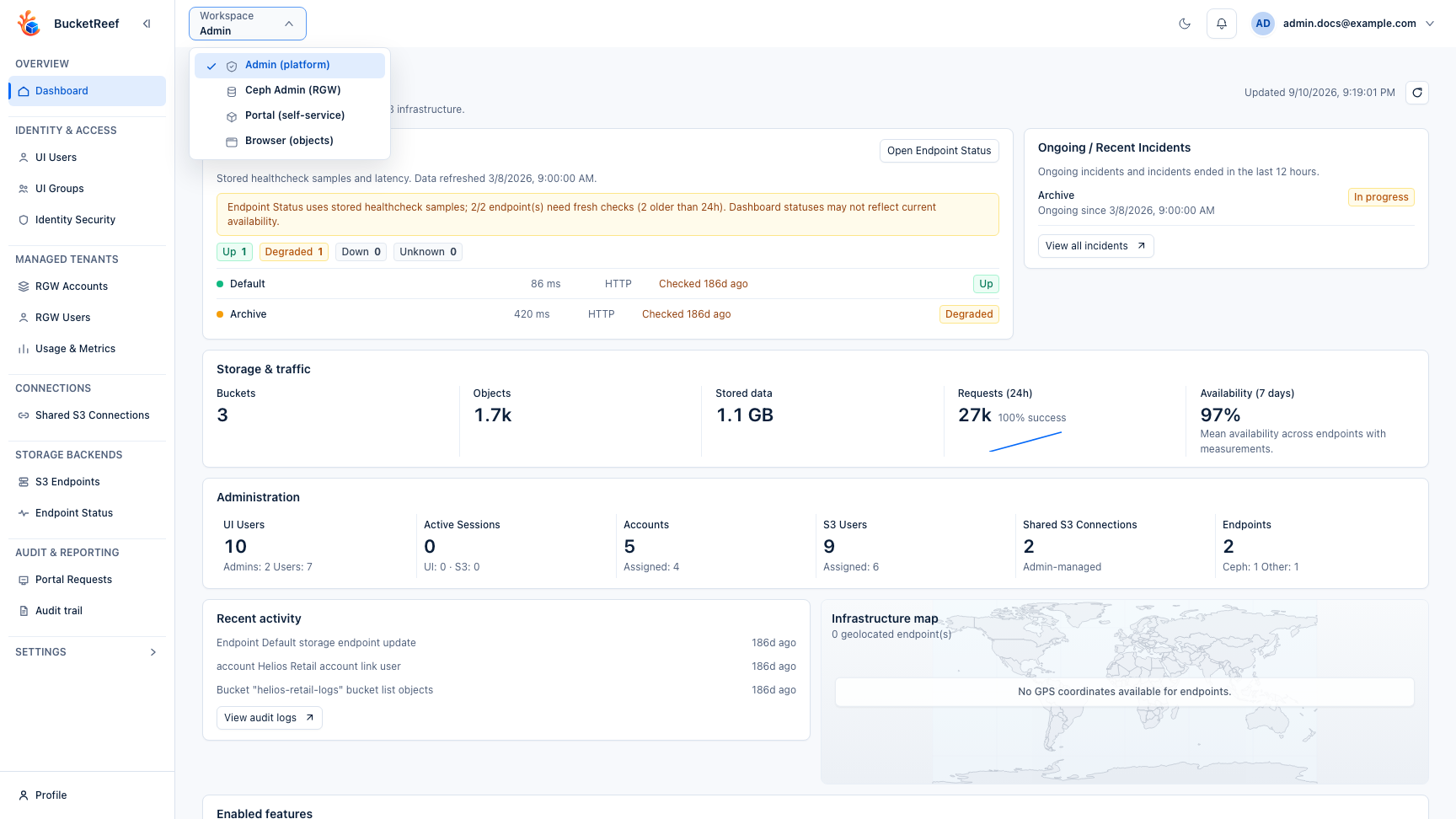
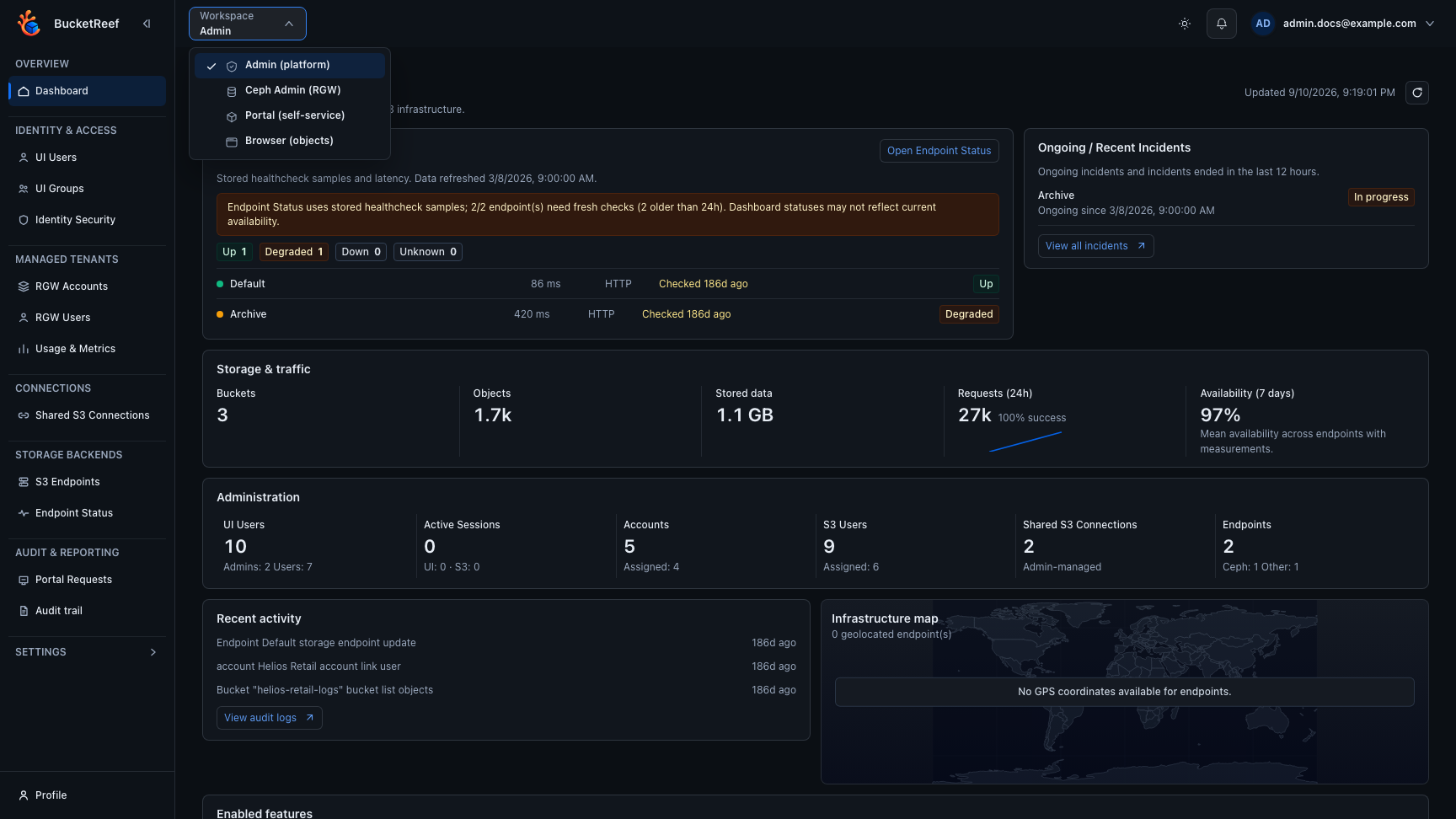
The selected context determines which storage identity executes the operation. Changing context can change both the visible resources and the permissions of an action.
Account access
An account appears in Manager when your effective account association grants
account_administrator. A portal_manager role belongs to Portal and does not
grant Manager access.
Connections and S3 user contexts follow their own Manager assignments. Some features, such as embedded Browser data access and destructive tools, require an additional explicit entitlement.
Where to continue
| Goal | Read next |
|---|---|
| Create or configure buckets | Buckets |
| Manage users, groups, roles, or policies | IAM |
| Manage delegated access keys | Access keys |
| Configure SNS topics | Topics |
| Work with objects inside Manager | Embedded Browser |
| Compare, verify, purge, or migrate buckets | Common tasks |
| Diagnose a missing action | Feature availability |