Browser Profile and Connections
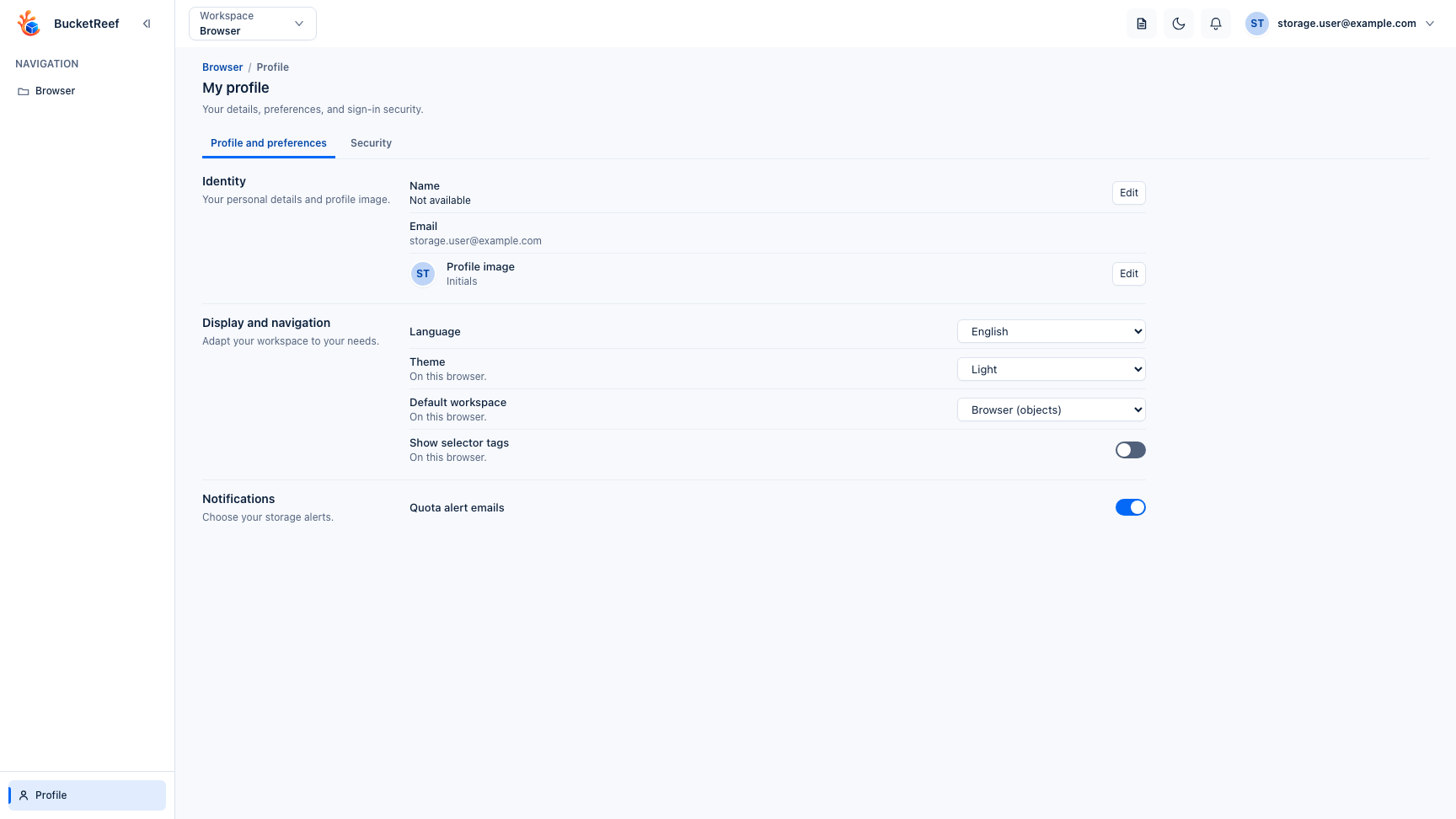
Open Profile from standalone Browser to manage personal preferences, sign-in security, and private S3 connections that can appear in the Browser context selector.
Browser preferences
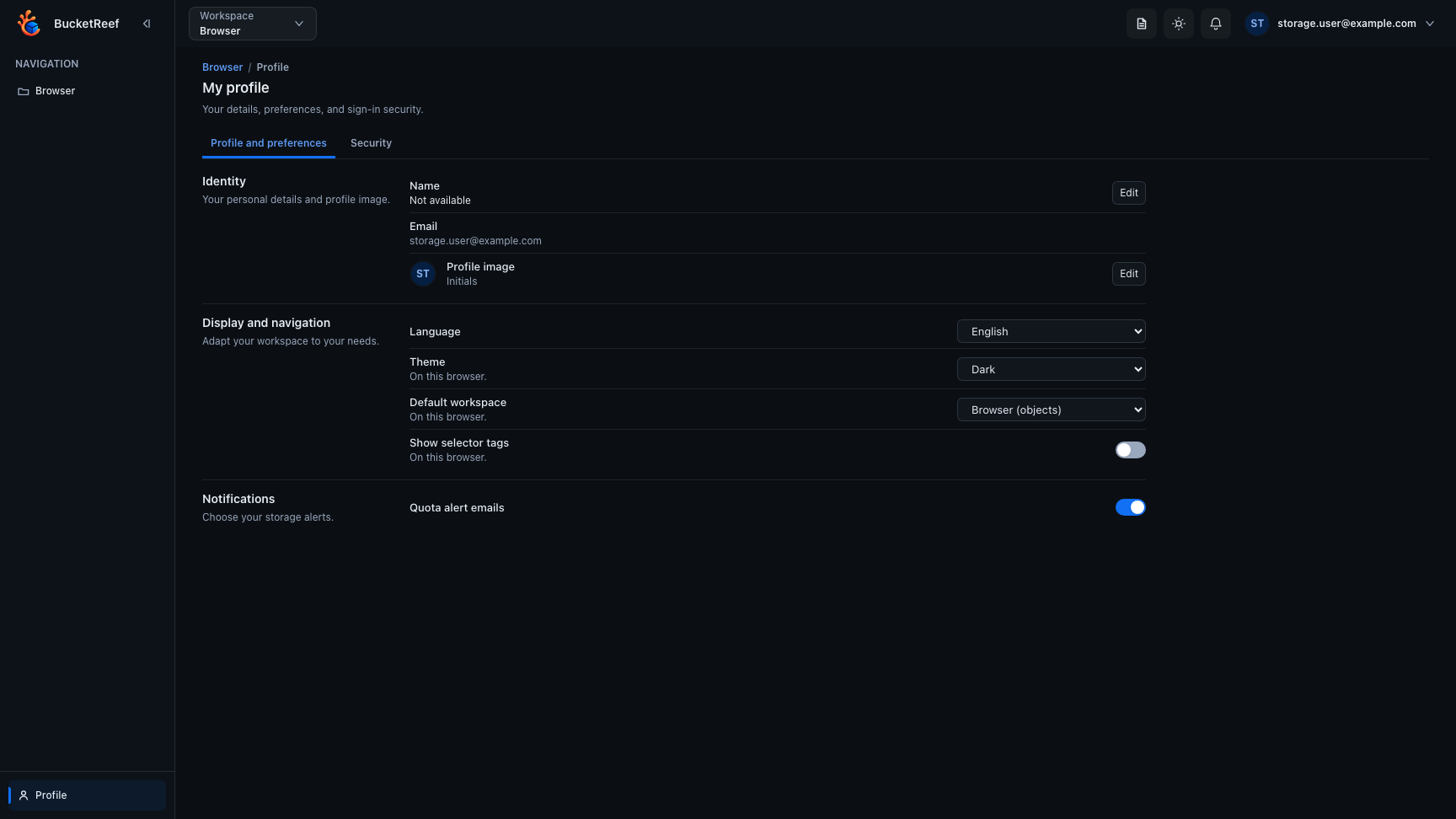
You can choose your avatar, language, theme, default workspace, and whether compact selector tags appear in the Browser context selector on this browser.
Private S3 connections
When enabled for your account, the Private S3 connections tab lets you create, edit, tag, activate, and remove your own connections. Enable Browser on a connection when you want it to appear as a standalone Browser context.
Server-managed connections created from a Manager provisioning workflow keep their secret and remote identity under BucketReef control. Their managed secret cannot be revealed or edited from the profile.
Security
Use Security to manage your password when applicable, passkeys, recovery codes, open sessions, and linked external identities. Store renewed recovery codes before leaving their one-time delivery screen.
Changing profile preferences does not widen S3 access. Each Browser operation still uses the credentials of the selected context.