Start Here
Standalone Browser is for direct work with S3 buckets, prefixes, objects, and versions through a storage context you are allowed to use.
Your first visit
- Open
/browser. - Select the intended storage context.
- Choose a bucket.
- Navigate to the required prefix or folder.
- Open an object for preview/details, or use the available actions to upload, download, copy, move, delete, or work with versions.
- Watch Operations while transfers or bulk work are running.
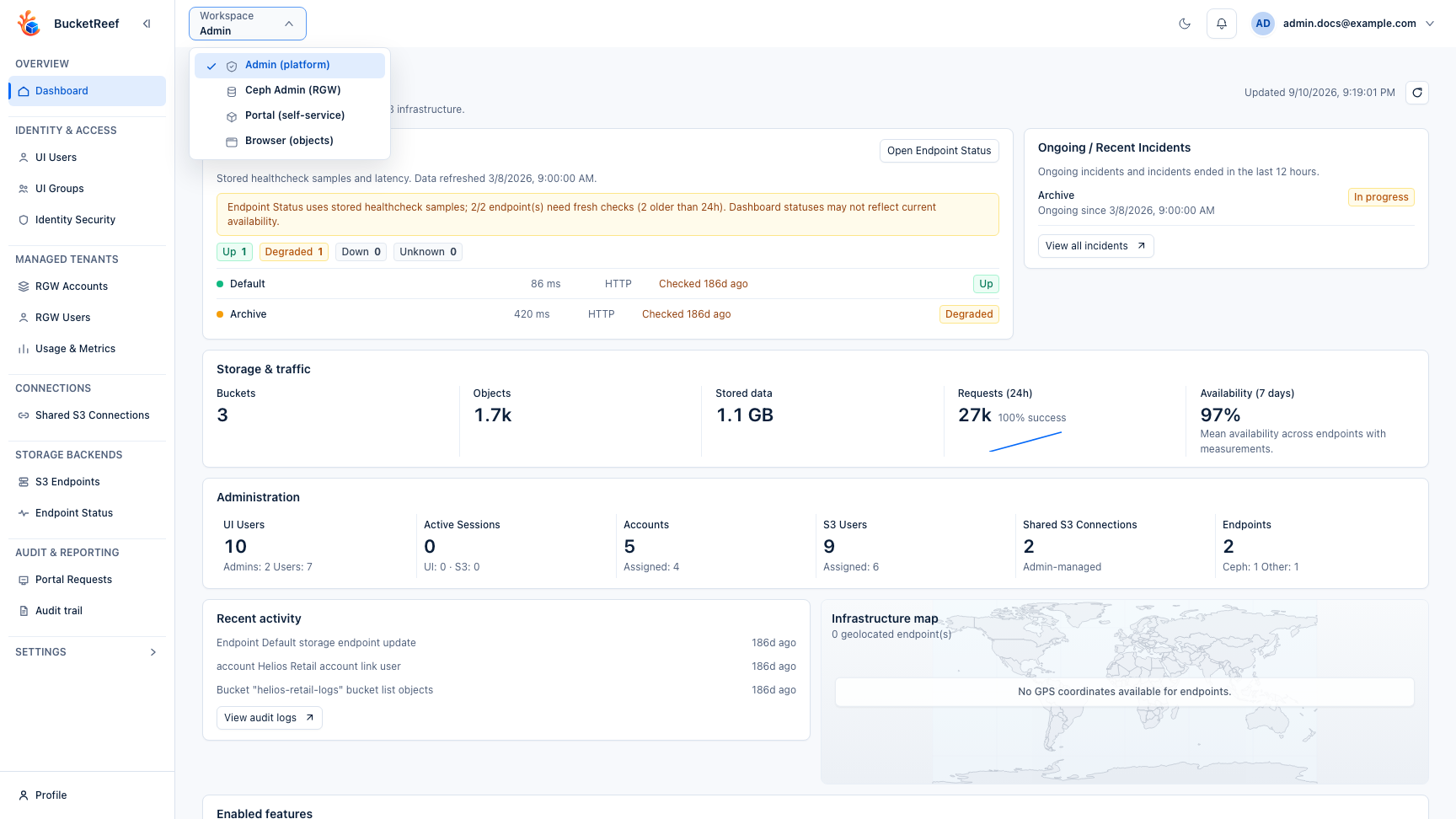
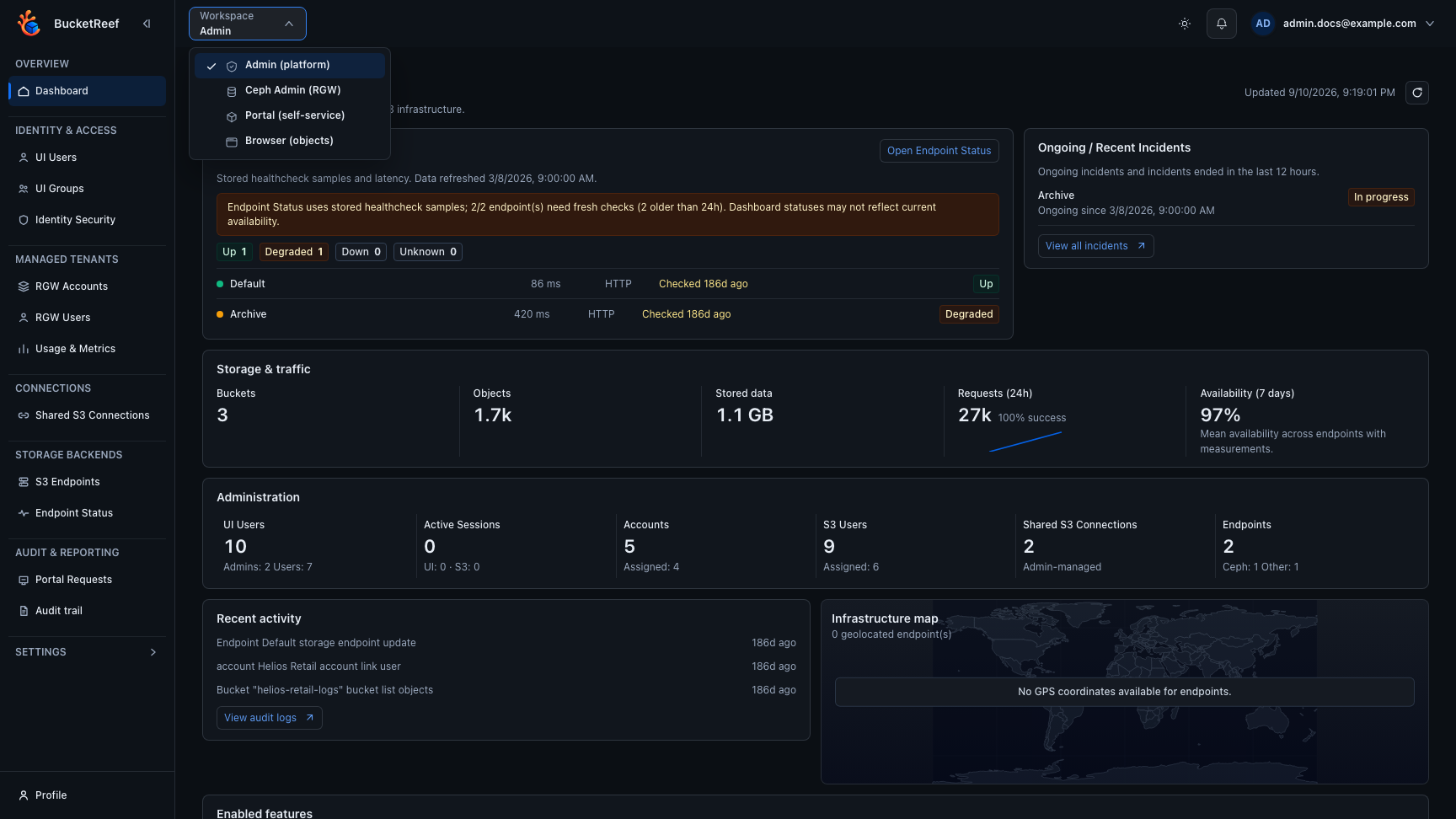
Open Browser from the workspace selector before choosing the storage context and bucket for the operation.
Each action uses the credentials of the selected Browser context. Browser does not grant extra S3 permissions.
Browser contexts
Standalone Browser can expose eligible personal connections and project contexts assigned to you. If a context is missing, check Feature availability.
Browser rendered inside another workspace follows that workspace's identity and help. Manager Browser, Portal file views, and Ceph Admin Browser are therefore documented in their host guides.